
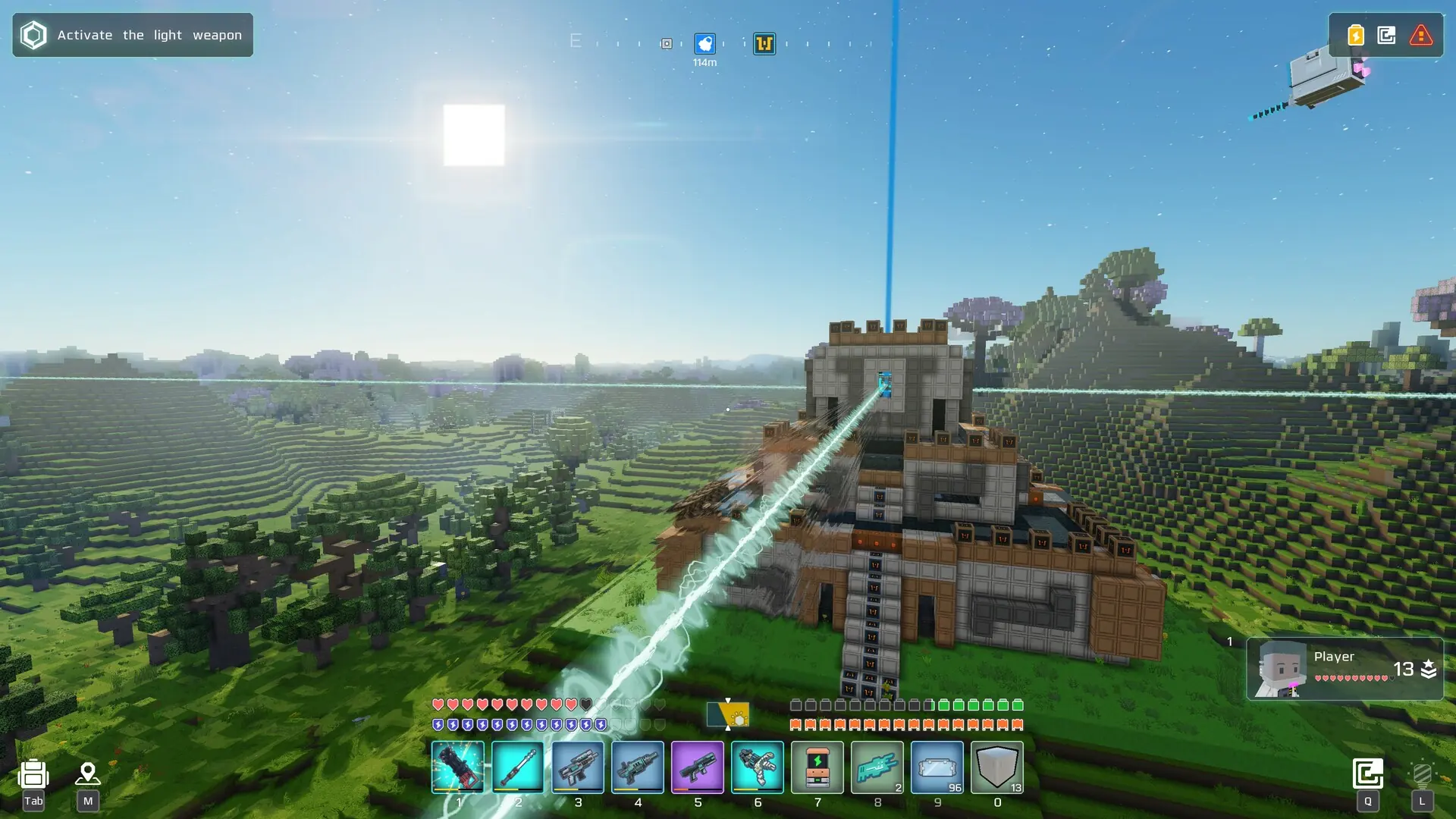
The galaxy seed is the number your Cubic Odyssey galaxy is generated from. The default is 21945875634.
The seed is only used when your galaxy is created, so changing it means starting a new galaxy.
Danger
Starting a new galaxy deletes your current galaxy and everyone's progress in it. Create a backup first if you want to keep it.
Changing The Galaxy Seed
- 1Log in to Bropanel and
Stopyour server. - 2In the sidebar, go to
Filesand delete thesave_serverfolder. - 3In the sidebar, go to
Settings. - 4Under
Gameplay, editGalaxy Seed (Read Info)and enter a number of up to 11 digits. - 5Click
Save & Restartto apply your changes.
Your server generates a new galaxy from the new seed when it starts. If you change Galaxy Seed (Read Info) without deleting save_server, your server keeps its current galaxy and seed, and says so in the console.