
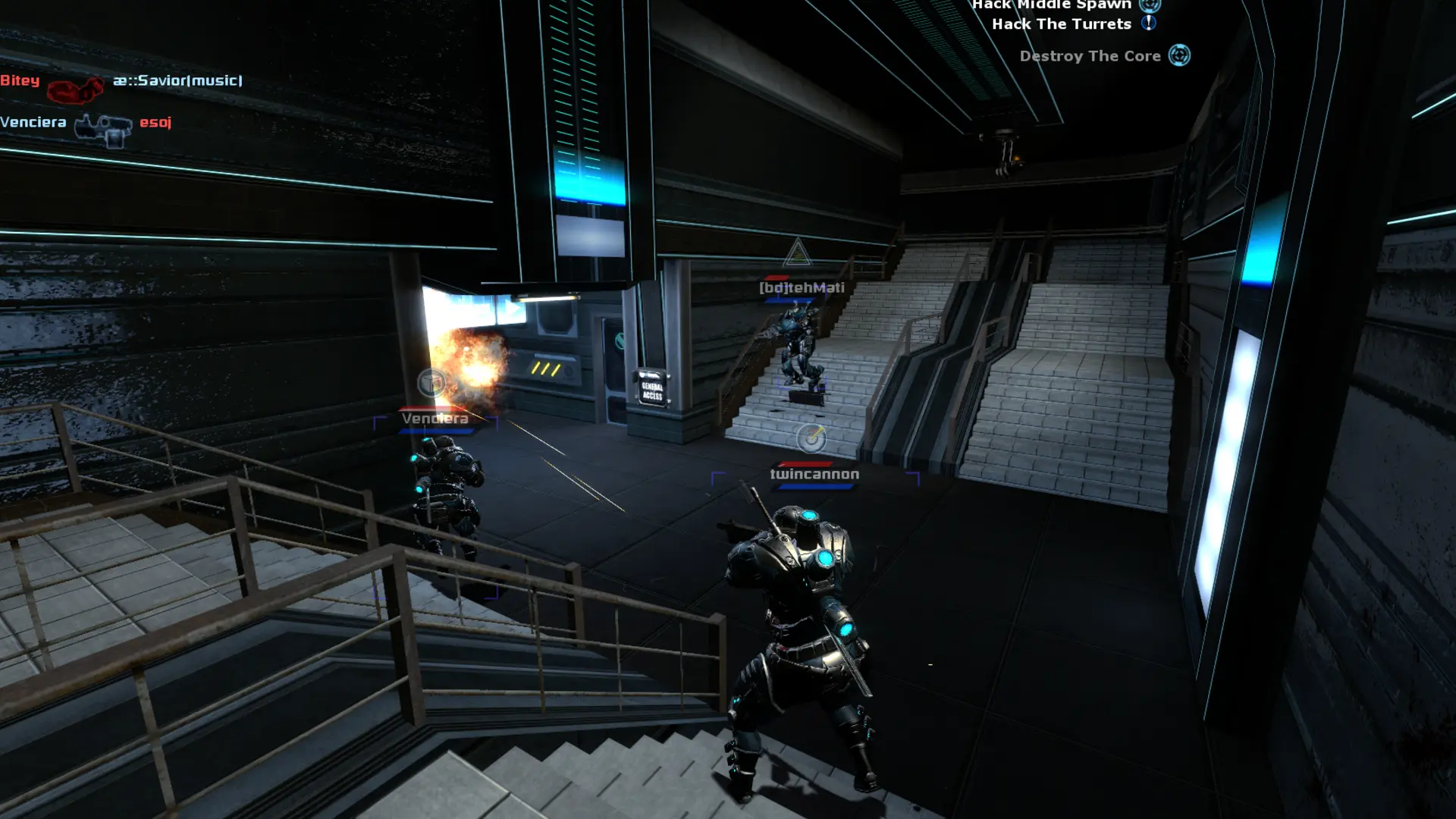
The map cycle is the list of maps your server plays through, one after another. Your server starts on its Starting Map, then moves down the list.
Creating Your Map Cycle
- 1Log in to Bropanel and
Stopyour server. - 2In the sidebar, go to
Files. - 3Open the
dystopiafolder, then thecfgfolder. - 4Create a new file named
mapcycle.txt. - 5Add one map name per line, for example
dys_silo, then clickSave. - 6Start your server.
Without your own cfg/mapcycle.txt, the server uses the game's default list: dys_assemble, dys_broadcast, dys_cybernetic, dys_detonate, dys_fortress, dys_fusion, dys_injection, dys_silo, dys_undermine and dys_vaccine.
Tip
Keep your list in cfg/mapcycle.txt rather than editing dystopia/mapcycle.txt. Game updates can replace the default file, but they never touch yours.