
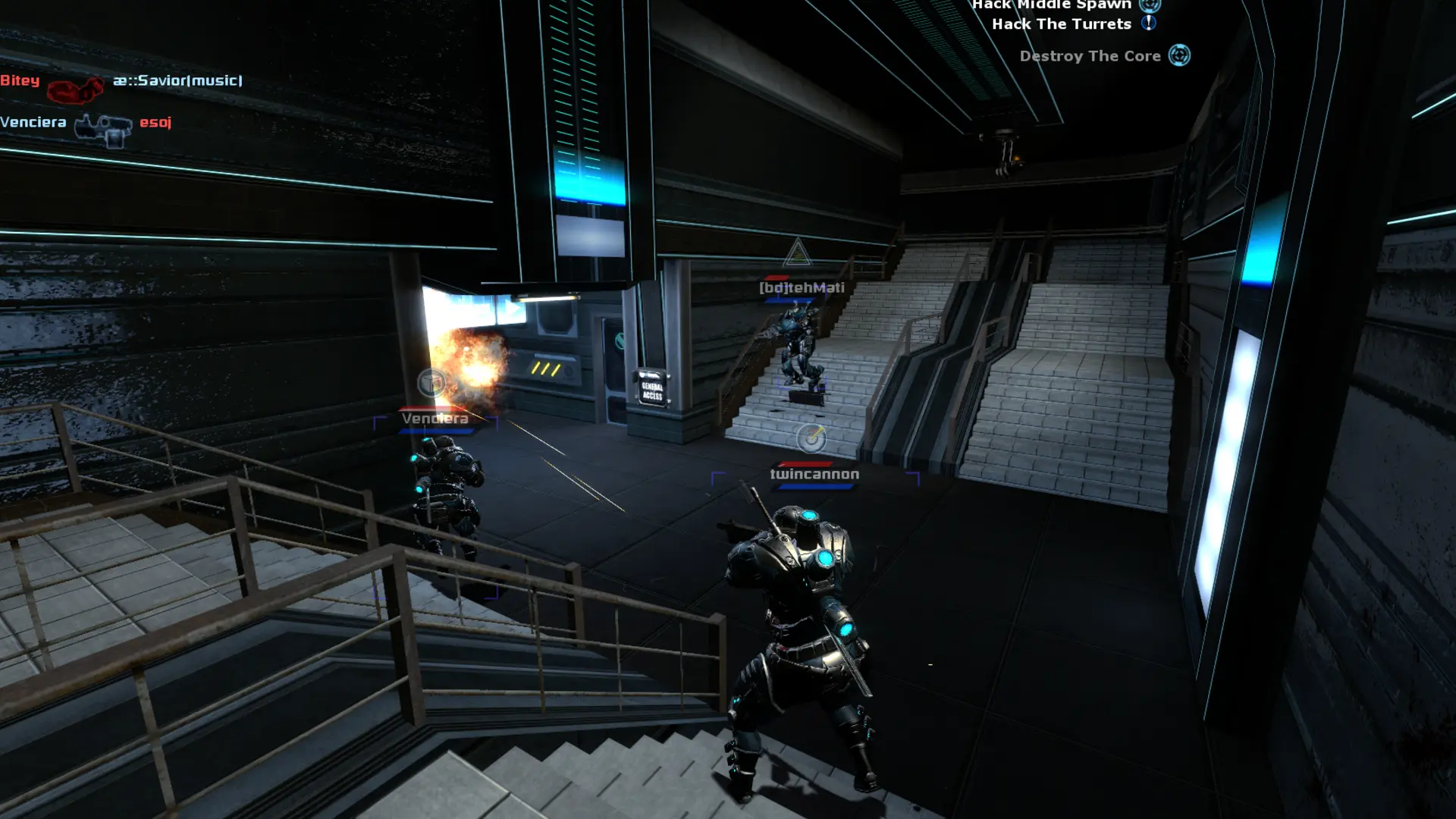
The starting map is the map your server loads when it starts or restarts. After that, the Map Cycle takes over.
Changing The Starting Map
- 1Log in to Bropanel and select your server.
- 2In the sidebar, go to
Settings. - 3Under
Gameplay, editStarting Mapand enter the map name, for exampledys_silo. - 4Click
Save & Restartto apply your changes.
The default is dys_broadcast. If the map you enter isn't on your server, it starts on dys_broadcast instead.
The stock maps are dys_assemble, dys_broadcast, dys_coast, dys_cybernetic, dys_detonate, dys_exodus, dys_fortress, dys_fortress_classic, dys_fusion, dys_injection, dys_silo, dys_undermine and dys_vaccine. To use a community map, add it to your server first.