
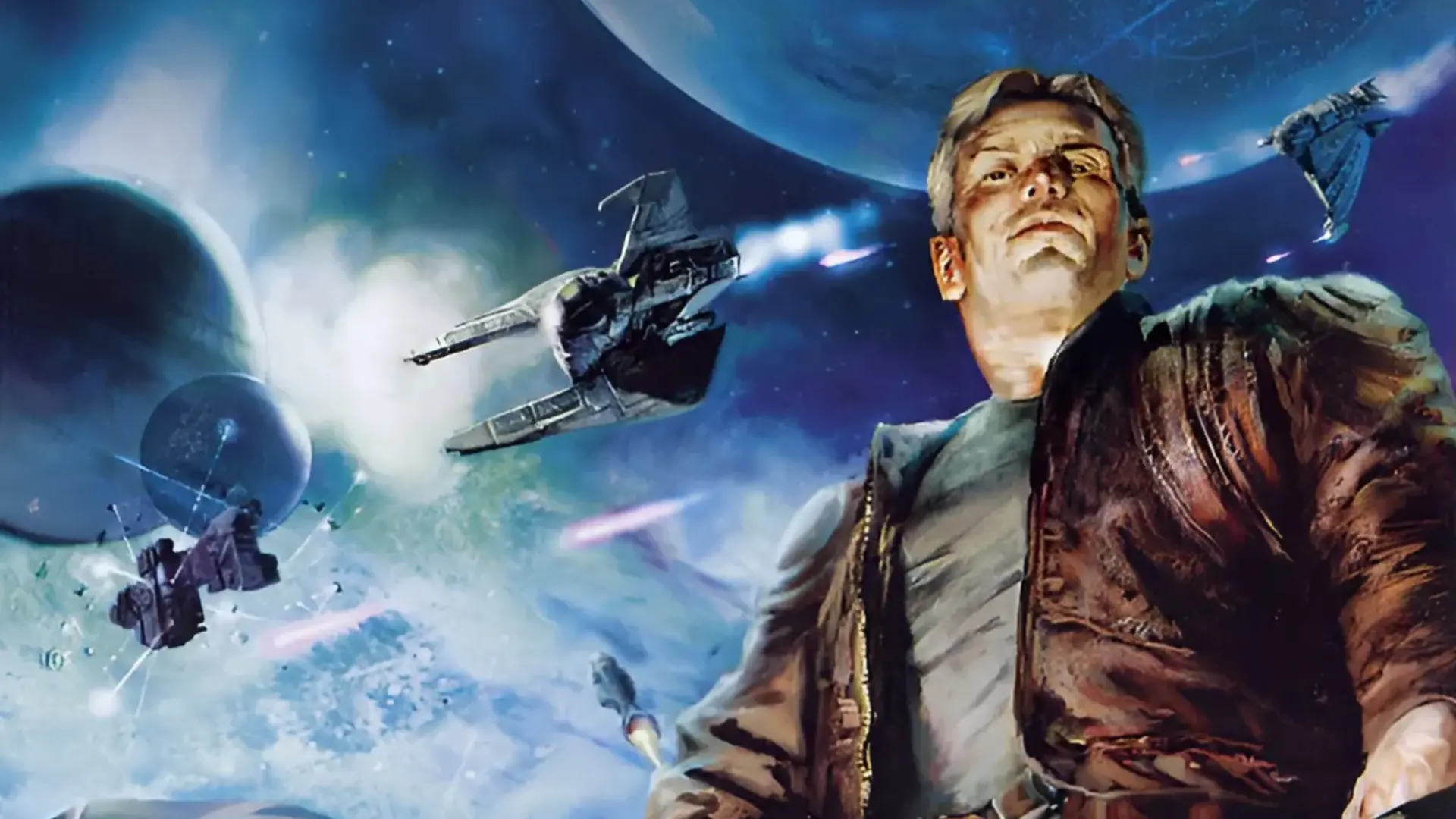
Your Freelancer server can run the two most popular Freelancer mods, Discovery and Crossfire, with no manual downloads. Pick the mod in Settings and we install and set it up for you.
| Mod | Version | Notes |
|---|---|---|
vanilla | Freelancer 1.1 | The original game, no mod. |
discovery | Latest official patch | Includes FLHook for admin commands. Kept up to date automatically, see Discovery Auto Update. |
crossfire | 2.0.1 | Large download, so the install takes a while. |
Installing Discovery Or Crossfire
- 1Log in to Bropanel and
Stopyour server. - 2In the sidebar, go to
Settings. - 3Under
General, changeModtodiscoveryorcrossfire. - 4Click
Reinstallin the top-right. - 5Select
Verify integrity, then confirm and wait for the install to finish. - 6Start your server.
To go back to the original game, set Mod to vanilla and follow the same steps.
Note
Players need the same mod installed on their own game to join. Discovery players should use the Discovery launcher so their version matches your server.
Caution
Characters from one mod don't carry over to another. Switching mods keeps your old saves on the server, but they won't work with the new mod. Download a backup first if you want to keep them.