
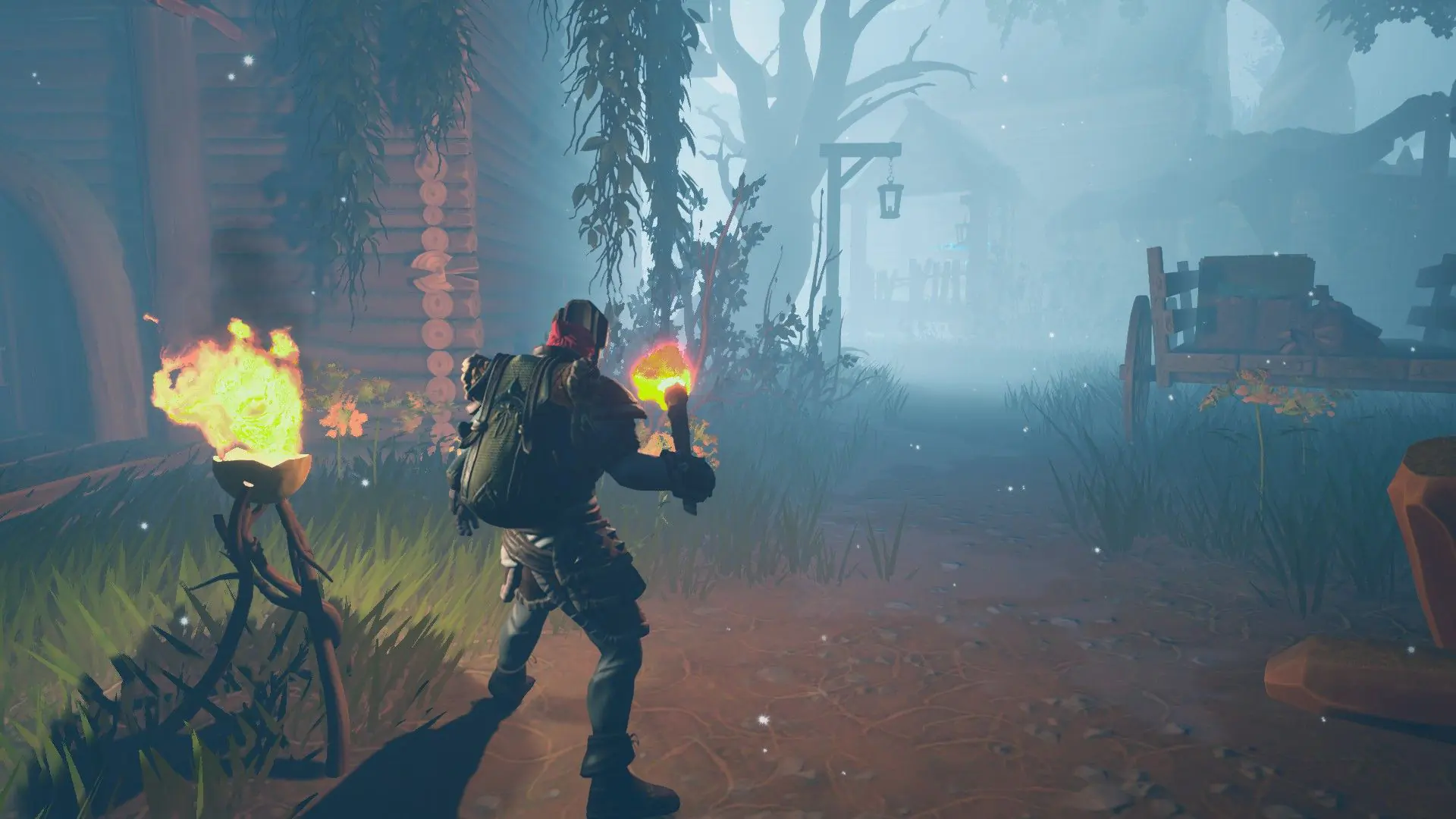
Here is how you can join your Frozen Flame dedicated server. Your server runs the current Steam version of Frozen Flame with EasyAntiCheat, so keep your game up to date.
| Your game | Can join? |
|---|---|
| Frozen Flame on Steam, current version, started with EasyAntiCheat | Yes |
| Frozen Flame started without EasyAntiCheat | No |
Tip
Frozen Flame is sold on Steam for Windows. Every player needs their own copy. When you click Play in Steam, pick the option that starts the game with EasyAntiCheat.
Connecting With The IP Address
- 1Log in to Bropanel and select your Frozen Flame server.
- 2Copy the server IP address and port from the
Overviewpage, for example123.45.67.89:7777. - 3Start Frozen Flame and click
Playon the main menu. - 4Open
Private Serverand clickAddin the bottom-right corner. - 5Paste your server IP address and port, then confirm with
Enter. - 6Select your server in the list and click
Connect.
Your server stays in your Private Server list, so next time you can select it and click Connect straight away. If you set a server password, players need it to join.
Note
Your server can't appear in Frozen Flame's public server list, because the listing service it registers with no longer exists. Players join by IP address as shown above.