
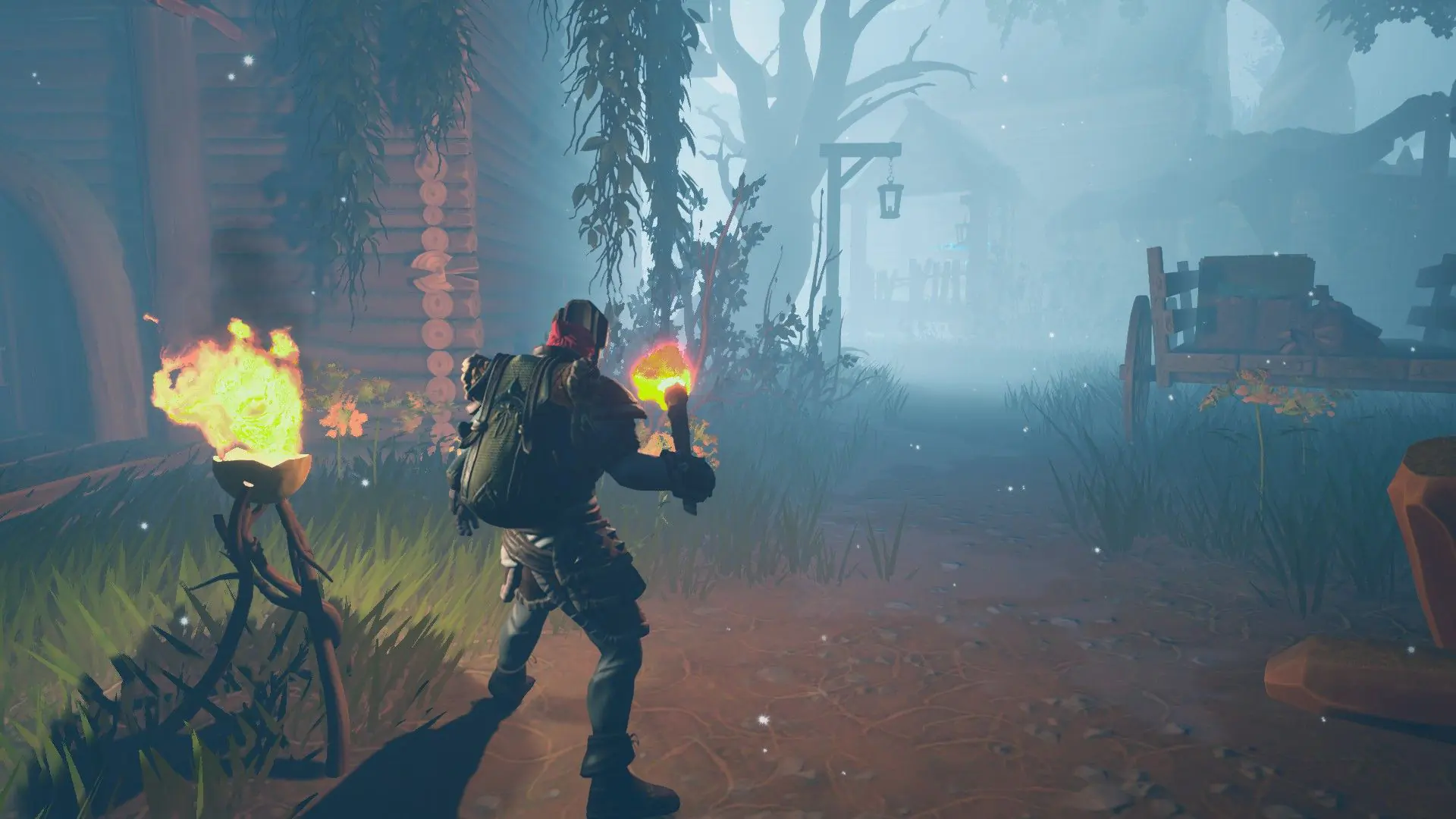
With PvP on, players on your Frozen Flame server can hurt anyone who isn't their friend in the game. Turn it off for a co-op server. Your server starts with PvP on.
Turning PvP On Or Off
- 1Log in to Bropanel and select your server.
- 2In the sidebar, go to
Settings. - 3Under
Gameplay, enable or disablePvP. - 4Click
Save & Restartto apply your changes.
PvP only covers players fighting each other. Whether players can damage buildings is a separate setting in your server's config. See Configure Gameplay Settings.