
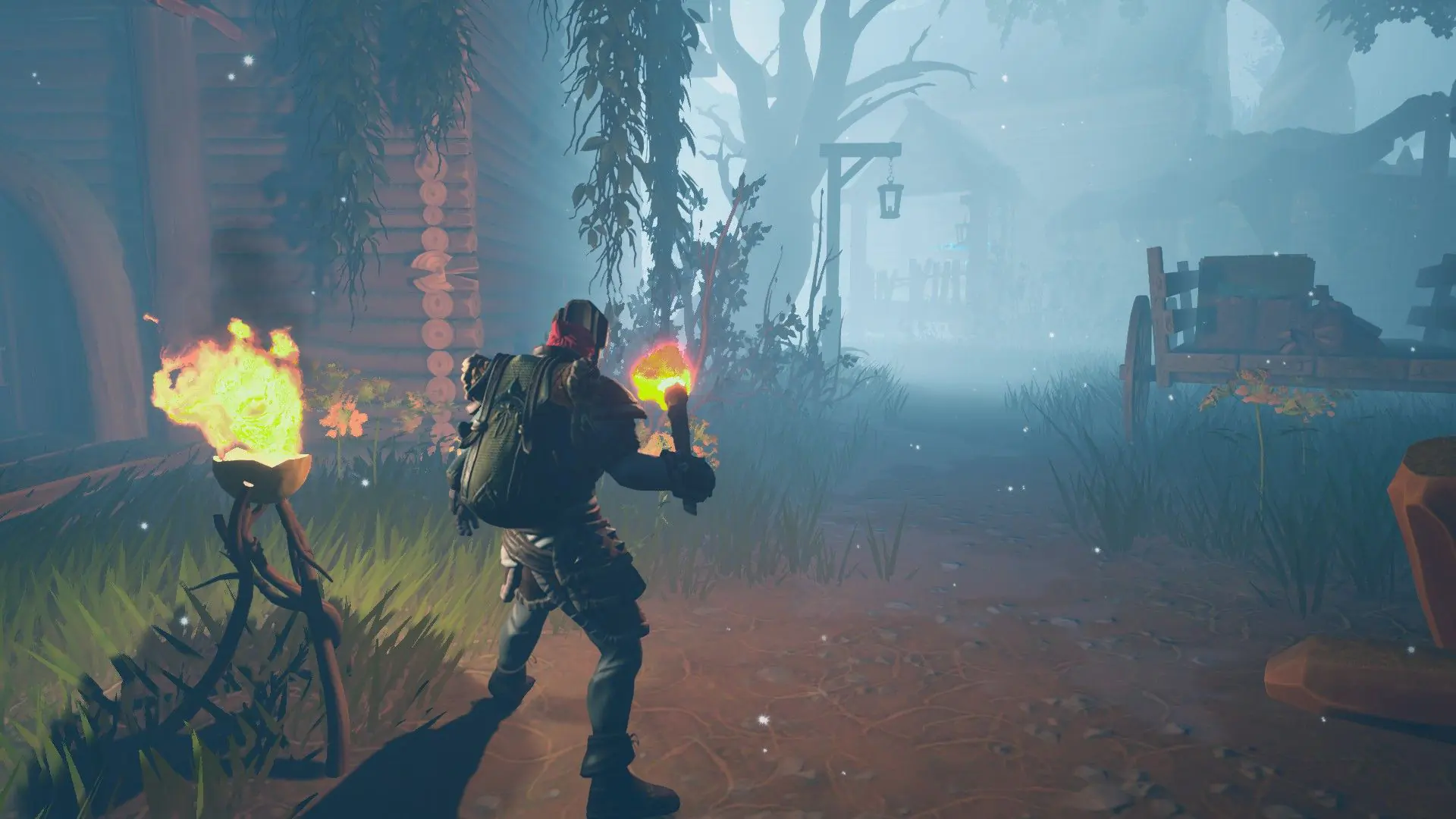
By default, Game Host Bros Frozen Flame servers check Steam for a new Frozen Flame update whenever they restart and install it, so your server stays on the same version as your game.
Turning Automatic Updates On Or Off
- 1Log in to Bropanel and select your server.
- 2In the sidebar, go to
Settings. - 3Under
Updates, enable or disableAuto Update. - 4Click
Save & Restartto apply your changes.
While Auto Update is on, your server checks for updates every time it starts, so a restart picks up a new version once it comes out. With it off, your server stays on the version it has; turn it back on and restart to update.