
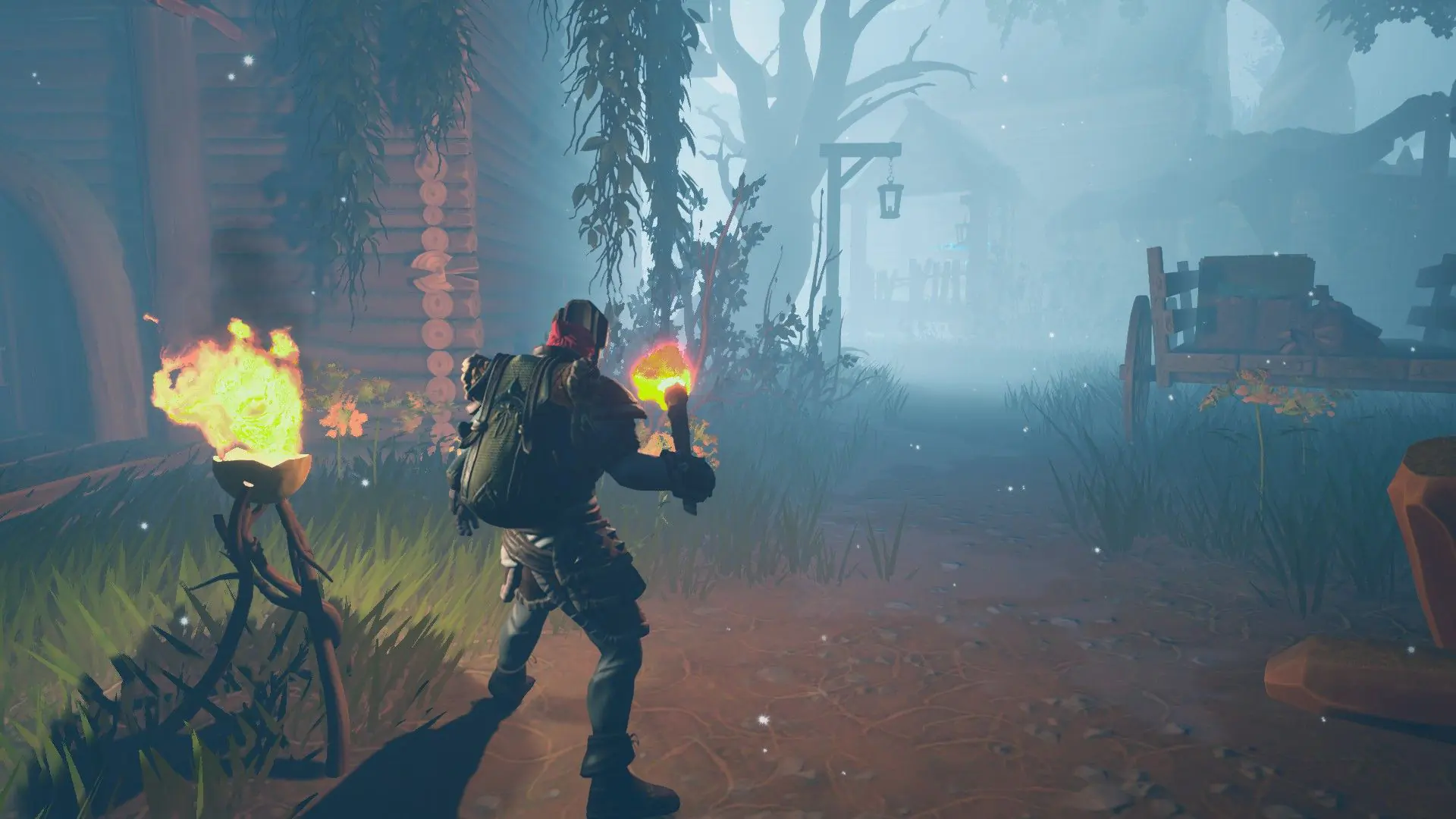
Your Frozen Flame server can run either of the game's two modes:
| Game Mode | What it is |
|---|---|
Campaign | The story world of Arcana. Your server starts in this mode. |
Cataclysm | The game's survival mode, played on its own map. |
Changing The Game Mode
- 1Log in to Bropanel and select your server.
- 2In the sidebar, go to
Settings. - 3Under
Gameplay, editGame Modeand pickCampaignorCataclysm. - 4Click
Save & Restartto apply your changes.
Each mode keeps its own world. The first time you switch to a mode, your server starts a new world for it and keeps the world you left. Switch back later and your server loads that world again.
Note
Frozen Flame dedicated servers have no difficulty setting. To make the game easier or harder, change settings such as monster health and damage in your server's config. See Configure Gameplay Settings.