
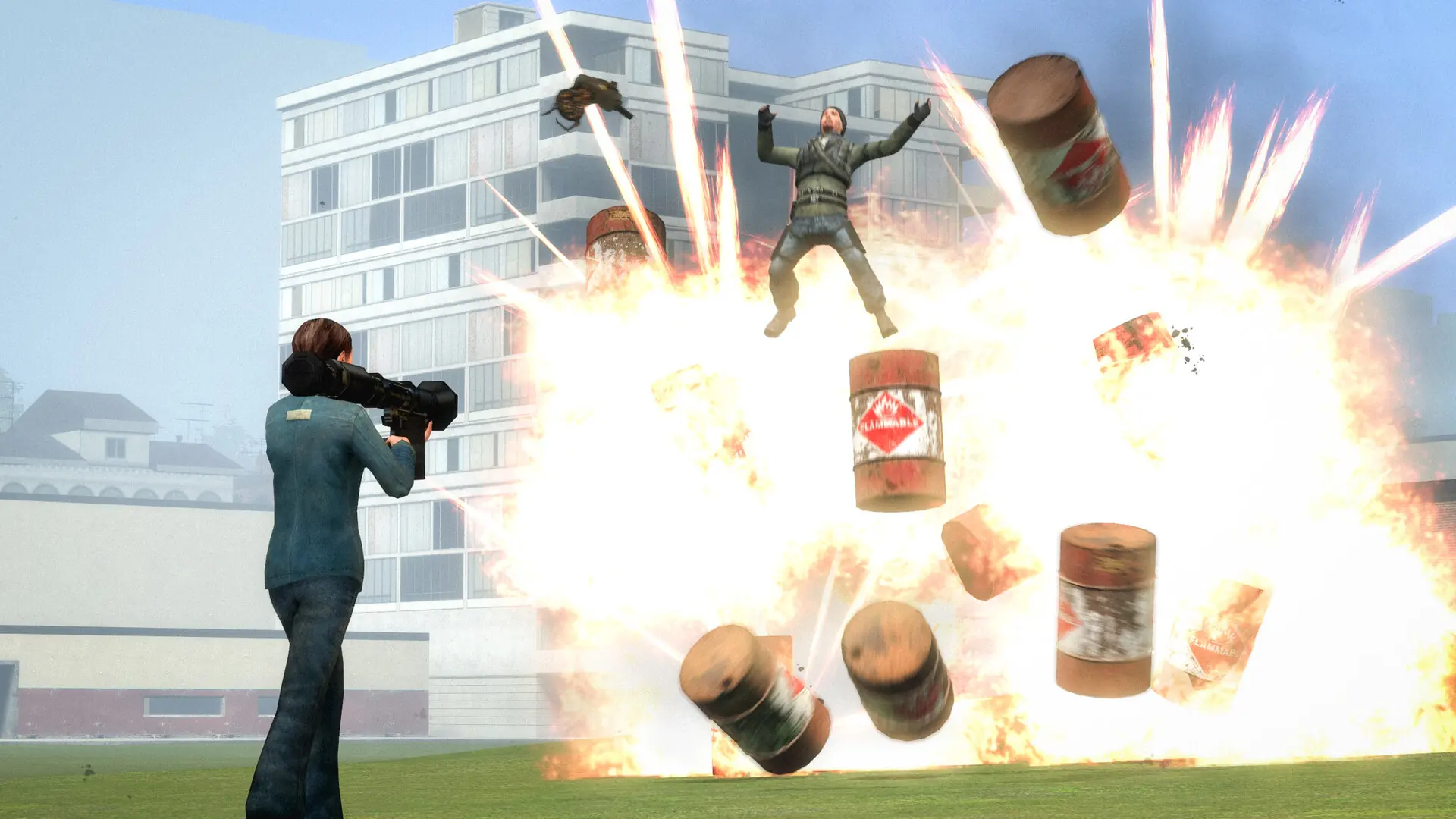
This is what you do if you need to change the map on your Garry's Mod server.
Changing Your Garry's Mod Server Default Map
- 1Log in to Bropanel and select your server.
- 2In the sidebar, go to
Settings. - 3Under
Basic, find theMapsetting and enter your desired map. - 4Click
Save & Restartto apply your changes.
Uploading Your Custom Map
Custom maps can also be added through a Workshop collection; any maps in your collection are downloaded automatically. To upload map files manually instead:
Did you know?
You can also change maps while your server is running; simply type changelevel mapname into your server console.