
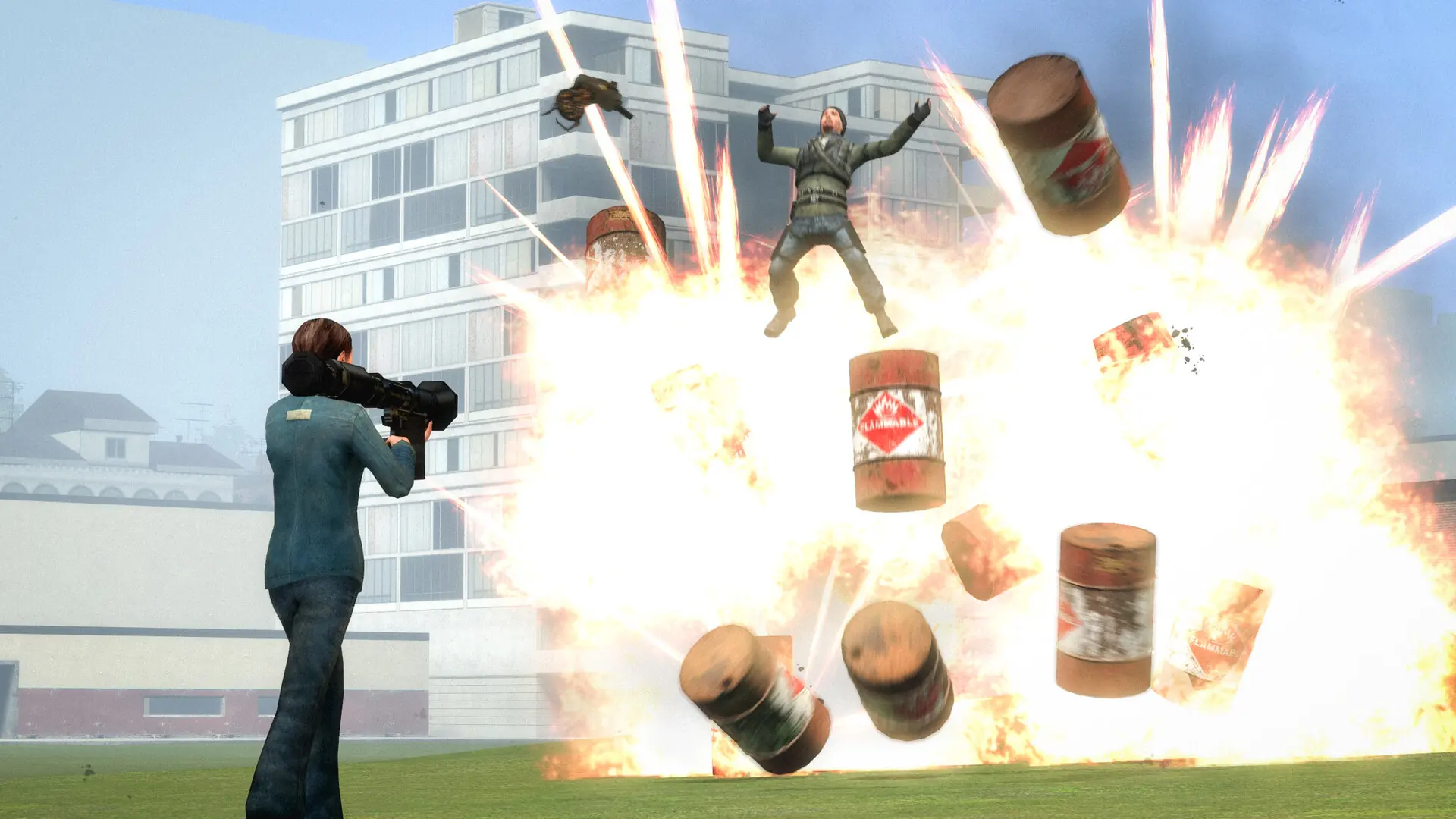
Garry's Mod runs on the Source engine, so alongside the standard sv_ and mp_ server variables it adds its own sbox_ commands for the Sandbox gamemode and gmod_ commands for the game itself, and every gamemode or addon can register more through Lua.
Search the full list below, then add what you need to your Garry's Mod server. Every entry shows the default value, a description and flags telling you whether it runs on the server or on the client.
1,966 commands in total
| Command | Default | Description |
|---|---|---|
| — | Erases current game stats and writes out a blank stats fileCommandServer | |
| — | Shutdown and restart the engine.CommandServer | |
Default: 0 | Turn on achievement debug msgs.ServerCheatReplicated | |
| — | Plays a 'taunt' animation, if the server allows it. Valid options are: wave, agree, disagree, becon, bow, salute, forward, group, halt, pers, muscle, laugh, cheer, zombie, dance, robot.CommandServer | |
| — | Add an IP address to the ban list.CommandServer | |
Default: 1 | If true, advisor will use her custom impact damage table.Server | |
Default: 10 | No description is published for this one.Server | |
Default: 0 | No description is published for this one.Server | |
Default: 1 | No description is published for this one.Server | |
Default: 0 | No description is published for this one.Server | |
Default: 1 | No description is published for this one.Server | |
| — | Clears bits set on nav links indicating link is unusableCommandServer | |
Default: 0 | Used to debug actbusy behavior. Usage: 1: Constantly draw lines from NPCs to the actbusy nodes they've chosen to actbusy at. 2: Whenever an NPC makes a decision to use an actbusy, show which actbusy they've chosen. 3: Selected NPCs (with npc_select) will report why they're not choosing actbusy nodes. 4: Display debug output of actbusy logic. 5: Display safe zone volumes and info.ServerCheat | |
Default: 0 | No description is published for this one.Server | |
Default: 0 | No description is published for this one.Server | |
Default: 0 | No description is published for this one.Server | |
Default: 0 | No description is published for this one.Server | |
Default: 0 | Debug the NPC dynamic interaction system.Server | |
Default: 0 | No description is published for this one.Server | |
Default: 0 | No description is published for this one.Server | |
Default: 0 | No description is published for this one.Server | |
Default: 0 | Set to 1 to see all NPC response events trigger, and which NPCs choose to respond to them.Server | |
Default: 0 | Show random expression decisions for NPCs.Server | |
Default: 0 | No description is published for this one.Server | |
Default: 0 | No description is published for this one.Server | |
Default: 0 | No description is published for this one.Server | |
Default: 0 | NPC Line-Of-Sight debug mode. If 1, solid entities that block NPC LOC will be highlighted with white bounding boxes. If 2, it'll show non-solid entities that would do it if they were solid.ServerCheat | |
Default: 0 | No description is published for this one.Server | |
| — | Debug the attempted connection between two nodesCommandServer | |
Default: 0 | No description is published for this one.Server | |
Default: 0 | No description is published for this one.Server | |
Default: 0 | No description is published for this one.ServerCheatReplicated | |
Default: 0 | No description is published for this one.Server | |
Default: 0 | No description is published for this one.Server | |
Default: 0 | No description is published for this one.Server | |
Default: 0 | No description is published for this one.Server | |
Default: 0 | No description is published for this one.Server | |
| — | Bi-passes all AI logic routines and puts all NPCs into their idle animations. Can be used to get NPCs out of your way and to test effect of AI logic routines on frame...CommandServer | |
Default: 0 | No description is published for this one.ServerNotify | |
Default: 0 | No description is published for this one.ServerCheat | |
| — | Drop an ai_hint at the player's current eye position.CommandServer | |
| — | No description is published for this one.CommandServer | |
Default: 1 | No description is published for this one.Server | |
Default: 5 | No description is published for this one.Server | |
Default: 0 | No description is published for this one.Server | |
Default: 1 | No description is published for this one.Server | |
Default: 0 | Maximum frametime to still play background expressions.Server | |
Default: 0 | Disable npc background expressions when you can't see them.Server | |
Default: 720 | No description is published for this one.Server | |
Default: 1 | No description is published for this one.Server | |
Default: 1 | No description is published for this one.Server | |
Default: 1 | No description is published for this one.Server | |
Default: 1 | No description is published for this one.Server | |
Default: 1 | No description is published for this one.Server | |
Default: 0 | No description is published for this one.Server | |
Default: 50 | frametime limit for min efficiency AIE_NORMAL (in sec's).Server | |
| — | Controls which connections are shown when ai_show_hull or ai_show_connect commands are used Arguments: NPC name or classname,CommandServer | |
Default: 0 | No description is published for this one.ServerNotify | |
Default: 0 | No description is published for this one.ServerCheat | |
Default: 0 | No description is published for this one.Server | |
Default: 0 | No description is published for this one.ServerReplicated | |
Default: 0 | No description is published for this one.Server | |
Default: 0 | No description is published for this one.Server | |
Default: 0 | No description is published for this one.Server | |
Default: 0 | No description is published for this one.Server | |
Default: 8 | No description is published for this one.Server | |
Default: 1 | No description is published for this one.Server | |
Default: 0 | No description is published for this one.Server | |
| — | Cycles through the various hull sizes. Currently selected hull size is written to the screen. Controls which connections areCommandServer | |
Default: 0 | No description is published for this one.Server | |
Default: 0 | No description is published for this one.Server | |
Default: 0 | No description is published for this one.Server | |
Default: 0 | No description is published for this one.Server | |
Default: 0 | No description is published for this one.Server | |
| — | Toggles node display. First call displays the nodes for the given network as green objects. Second call displays the nodes and their IDs. Nodes are color coded as follows: Green - ground node Cyan - air node Magenta - climb node Grey - node not available for selected hull size Orange - node currently...CommandServer | |
Default: 0 | No description is published for this one.Server | |
Default: 1 | No description is published for this one.Server | |
Default: 1 | No description is published for this one.Server | |
Default: 1 | No description is published for this one.Server | |
Default: 0 | No description is published for this one.Server | |
Default: 512 | No description is published for this one.Server | |
Default: 0 | No description is published for this one.Server | |
Default: 0 | No description is published for this one.Server | |
Default: 120 | No description is published for this one.Server | |
Default: 1 | No description is published for this one.Server | |
Default: 0 | No description is published for this one.ServerArchived | |
| — | If NPC is stepping through tasks (see ai_step ) will resume normal processing.CommandServer | |
Default: 0 | No description is published for this one.Server | |
Default: 0 | If set to 1 then ragdolls will be solid by defaultServerArchived | |
| — | Set how high AI bumps up ground walkers when checking stepsCommandServer | |
Default: 0 | Shows that bones that are setup every thinkServer | |
Default: 1 | No description is published for this one.Server | |
Default: 1 | No description is published for this one.ServerReplicated | |
Default: -1 | No description is published for this one.ServerReplicated | |
Default: 0 | No description is published for this one.Server | |
Default: 1000 | No description is published for this one.Server | |
| — | Displays the allowed connections between each node for the currently selected hull type. Hulls are color code as follows: Green - ground movement Blue - jumping movement Cyan - flying movement Magenta - climbing movement Red - connection...CommandServer | |
| — | Displays the allowed connections between each node for the currently selected hull type. Hulls are color code as follows: Green - ground movement Blue - jumping movement Cyan - flying movement Magenta - climbing movement Red - connection...CommandServer | |
| — | Displays the allowed connections between each node for the currently selected hull type. Hulls are color code as follows: Green - ground movement Blue - jumping movement Cyan - flying movement Magenta - climbing movement Red - connection...CommandServer | |
| — | Toggles graph connection display for the node that the player is looking at. Nodes that are connected to the selected node by the net graph will be drawn in red with magenta lines connecting to the selected node. Nodes that are not connected via the net graph from the selected node will be drawn in blue.CommandServer | |
| — | Draw a grid on the floor where looking.CommandServer | |
| — | Displays all hints as small boxes Blue - hint is available for use Red - hint is currently being used by an NPC Orange -CommandServer | |
| — | Displays the allowed hulls between each node for the currently selected hull type. Hulls are color code as follows: Green -CommandServer | |
Default: 0 | No description is published for this one.Server | |
| — | Highlight the specified nodeCommandServer | |
Default: 0 | No description is published for this one.Server | |
| — | Toggles visibility display for the node that the player is looking at. Nodes that are visible from the selected node will be drawn in red with yellow lines connecting to the selected node. Nodes that are not visible from the selected node will be drawn in blue.CommandServer | |
Default: 0 | No description is published for this one.Server | |
Default: 0 | No description is published for this one.Server | |
Default: 3 | No description is published for this one.Server | |
Default: 0 | No description is published for this one.Server | |
| — | NPCs will freeze after completing their current task. To complete the next task, use 'ai_step' again. To resume processing normally use...CommandServer | |
Default: 0 | No description is published for this one.Server | |
Default: 0 | No description is published for this one.Server | |
Default: 0 | No description is published for this one.Server | |
| — | Test AI LOS from the player's POVCommandServer | |
Default: 0 | No description is published for this one.Server | |
Default: 0 | No description is published for this one.ServerArchived | |
Default: 1 | No description is published for this one.Server | |
Default: 1 | No description is published for this one.Server | |
Default: 1 | No description is published for this one.Server | |
Default: 1 | No description is published for this one.Server | |
Default: 1 | No description is published for this one.Server | |
Default: 1 | No description is published for this one.Server | |
Default: 1 | No description is published for this one.ServerCheat | |
| — | Generate a report to the console.CommandServer | |
| — | Generate a report to the console.CommandServer | |
| — | Changes the density of air for drag computations.CommandServer | |
Default: 5000 | Amount of stress in kg that would kill the airboat driver.Server | |
| — | Alias a command.CommandServer | |
Default: 1 | Toggle the 3-way animation blending code.ServerReplicated | |
Default: 1 | No description is published for this one.Server | |
Default: 1 | Allow AsyncBegin/EndRead()Server | |
Default: 0 | Set the async filesystem mode (0 = async, 1 = synchronous)Server | |
| — | No description is published for this one.CommandServer | |
Default: 0 | Force async reads to serialize for profilingServer | |
Default: 0 | Simulate a delay of up to a set msec per file operationServer | |
| — | No description is published for this one.CommandServer | |
Default: 0 | No description is published for this one.Server | |
Default: 2160 | No description is published for this one.Server | |
Default: 0 | No description is published for this one.Server | |
| — | Add a user ID to the ban list.CommandServer | |
| — | Alias of banid, do not use.CommandServer | |
| — | Add an IP address to the ban list.CommandServer | |
| — | Bind a key.CommandServer | |
| — | Bind this key but only on Mac, not win32CommandServer | |
| — | Performs a bind <key> 'increment var <cvar> 0 1 1'CommandServer | |
Default: 0 | No description is published for this one.Server | |
| — | Add a bot.CommandServer | |
Default: 0 | Shoot!Server |
Or search above to jump straight to the one you need.
Values marked Server belong in your garrysmod/cfg/server.cfg. Values marked Clientare typed into each player’s own console.
How to Use Garry's Mod Server Commands
Source games read garrysmod/cfg/server.cfg when the server starts and on every map change.
- 1Log in to Bropanel and select your Garry's Mod server.
- 2In the sidebar, open
Files. - 3Open
garrysmod/cfg/server.cfg. - 4Add one command per line under the
Custom Commandssection, such assbox_maxprops 200. - 5Save the file and restart your server.
To change something mid-session, use the Console tab in the panel or connect with rcon. Live changes apply at once and revert when the server restarts.
Most Used Garry's Mod Server Commands
| Command | Default | What it does |
|---|---|---|
hostname | empty | Sets the server name shown in the browser. |
sv_password | empty | Locks the server behind a password. |
rcon_password | empty | Sets the admin password for rcon. |
sbox_maxprops | 100 | Maximum props a single player can spawn. |
sbox_maxragdolls | 50 | Maximum ragdolls a single player can spawn. |
sbox_maxnpcs | 10 | Maximum NPCs a single player can spawn. |
sbox_maxballoons | 10 | Maximum balloons a single player can spawn. |
sbox_godmode | 0 | Set to 1 to make all players invincible. |
sbox_playershurtplayers | 0 | Set to 1 to let players hurt each other. |
sbox_noclip | 0 | Set to 1 to let players use noclip. |
sbox_weapons | 0 | Set to 1 to give players the default Half-Life 2 weapons on spawn. |
mp_falldamage | 0 | Set to 1 for realistic fall damage. |
sv_alltalk | 1 | Players hear all voice chat with no team restrictions. |
sv_voiceenable | 1 | Enables voice chat on the server. |
sv_cheats | 0 | Set to 1 to unlock cheat commands. |
sv_gravity | 600 | World gravity. |
sv_noclipspeed | 5 | Movement speed while in noclip. |
sv_allowcslua | 0 | Set to 1 to let clients run clientside Lua scripts. |
sv_kickerrornum | 0 | Kick clients after this many Lua errors. 0 never kicks. |
sv_timeout | 180 | Seconds without a message before a client is dropped. |
sv_loadingurl | 0 | URL of a custom loading screen shown while joining. |
sv_lan | 0 | Set to 1 for a LAN only server. |
How to Open the Console in Garry's Mod
- 1Open Garry's Mod and go to
Options. - 2Select the
Keyboardtab and clickAdvanced. - 3Tick
Enable developer console (~). - 4Click
OK, then press the~key in game.