
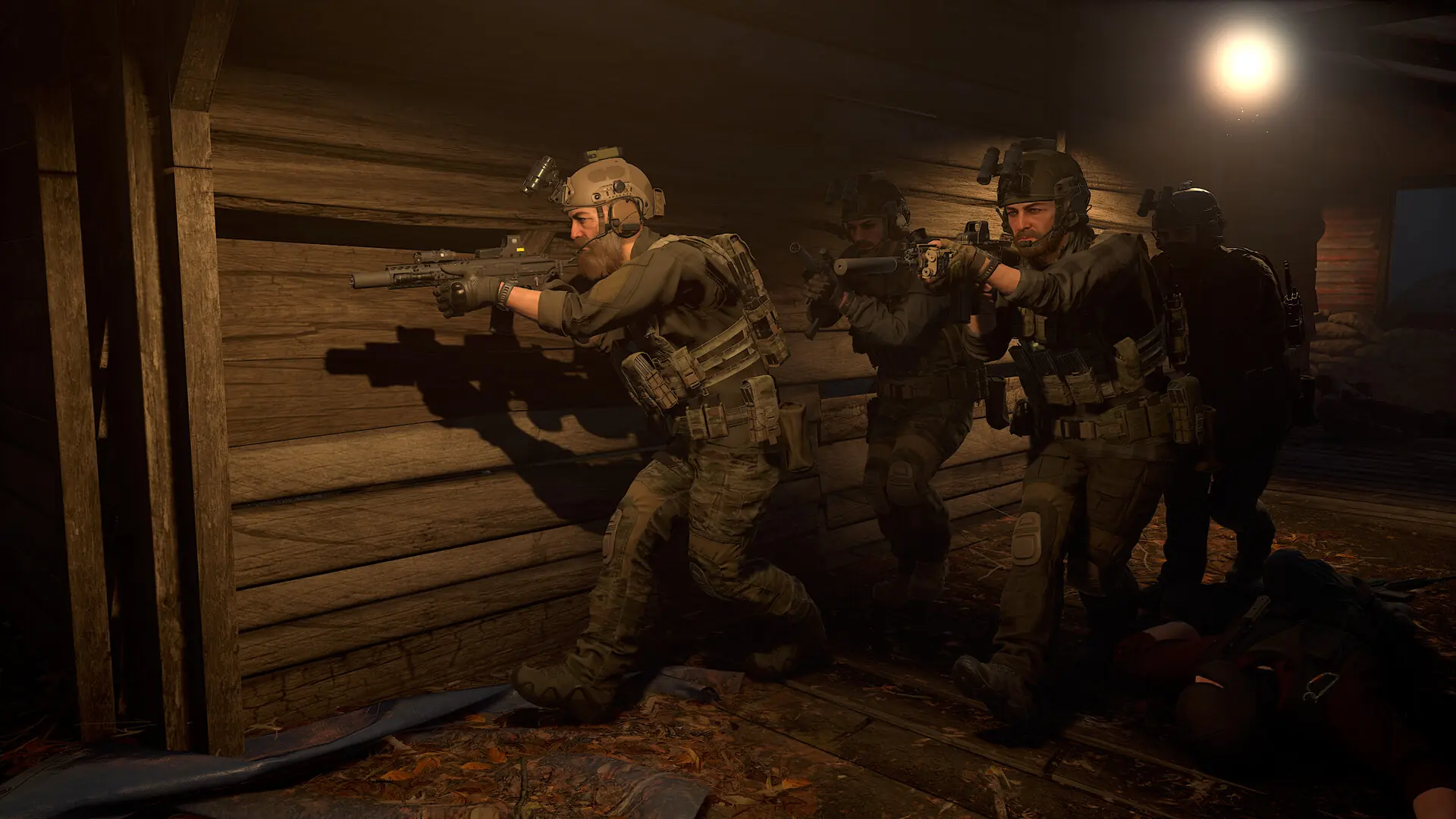
GROUND BRANCH players join dedicated servers through the in-game server browser. You need GROUND BRANCH on Steam, updated to the latest version. Nothing else needs installing: if your server runs Workshop mods, the game downloads them for each player when they join.
Joining Your Server
- 1Log in to Bropanel and check that your server shows as online.
- 2Start GROUND BRANCH and select
Server Browserfrom the main menu. - 3On the
Internettab, search for your server name and select it. - 4Click
Connect. If your server has a password, enter it when asked.
Tip
A new server can take a few minutes to appear in the browser after its first start. If you can't see it, clear any filters and refresh the list, or use Connect via IP in the server browser with the address shown for your server in Bropanel.
You arrive in the ready room. The map and mission come from your server's map list, which starts out as the Terrorist Hunt co-op missions.