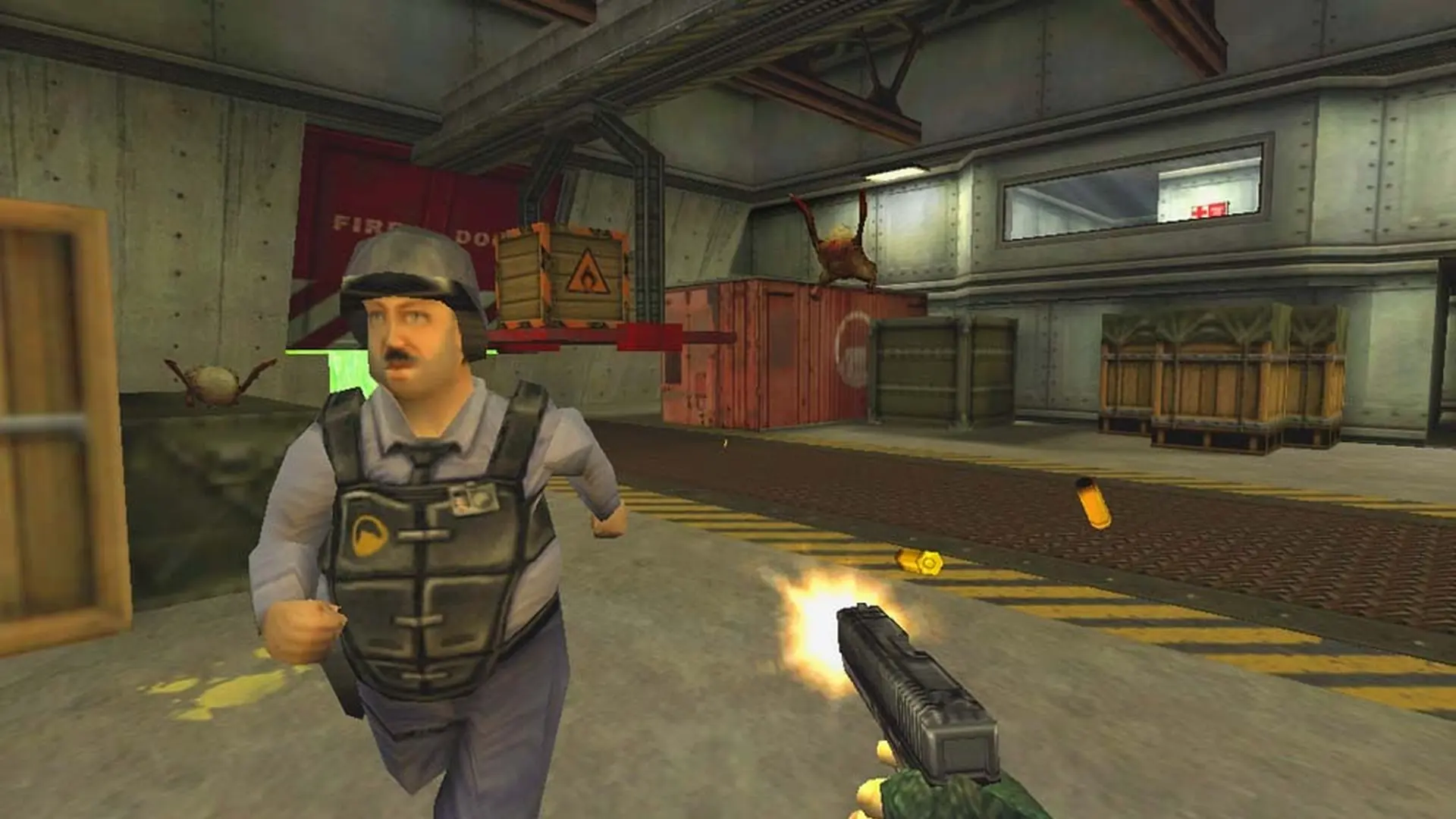
We make adjusting player slots quick and easy. If you're looking to adjust player slots on your Opposing Force server, here's how it's done.
Setting Max Players for Opposing Force
- Log in to Bropanel and select your server.
- In the sidebar, go to
Settings. - Edit
Max Players. - Click
Save & Restartto apply your changes.