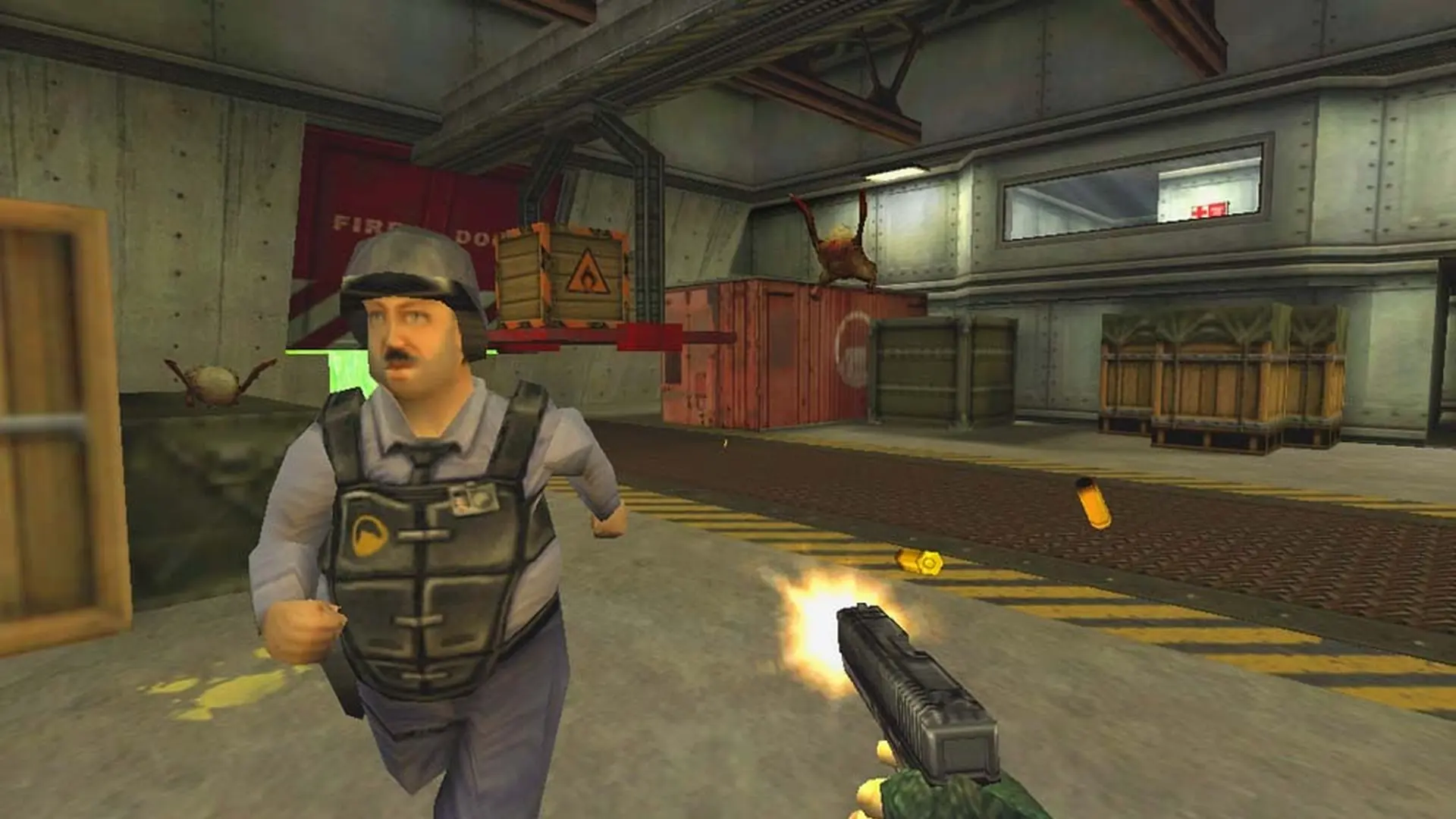
This is what you do if you need to set a password on your Half-Life: Opposing Force server.
Setting Your Opposing Force Server Password
- Log in to Bropanel and open your Opposing Force server.
- In the sidebar, go to
Settings. - Look for
Server Passwordand then type the password you want. - Go back to the console page, and then restart your server.