
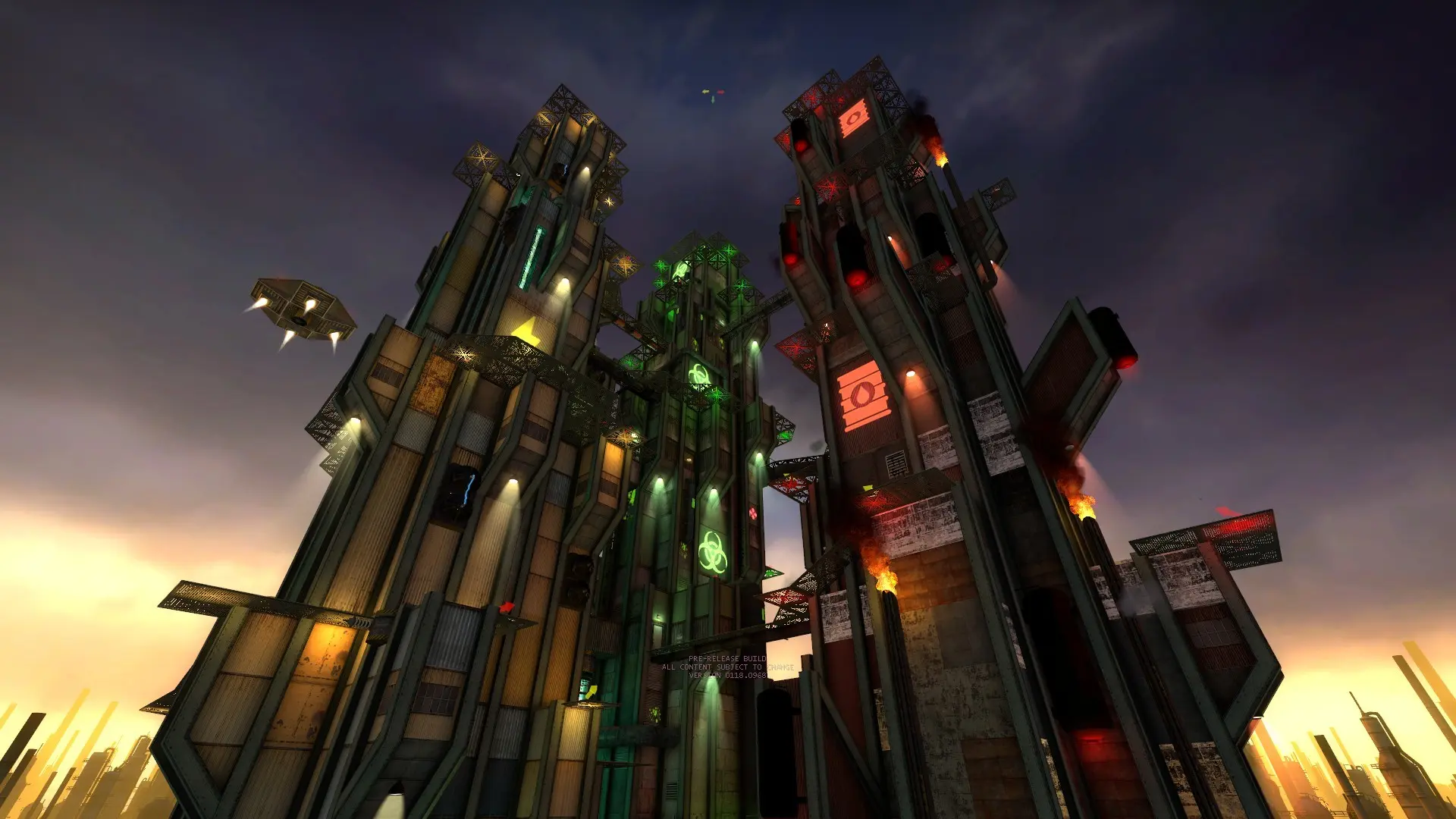
Jabroni Brawl: Episode 3 has 20 game modes. The Game Mode setting picks the one your server starts in. The default is Battle Royale.
| Game Mode | Game Mode | Game Mode | Game Mode |
|---|---|---|---|
Battle Royale | Team Battle Royale | Deathmatch | Team Deathmatch |
Gun Game | Multi Gun Game | Head Hunt | InstaGib |
Hotspot | Fart Cops | Bonedemic | Shidden |
Team Mission | Sneak vs. Terrorists | Sneak vs. M... | Hunted |
Giant Slayer | Rat Race | Cooperative | Ricochet |
Changing The Game Mode
- 1Log in to Bropanel and select your server.
- 2In the sidebar, go to
Settings. - 3Under
Gameplay, choose aGame Mode. - 4Click
Save & Restartto apply your changes.
Not every map supports every mode. The server only rotates to maps that allow the current mode, as listed in jbep3/cfg/mapcycle.txt.
Game Mode Voting
By default, players vote on the next game mode and map at the end of each match, so the server can move away from the mode you picked until it restarts. To keep one mode, set jb_sv_voting_allow_gamemode 0 in your server.cfg.