
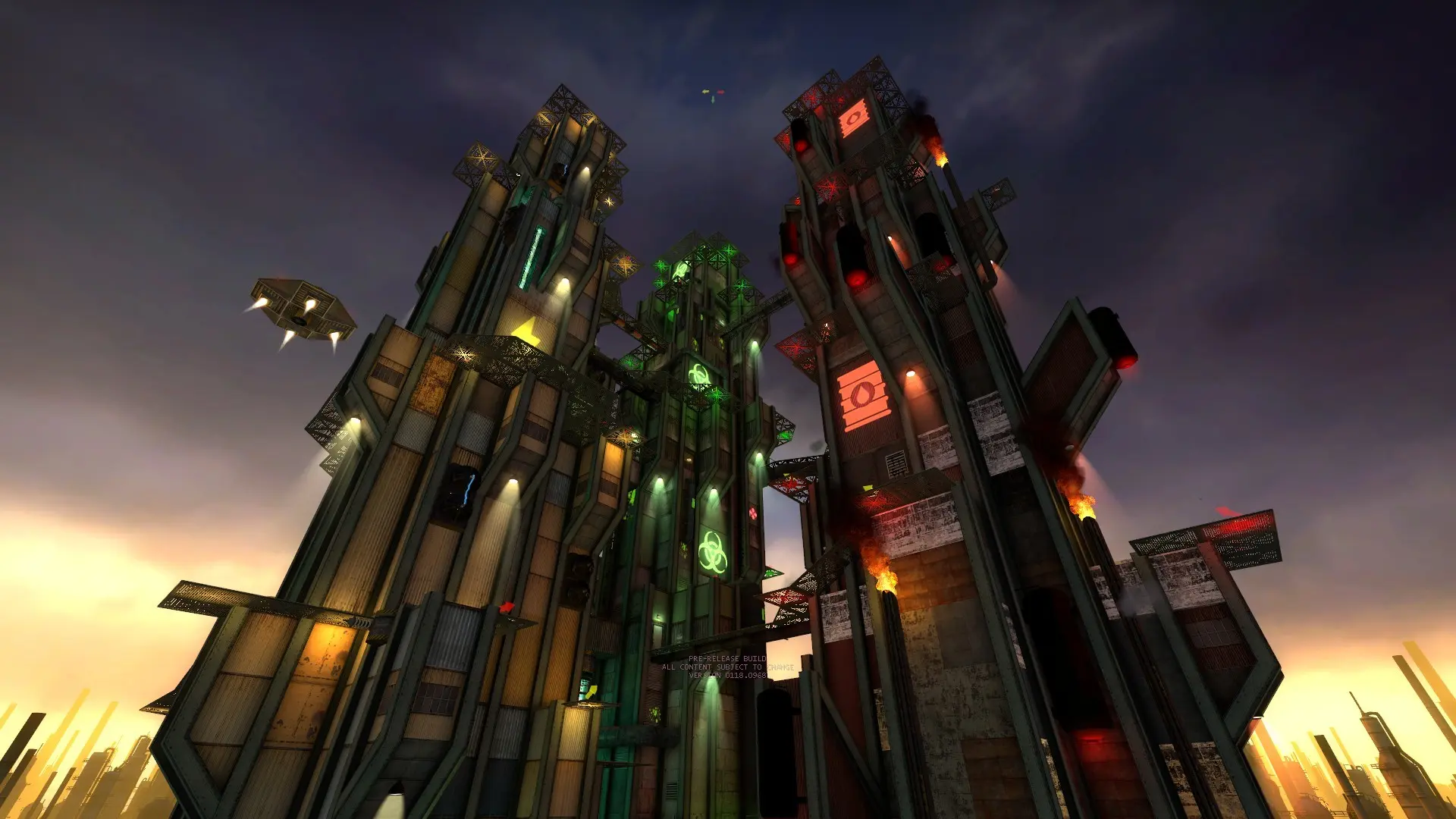
The starting map is the first map your server loads after a restart. After that, the map rotation and end of match votes take over.
Changing The Starting Map
- 1Log in to Bropanel and select your server.
- 2In the sidebar, go to
Settings. - 3Under
Gameplay, editStart Map. - 4Click
Save & Restartto apply your changes.
Enter the map name without .bsp, for example crossfire or jb_airship. You can see every map in the jbep3/maps folder under Files. If the map isn't on your server, it starts on crossfire instead.
Note
Pick a map that supports your game mode. crossfire, the default, works with Battle Royale, Deathmatch, Gun Game and most other free for all modes.