
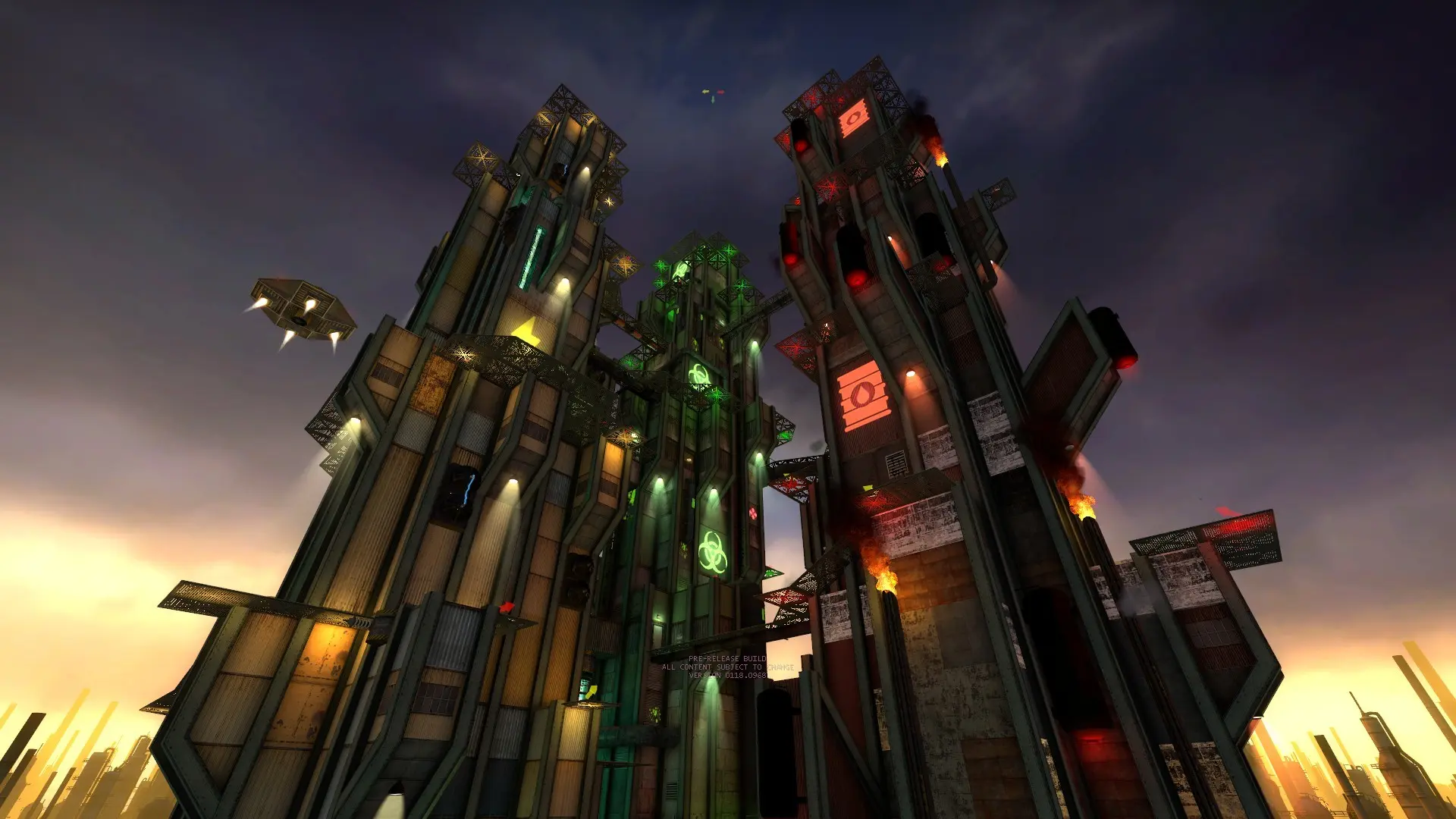
Anyone with Jabroni Brawl: Episode 3 on Steam can join your server. The game is free, and no mods or extra downloads are needed: custom maps download automatically when players join.
Connecting With The IP Address
- 1Log in to Bropanel and select your Jabroni Brawl server.
- 2Copy the server IP address and port from the
Overviewpage, for example123.45.67.89:27015. - 3Open Jabroni Brawl: Episode 3 and press the
~key to open the console. If nothing opens, turn onEnable Developer Consolein the game's keyboard options first. - 4Type
connect 123.45.67.89:27015with your own IP and port, then pressEnter.
If your server has a password, the game asks for it when you join.
Finding Your Server In The Browser
Search for your server name in Steam's View > Game Servers list or the game's server browser. The game's browser only shows servers with a Game Server Login Token by default, so add one to your server, or have players turn off the browser's GSLT filter. It can take a few minutes for a new server to appear. Joining by IP always works.