
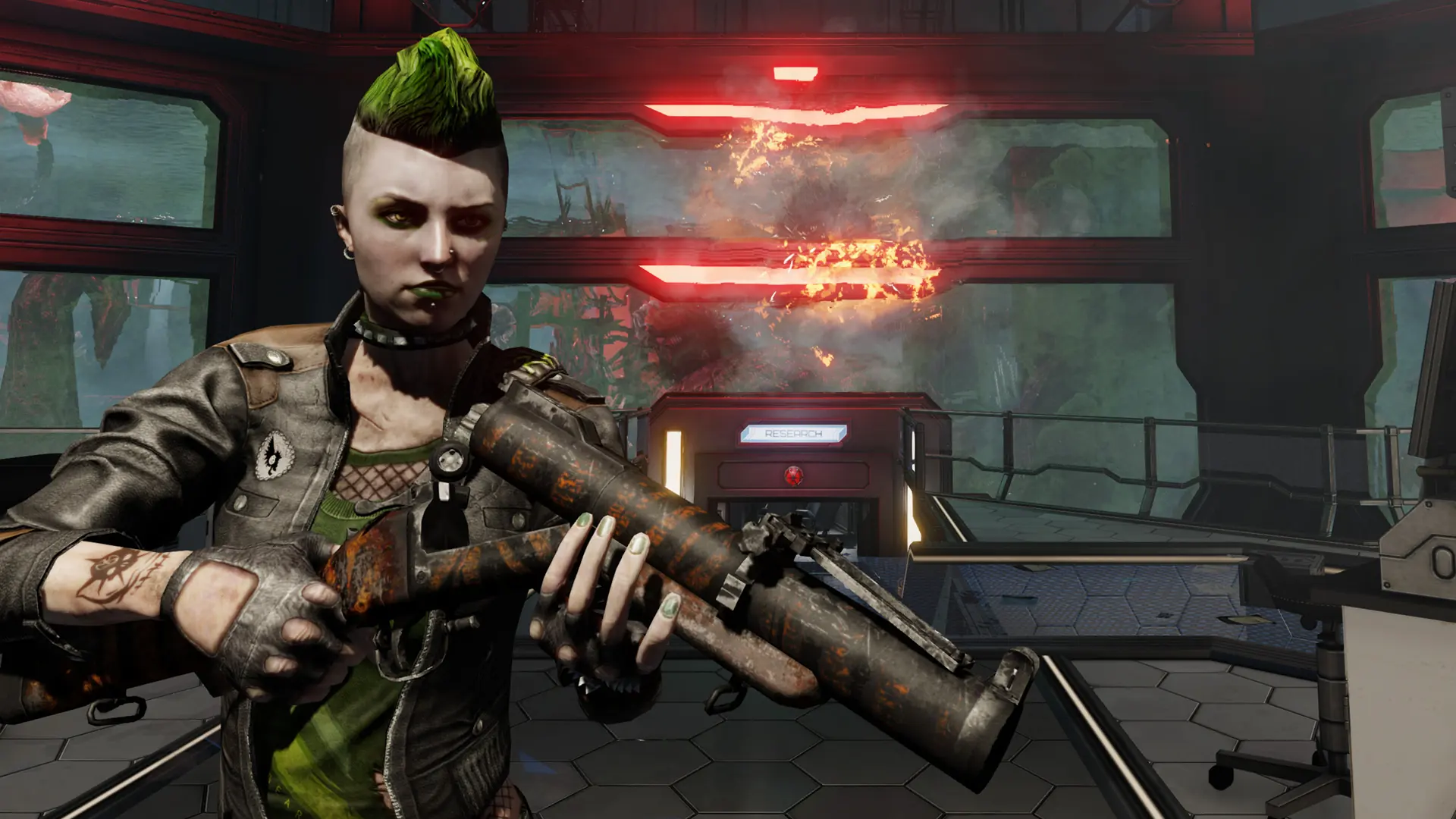
Killing Floor 2 has several game modes. Your server runs one at a time.
| Game Mode | What it is |
|---|---|
Survival | The classic mode: survive the waves, then beat the boss. Up to 6 players. |
Endless | Waves keep coming with no end, getting harder each time. Up to 6 players. |
Versus | Versus Survival: two teams take turns playing the humans and the Zeds. Up to 12 players. |
Objective | Complete objectives across the waves. Needs a map with objectives. Up to 6 players. |
Changing The Game Mode
- 1Log in to Bropanel and select your server.
- 2In the sidebar, go to
Settings. - 3Under
Gameplay, select the mode you want from theGame Modedropdown. - 4Click
Save & Restartto apply your changes.
When you switch to Objective, also change your Starting Map to a map with objectives: KF-SteamFortress, KF-Outpost, KF-Nuked, KF-ZedLanding or KF-BioticsLab.