
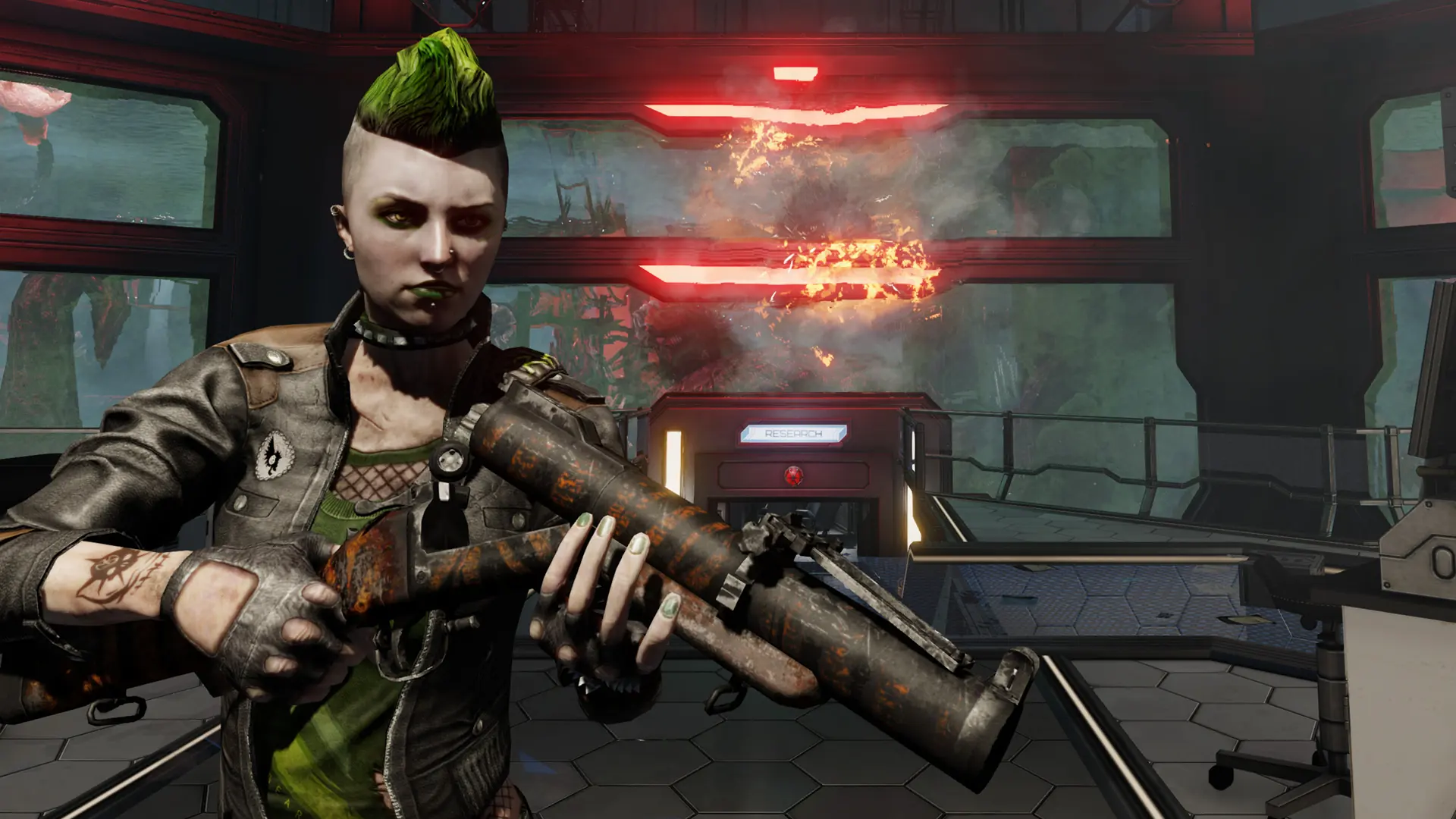
Your server loads its starting map every time it starts or restarts. After each match, players vote on the next map from the map list.
Changing The Starting Map
- 1Log in to Bropanel and select your server.
- 2In the sidebar, go to
Settings. - 3Under
Basic, editStarting Mapand type the map name, for exampleKF-BurningParis. - 4Click
Save & Restartto apply your changes.
Official maps all start with KF-, for example KF-BioticsLab, KF-Outpost, KF-Farmhouse or KF-Nuked. To start on a Workshop map, first add it under Workshop Maps and Mods and restart your server. Then find the map's real name, which can differ from the title on its Workshop page:
- 1In the sidebar, go to
Files. - 2Open
KFGame, thenCache, then the folder named after the item's Workshop id. - 3Open the folders inside until you find a file ending in
.kfm, for exampleKF-ClassicBioticsLab.kfm. - 4Use that file name without
.kfmas yourStarting Map.
Note
Objective mode needs a map with objectives: KF-SteamFortress, KF-Outpost, KF-Nuked, KF-ZedLanding or KF-BioticsLab. See Game Mode.