
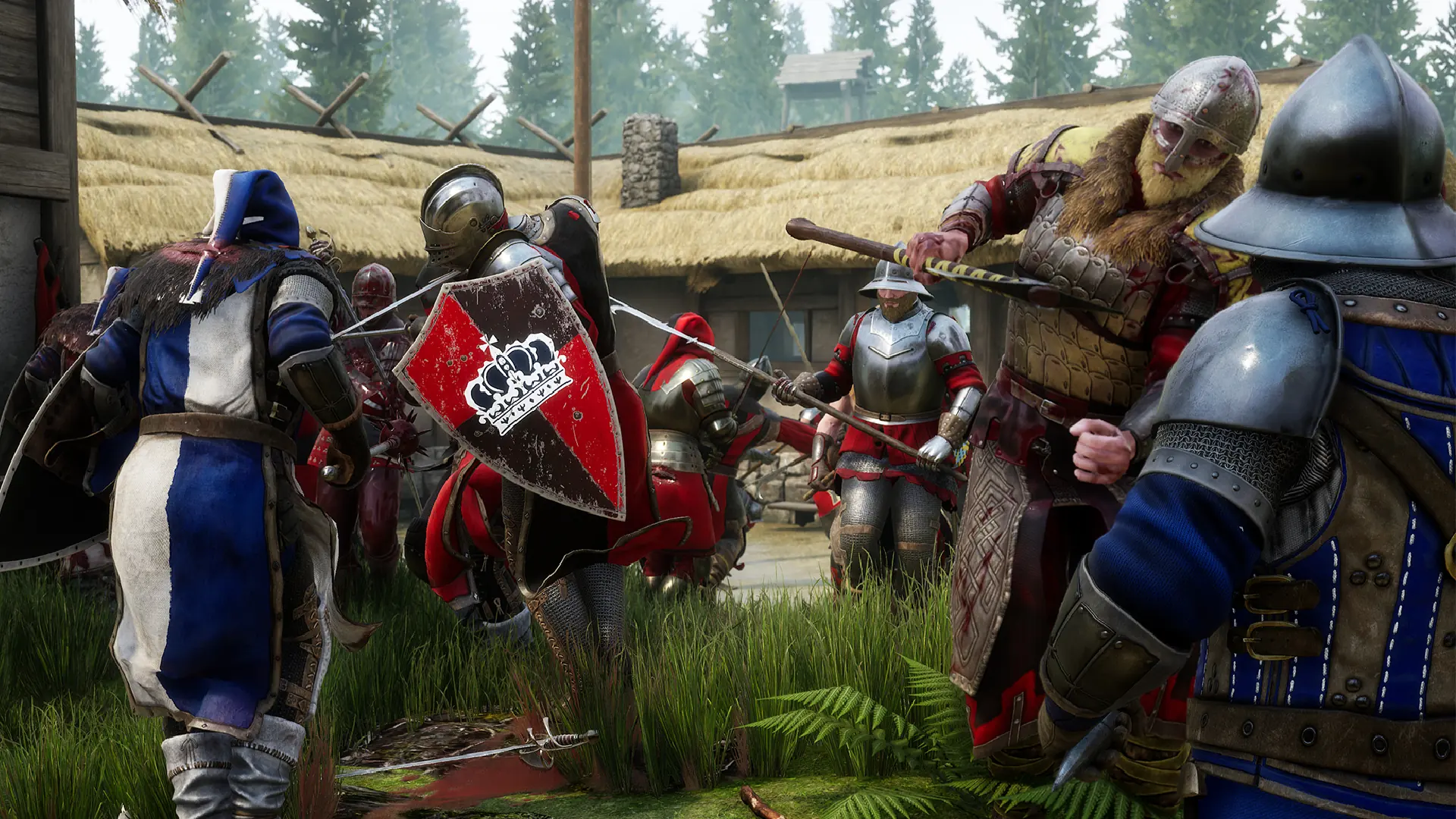
Here is how you can join your MORDHAU server. Your server updates from Steam, so any player on the current Steam version of MORDHAU can join.
Connecting From The Server Browser
- 1Open MORDHAU, click
Playand open theServer Browser. - 2Search for your server name.
- 3Double-click your server to join. If you set a server password, enter it when asked.
Note
It can take a few minutes for your server to appear in the server browser after it starts.
Connecting With The IP Address
- 1Log in to Bropanel and select your MORDHAU server.
- 2Copy the server IP address and port from the
Overviewpage, for example123.45.67.89:7777. - 3Open MORDHAU and open the game console with the
~key. - 4Type
open 123.45.67.89:7777with your own IP and port, then pressEnter.
If your server has a password, add it to the end like this: open 123.45.67.89:7777?ServerPassword=yourpassword.