
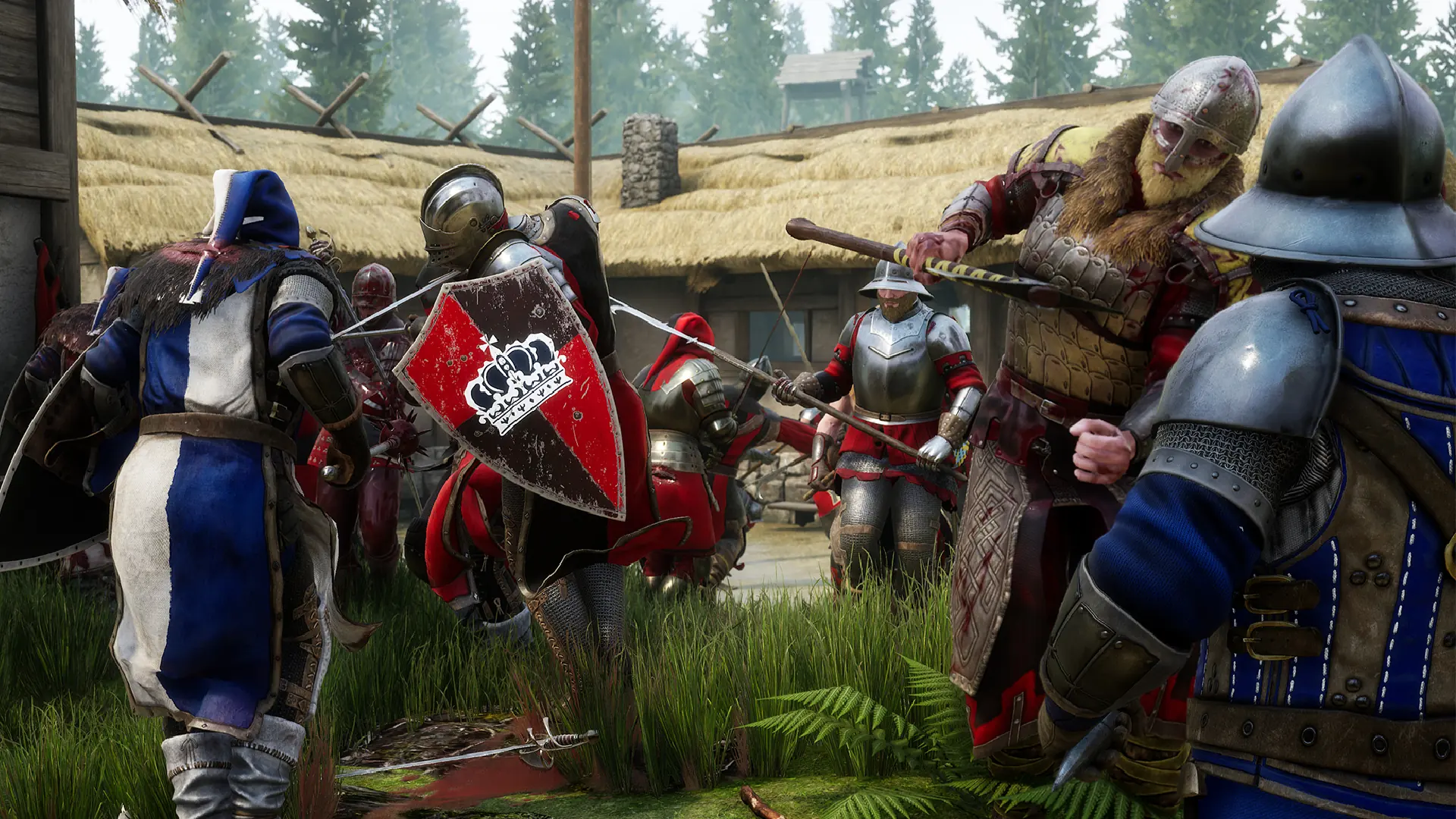
MORDHAU mods come from mod.io. You add a mod to your server with its mod.io ID, and the server downloads it when it starts.
Adding Mods
- 1Find the mod on mod.io and copy its ID number from the mod's page.
- 2Log in to Bropanel and
Stopyour server. - 3In the sidebar, go to
Files. - 4Open
Mordhau/Saved/Config/LinuxServer/Game.ini. On a Mordhau Wine server, openMordhau/Saved/Config/WindowsServer/Game.iniinstead. - 5Find the
[/Script/Mordhau.MordhauGameSession]section and add aMods=line with the ID of each mod you want:Mods=1234567 Mods=2345678 - 6Save the file and start your server.
The Console shows the server downloading your mods while it starts. If a mod adds a map, put that map's name in your map rotation or use it as your starting map.
To remove a mod, Stop your server, delete its Mods= line, then start your server.