
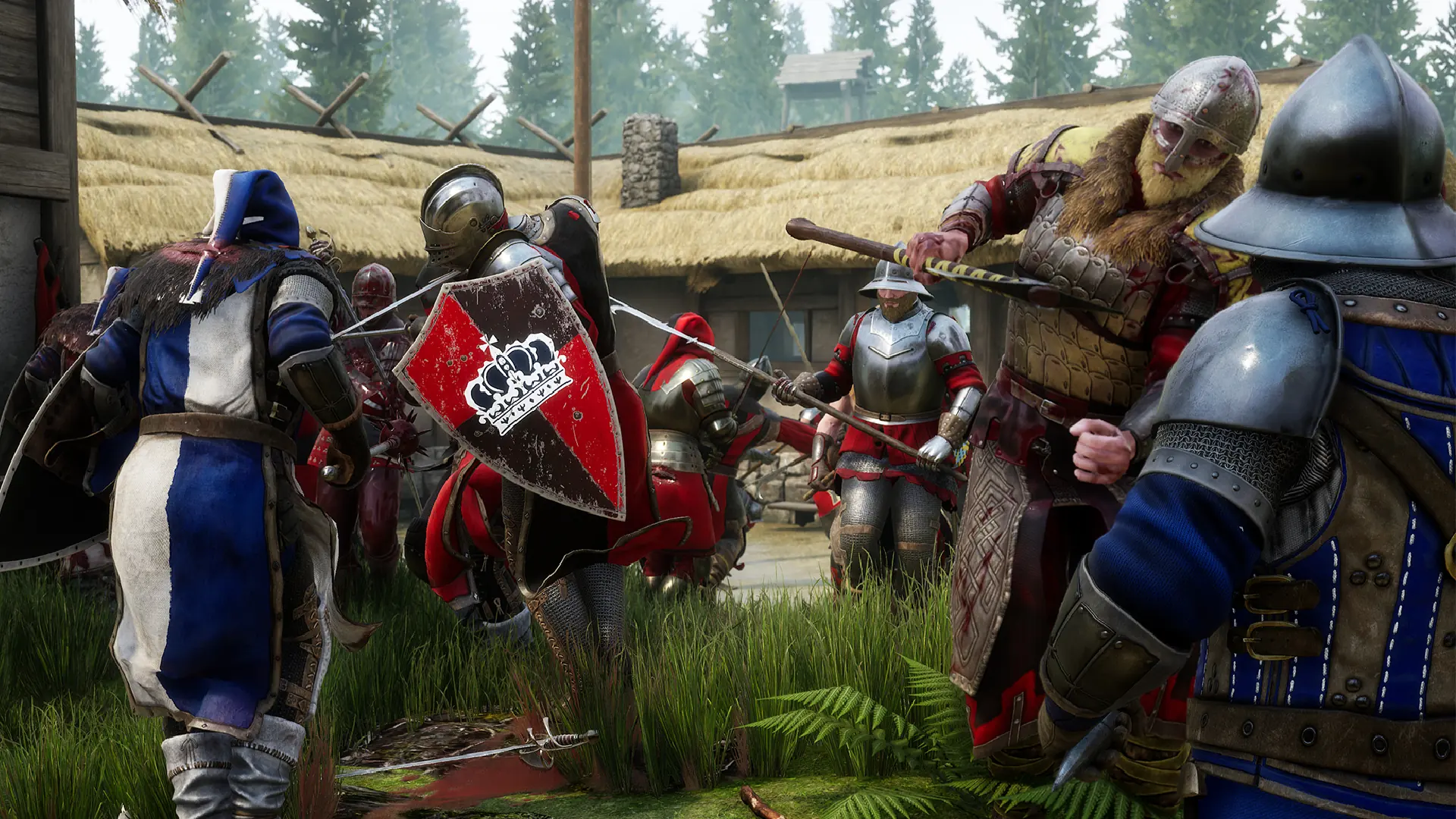
Your MORDHAU server moves to the next map in its rotation when a match ends. The rotation lives in the server's Game.ini file, so you can pick exactly which maps and game modes come up.
Editing The Map Rotation
- 1Log in to Bropanel and
Stopyour server. - 2In the sidebar, go to
Files. - 3Open
Mordhau/Saved/Config/LinuxServer/Game.ini. On a Mordhau Wine server, openMordhau/Saved/Config/WindowsServer/Game.iniinstead. - 4Find the
[/Script/Mordhau.MordhauGameMode]section and edit theMapRotationlines, one map per line in the order you want them played:MapRotation=FL_Grad MapRotation=FL_Taiga MapRotation=SKM_Contraband - 5Save the file and start your server.
Add a MapRotation= line for each map you want, and delete any you no longer want. The map prefix sets the game mode, see Change Map for the full map list.
Tip
The server starts on the Starting Map from Settings, then follows this rotation. The default rotation has no Frontline or Invasion maps, so add the ones you want if you run those modes.