
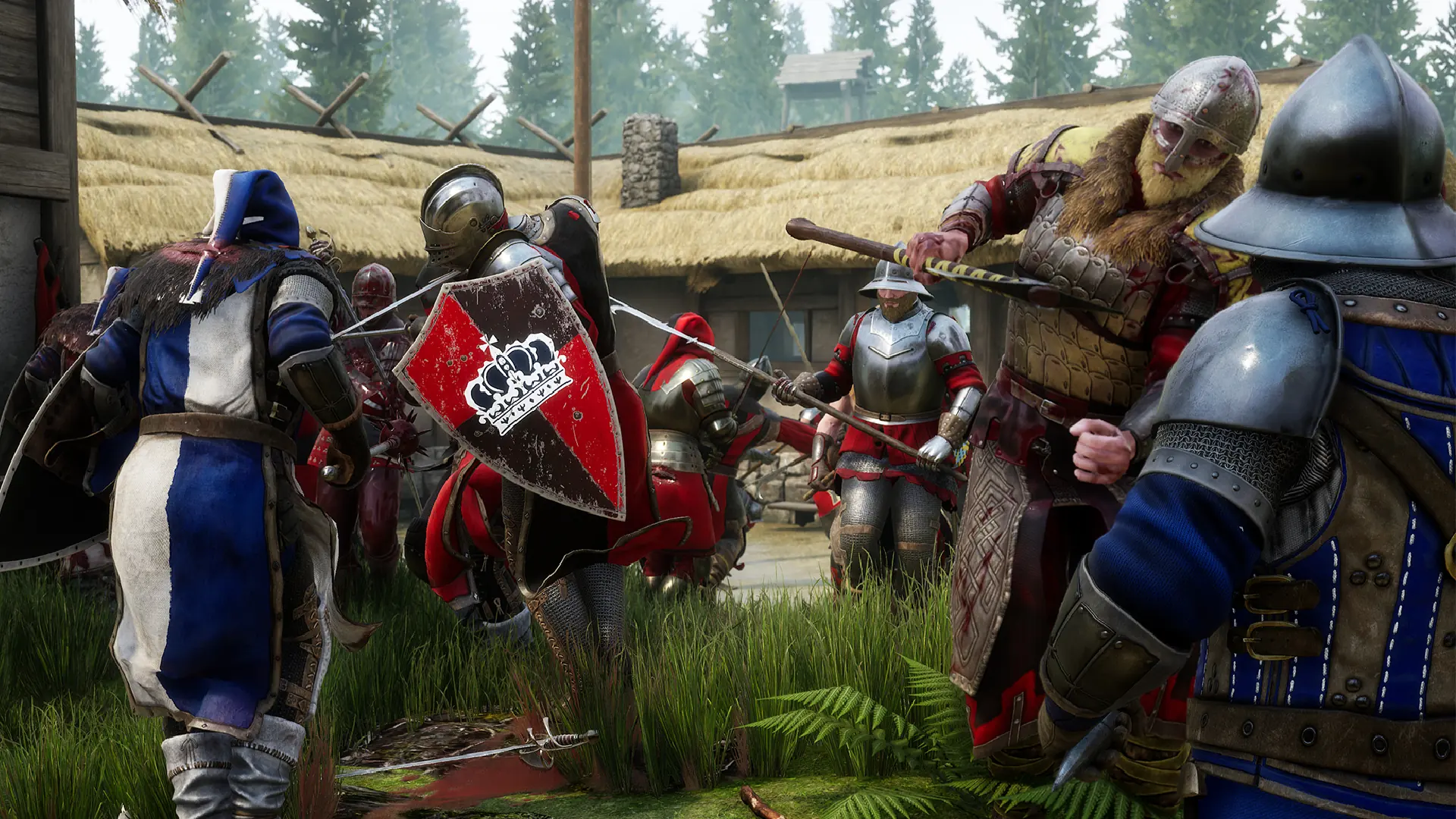
Match rules such as team damage and respawn times are kept in your MORDHAU server's Game.ini file.
Changing Game Settings
- 1Log in to Bropanel and
Stopyour server. - 2In the sidebar, go to
Files. - 3Open
Mordhau/Saved/Config/LinuxServer/Game.ini. On a Mordhau Wine server, openMordhau/Saved/Config/WindowsServer/Game.iniinstead. - 4Find the
[/Script/Mordhau.MordhauGameMode]section and change the values you want. - 5Save the file and start your server.
| Setting | Default | What it does |
|---|---|---|
TeamDamageFactor | 0.250000 | How much damage players do to their own team. 0 turns team damage off, 1 is full damage. |
AutoKickOnTeamKillAmount | 5 | How many teammates a player can kill before they are kicked. |
PlayerRespawnTime | 5.000000 | Seconds before a player respawns. |
HorseRespawnTime | 30.000000 | Seconds before a horse respawns. |
BallistaRespawnTime | 30.000000 | Seconds before a ballista respawns. |
CatapultRespawnTime | 30.000000 | Seconds before a catapult respawns. |
bIsThirdPersonCameraDisabled | False | Set to True to stop players from using the third person camera. |