
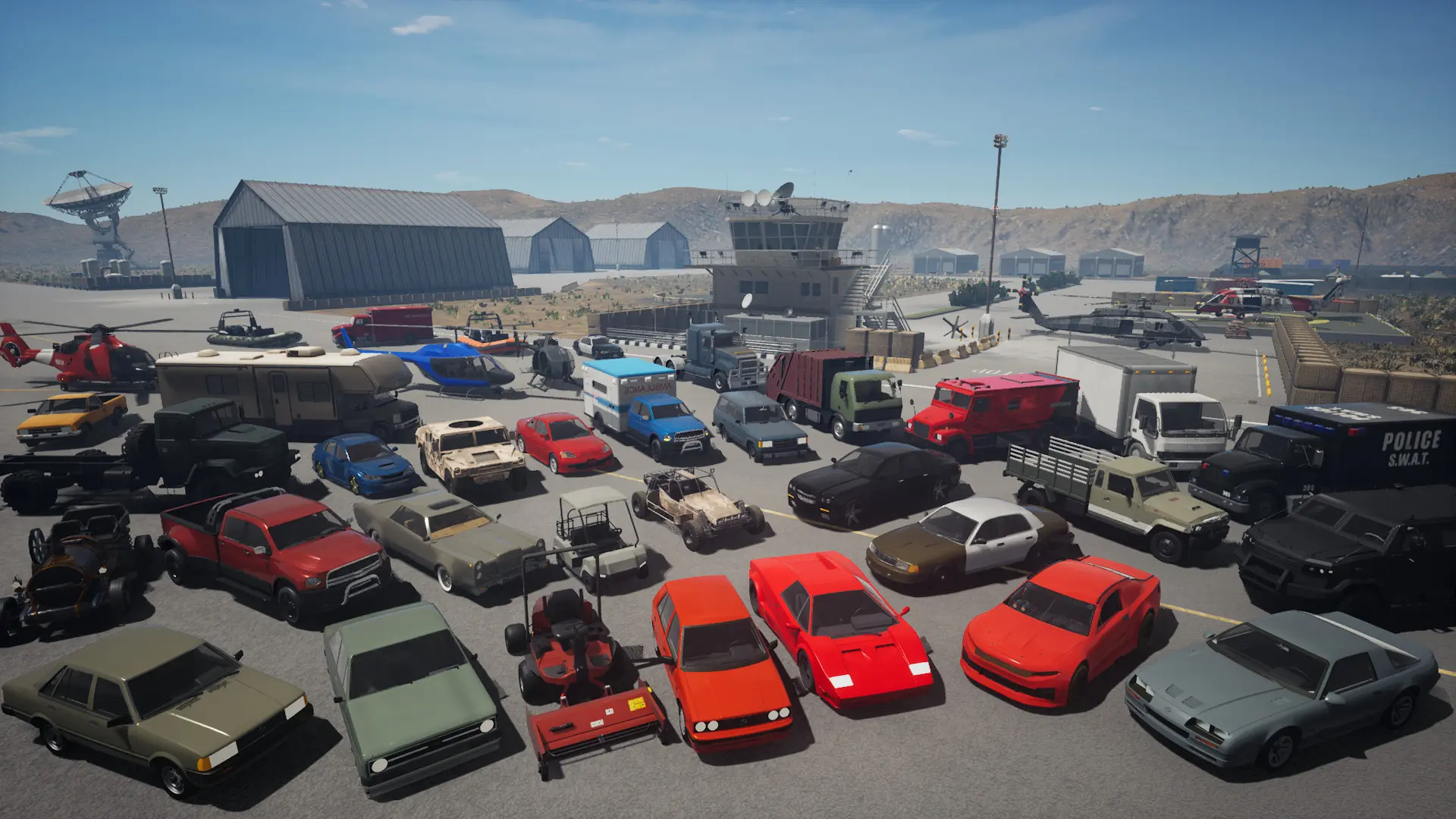
Max players sets how many people can be on your Onset server at once, from 1 to 300.
Changing Max Players
- 1Log in to Bropanel and select your server.
- 2In the sidebar, go to
Settings. - 3Under
Basic, editMax Players. - 4Click
Save & Restartto apply your changes.
Busy servers with many vehicles and objects use more memory and CPU. If your server starts to lag with a full player count, lower the limit or upgrade your plan.