
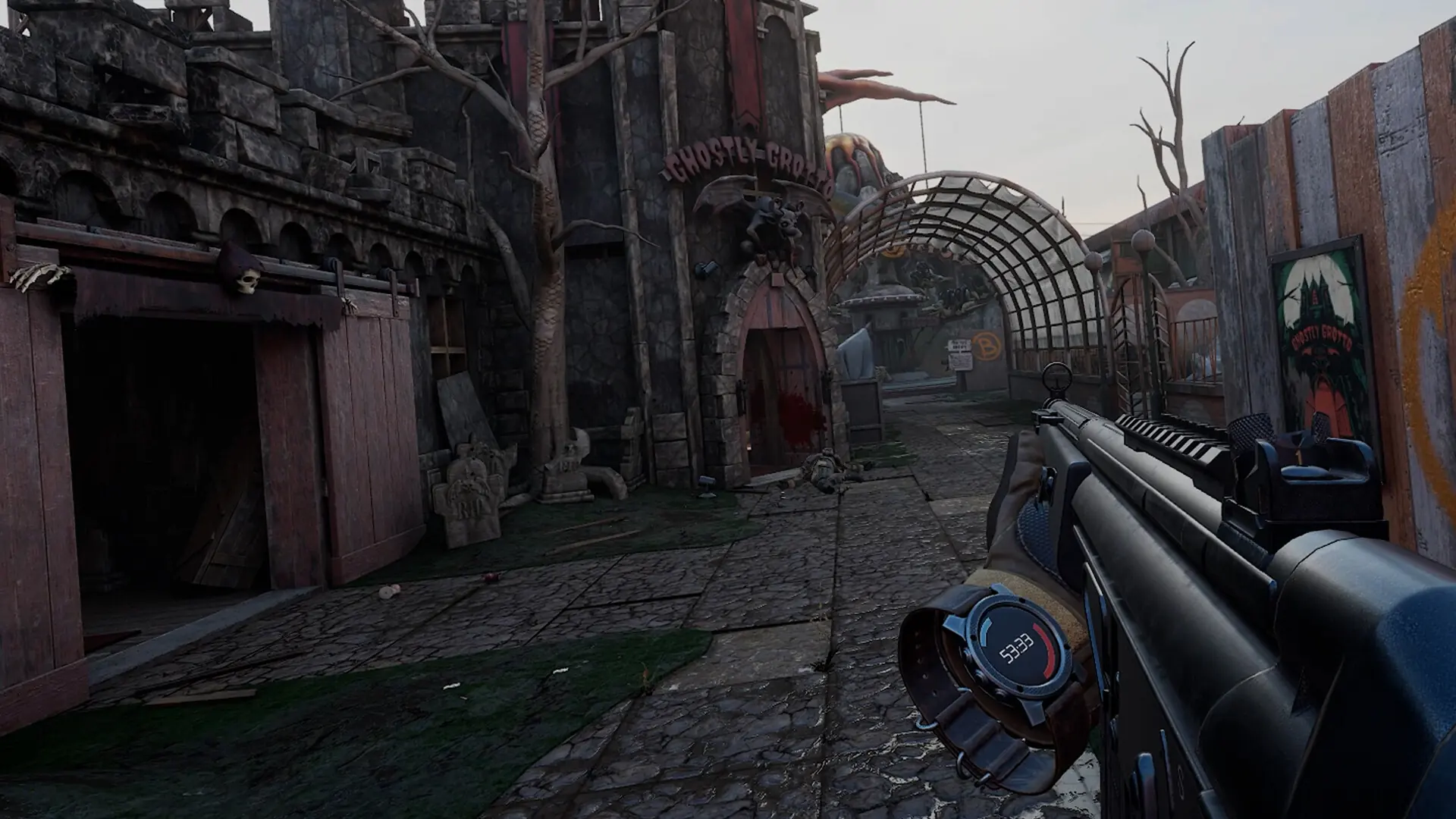
Your Pavlov VR server plays the maps in its rotation in order and moves to the next one when a match ends. The rotation is in the server's Game.ini file. A new server plays Search and Destroy on Datacenter, Deathmatch on Sand and Team Deathmatch on Bridge.
Editing The Map Rotation
- 1Log in to Bropanel and
Stopyour server. - 2In the sidebar, go to
Files. - 3Open
Pavlov/Saved/Config/LinuxServer/Game.ini. - 4Edit the
MapRotationlines, one map and game mode per line, in the order you want them played:MapRotation=(MapId="datacenter", GameMode="SND") MapRotation=(MapId="sand", GameMode="DM") MapRotation=(MapId="bridge", GameMode="TDM") - 5Save the file and start your server.
Caution
Stop the server before you edit Game.ini. The server saves this file when it stops, so changes made while it runs are lost.
Stock Maps
Use these as the MapId: datacenter, sand, bridge, containeryard, siberia, hospital, killhouse, range, ww2range, santorini, station, industry, haguenau, harbor, bunker, carnival, foundation, japan, pinehill and autumn. Some maps also have a night version: datacenter_night, sand_night, containeryard_night, santorini_night, siberia_night, station_night and industry_night.
If the server doesn't know a MapId, it loads Datacenter instead.
Game Modes
| Game mode | GameMode |
|---|---|
| Search and Destroy | SND |
| Team Deathmatch | TDM |
| Deathmatch | DM |
| Gun Game | GUN |
| One in the Chamber | OITC |
| King of the Hill | KOTH |
| Trouble in Terrorist Town | TTT |
| Prop Hunt | PH |
| Infection | INFECTION |
| Push | PUSH |
| Tank Team Deathmatch | TANKTDM |
| WW2 Gun Game | WW2GUN |
| The Hidden | HIDE |
| Killhouse (co-op) | KH |
Not every map supports every game mode.
Custom Maps
Custom maps come from mod.io. Use UGC followed by the map's mod.io ID as the MapId: a map with the ID 1234567 is MapId="UGC1234567". The server downloads the map when it loads it.
Changing The Map Right Away
In the Console, RotateMap moves to the next map in the rotation, and SwitchMap followed by a map and a game mode loads that one, for example SwitchMap sand TDM. See RCON and Console Commands.