
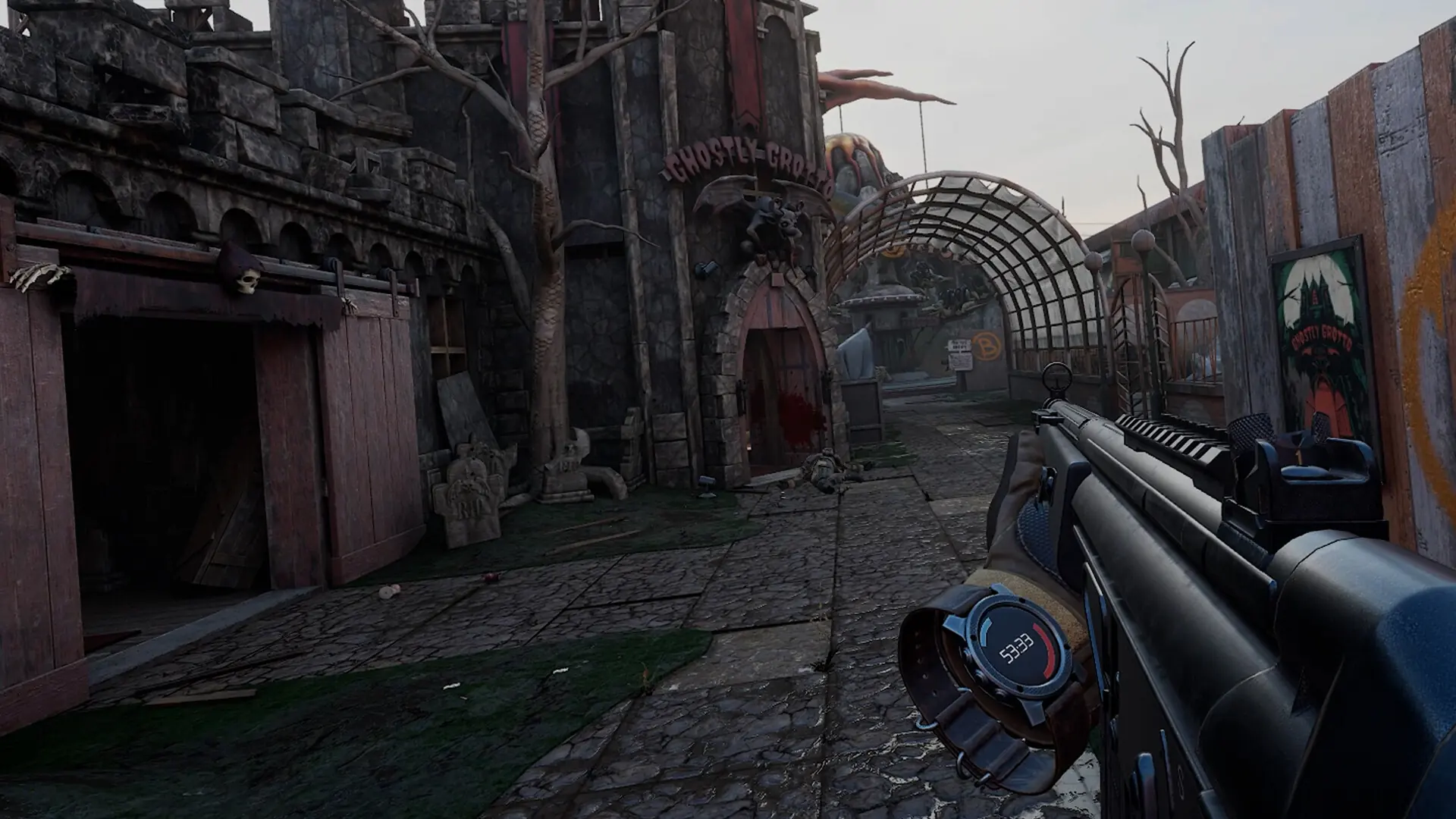
Pavlov's admin commands let you change the map, kick and ban players and manage moderators while your server runs. You can type them in the panel's Console, or send them from an RCON tool on your computer.
Using The Console
- 1Log in to Bropanel and select your server.
- 2In the sidebar, go to
Console. - 3Type a command, like
ServerInfo, and pressEnter.
The server answers in the console. Type Help for the full list of commands. The console works without an RCON password.
Useful Commands
Commands that act on a player take their ID, which is their SteamID64. RefreshList shows the ID of everyone on the server.
| Command | What it does |
|---|---|
ServerInfo | Shows the map, game mode and player count. |
RefreshList | Lists the players on the server with their IDs. |
RotateMap | Moves to the next map in the map rotation. |
SwitchMap sand TDM | Loads a map with a game mode right away. |
Kick 76561198106341655 | Kicks that player. |
Ban 76561198106341655 | Bans that player. Bans are saved in Pavlov/Saved/Config/blacklist.txt. |
Unban 76561198106341655 | Lifts the ban. |
AddMod 76561198106341655 | Makes that player a moderator. |
Connecting An RCON Tool
RCON tools for Pavlov need your server's IP address, its RCON port and the RCON password. Your server already has a random RCON password, and you can set your own.
- 1Log in to Bropanel and select your server.
- 2Copy the server IP address from the
Overviewpage. - 3In the sidebar, go to
Settings. - 4Under
Advanced, note theRCON Port. To set your own password, editRCON PasswordunderRCONand clickSave & Restart. - 5Enter the IP address, RCON port and password in your RCON tool.
Caution
Anyone with the RCON password can run every admin command on your server, so keep it private.