
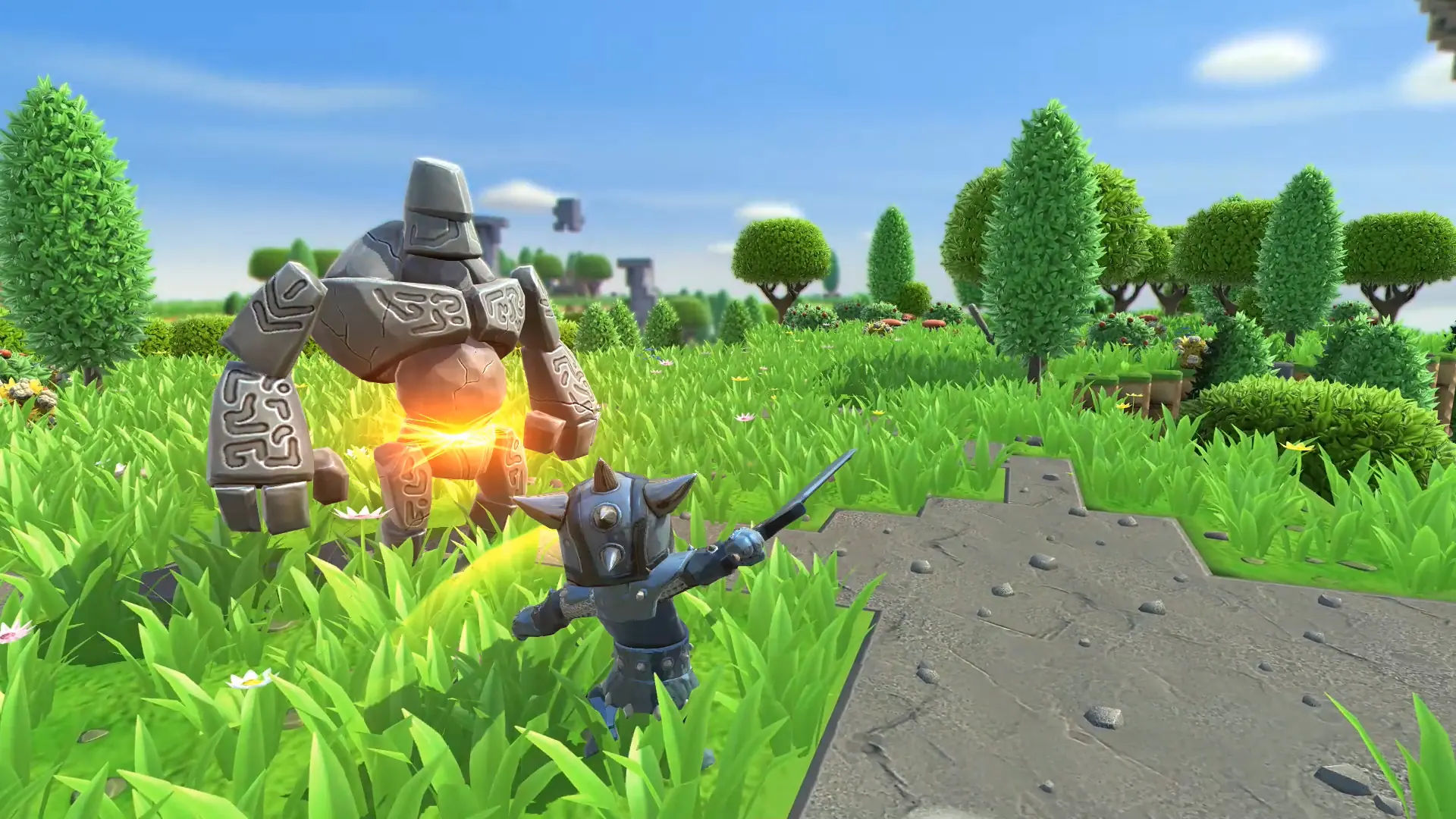
Creative mode gives you unlimited resources to build with, so you can focus on building instead of gathering. Here's how to switch your Portal Knights server over to it.
Enabling Creative Mode
- 1Log in to Bropanel and select your server.
- 2In the sidebar, go to
Settings. - 3Under
Gameplay, setGame ModetoCreative. - 4Set
Universe Slotto a slot you haven't used yet, so your creative universe starts fresh. - 5Click
Save & Restartto apply your changes.