
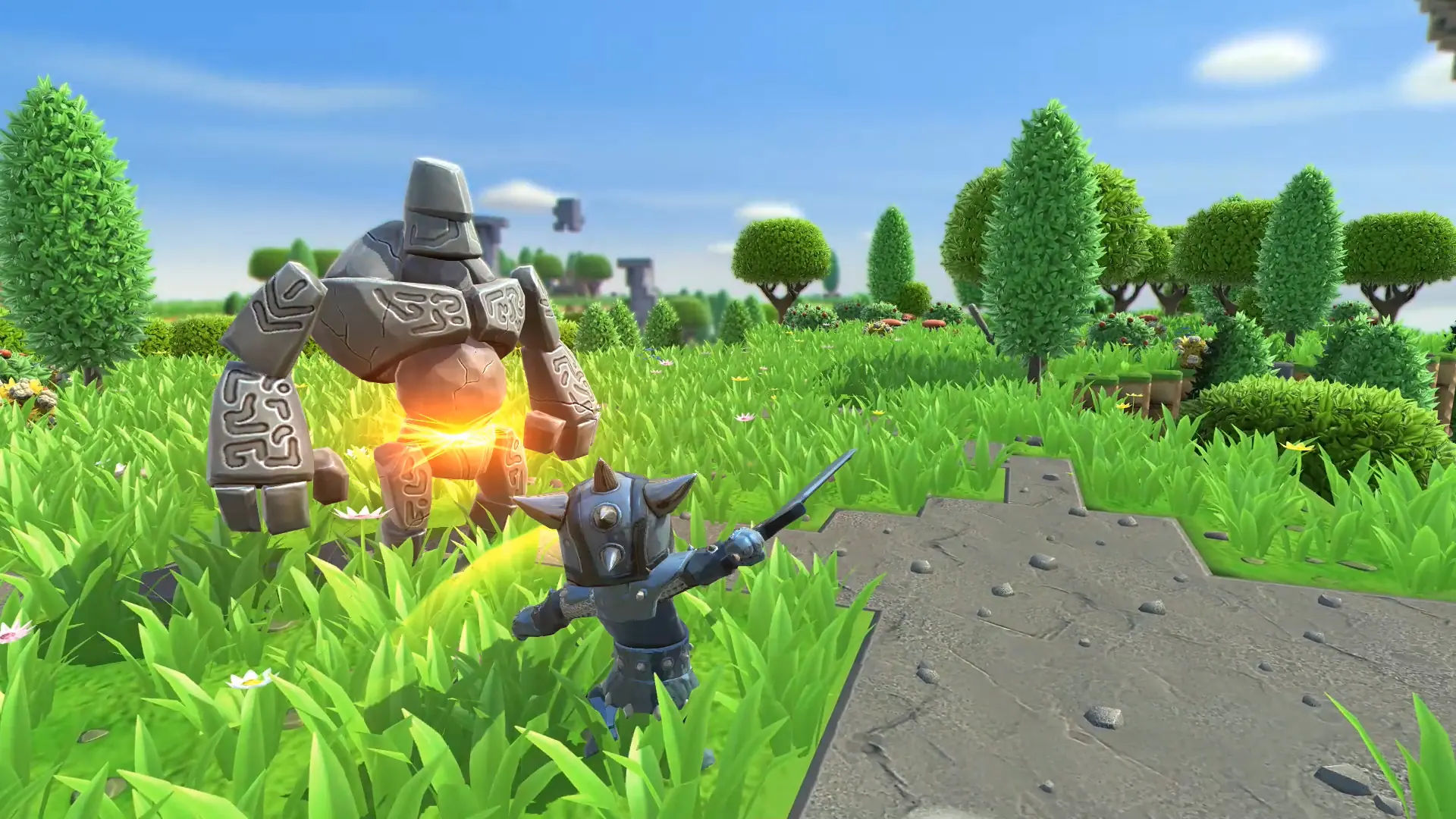
Guests are a separate player group with their own password. By default they can only look around, so it's a safe way to let visitors see your builds without letting them change anything. Here's how to enable guests on your Portal Knights server.
Enabling Guest Login
- 1Log in to Bropanel and select your server.
- 2In the sidebar, go to
Settings. - 3Under
Basic, enableGuest Login. - 4Set
Guest Passwordto the password you want guests to join with. - 5Click
Save & Restartto apply your changes.
To let guests do more, like use crafting stations or talk to NPCs, edit their user group permissions.