
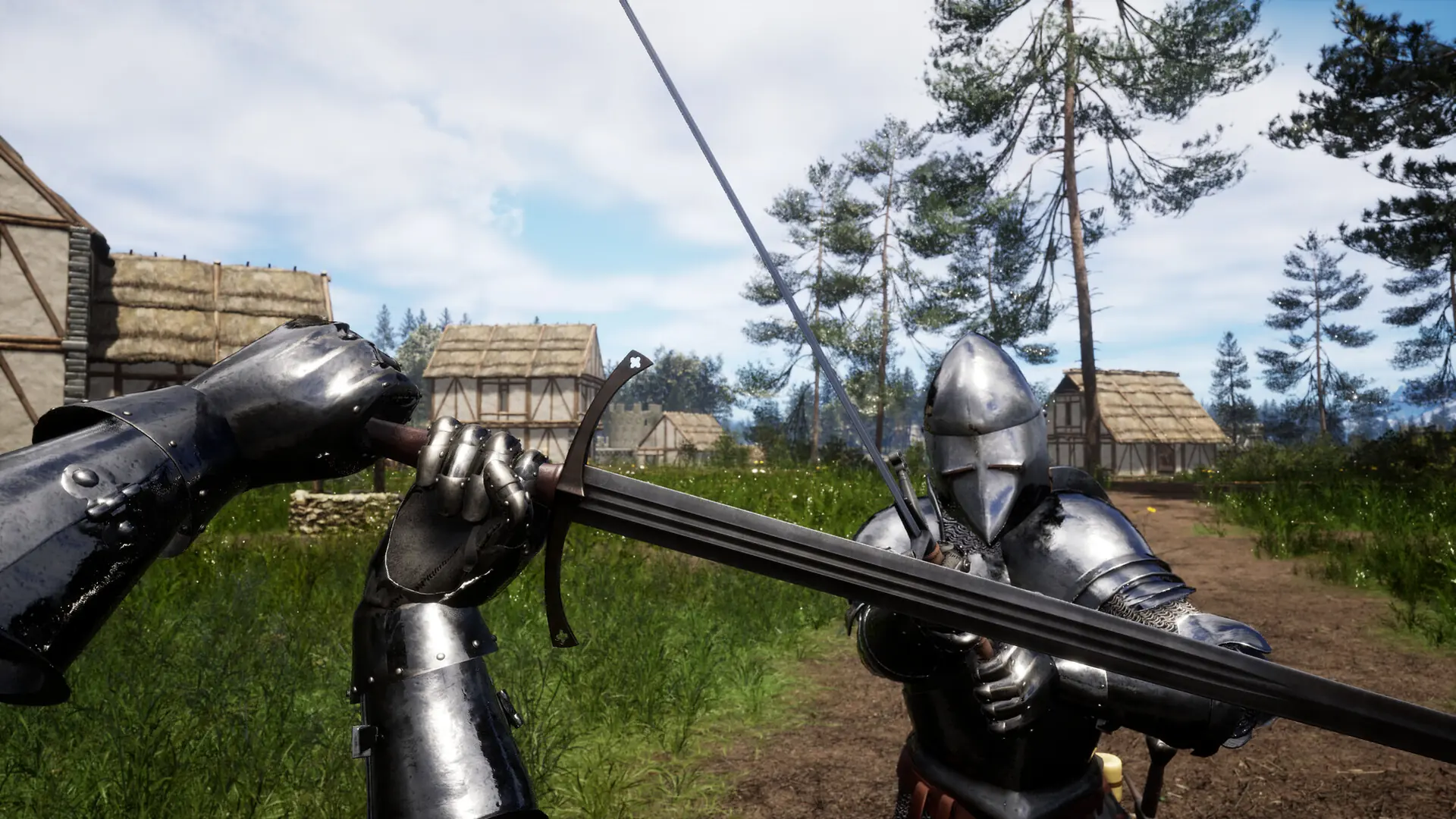
Auto balance keeps the teams on your Renown server even. Here's how to turn it on.
Enabling Auto Balance
- 1Log in to Bropanel and select your server.
- 2In the sidebar, go to
Settings. - 3Under
Gameplay, enableAuto Balance. - 4Click
Save & Restartto apply your changes.