
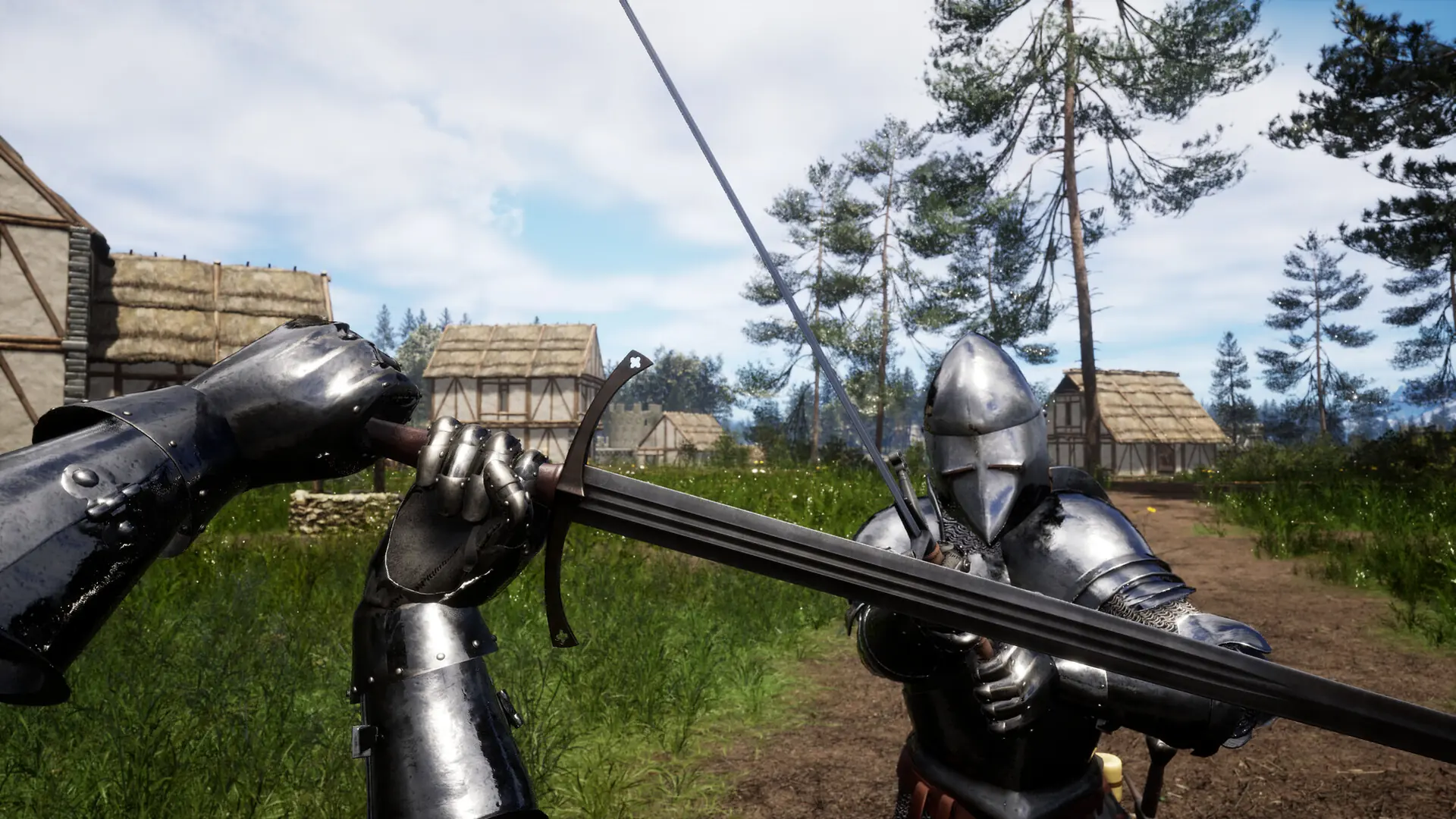
Every map on a Renown server belongs to a game mode, so the map you pick is what sets whether your server runs survival, a raid, or a round based mode like team deathmatch. Here's how to set your map, and how to build a custom mapcycle.
Changing Your Map Rotation
- 1Log in to Bropanel and select your server.
- 2In the sidebar, go to
Settings. - 3Under
Basic, editMap Rotationand enter the maps you want as a comma separated list. - 4Click
Save & Restartto apply your changes.
For example:
RSurv-AlgaraIsle_p,RTDM-Nook_p,RLTS-Volkskamp_p
Enable Use First Map if you want your server to load the first map in your rotation every time it starts.
Available Maps
| Game Mode | Map Value |
|---|---|
| Free-For-All | RFFA-Moss_p |
| Free-For-All | RFFA-Nook_p |
| Free-For-All | RFFA-Ruins_p |
| Free-For-All | RFFA-Tourney_p |
| Free-For-All | RFFA-Vestibule_p |
| Free-For-All | RFFA-Vestibule-Long_p |
| Free-For-All | RFFA-Volkskamp_p |
| Horde | RHrd-HalloweenHorde_p |
| Last Team Standing | RLTS-Moss_p |
| Last Team Standing | RLTS-Nook_p |
| Last Team Standing | RLTS-Ruins_p |
| Last Team Standing | RLTS-Tourney_p |
| Last Team Standing | RLTS-Vestibule_p |
| Last Team Standing | RLTS-Volkskamp_p |
| Raid | RRaid-Small_p |
| Raid | RRaid-Small4_p |
| Survival | RSurv-AlgaraIsle_p |
| Team Deathmatch | RTDM-Moss_p |
| Team Deathmatch | RTDM-Nook_p |
| Team Deathmatch | RTDM-Ruins_p |
| Team Deathmatch | RTDM-Tourney_p |
| Team Deathmatch | RTDM-Vestibule_p |
| Team Deathmatch | RTDM-Village_p |
| Team Deathmatch | RTDM-Volkskamp_p |