
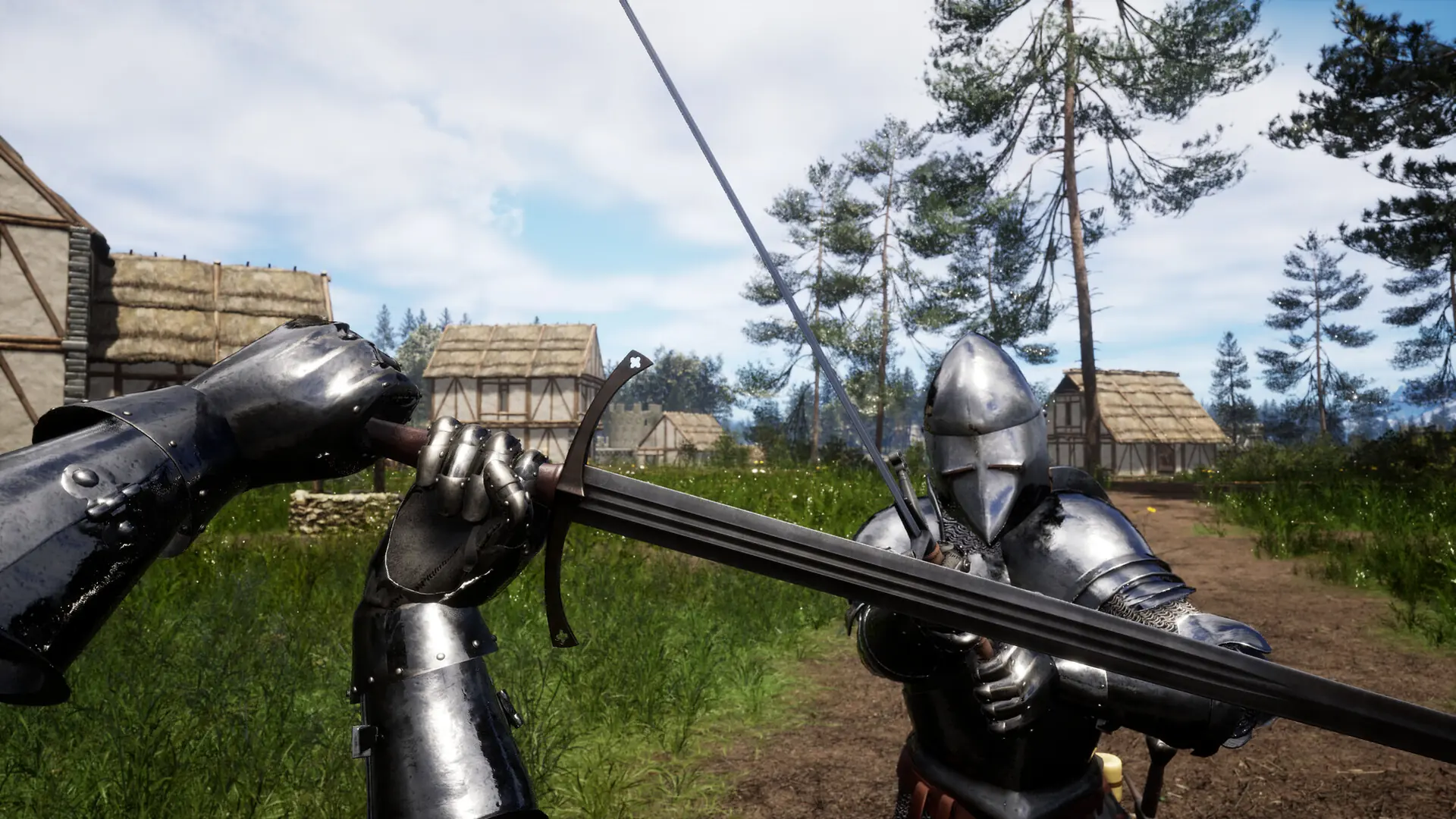
Here's how to set up a custom message of the day on your Renown server. Your MOTD is shown to players when they connect to your server.
Setting A Message Of The Day
- 1Log in to Bropanel and select your server.
- 2In the sidebar, go to
Settings. - 3Under
Basic, editMessage Of The Dayand enter your custom message. - 4Click
Save & Restartto apply your changes.
Formatting Your Message
You can use \r\n to create line breaks in your message of the day. Pressing Enter in the field won't break the line, so you need to type the characters out.
For example:
Welcome to the GHB Renown server!\r\n\r\nJoin our Discord: https://discord.gg/yourserver\r\n\r\nServer resets every Sunday at 3am UTC. Don't build near spawn - anything within 100m gets cleared.\r\n\r\nType "help" in chat for commands. Have fun!
This will display as:
Welcome to the GHB Renown server!

Join our Discord: https://discord.gg/yourserver

Server resets every Sunday at 3am UTC. Don't build near spawn - anything within 100m gets cleared.

Type "help" in chat for commands. Have fun!