
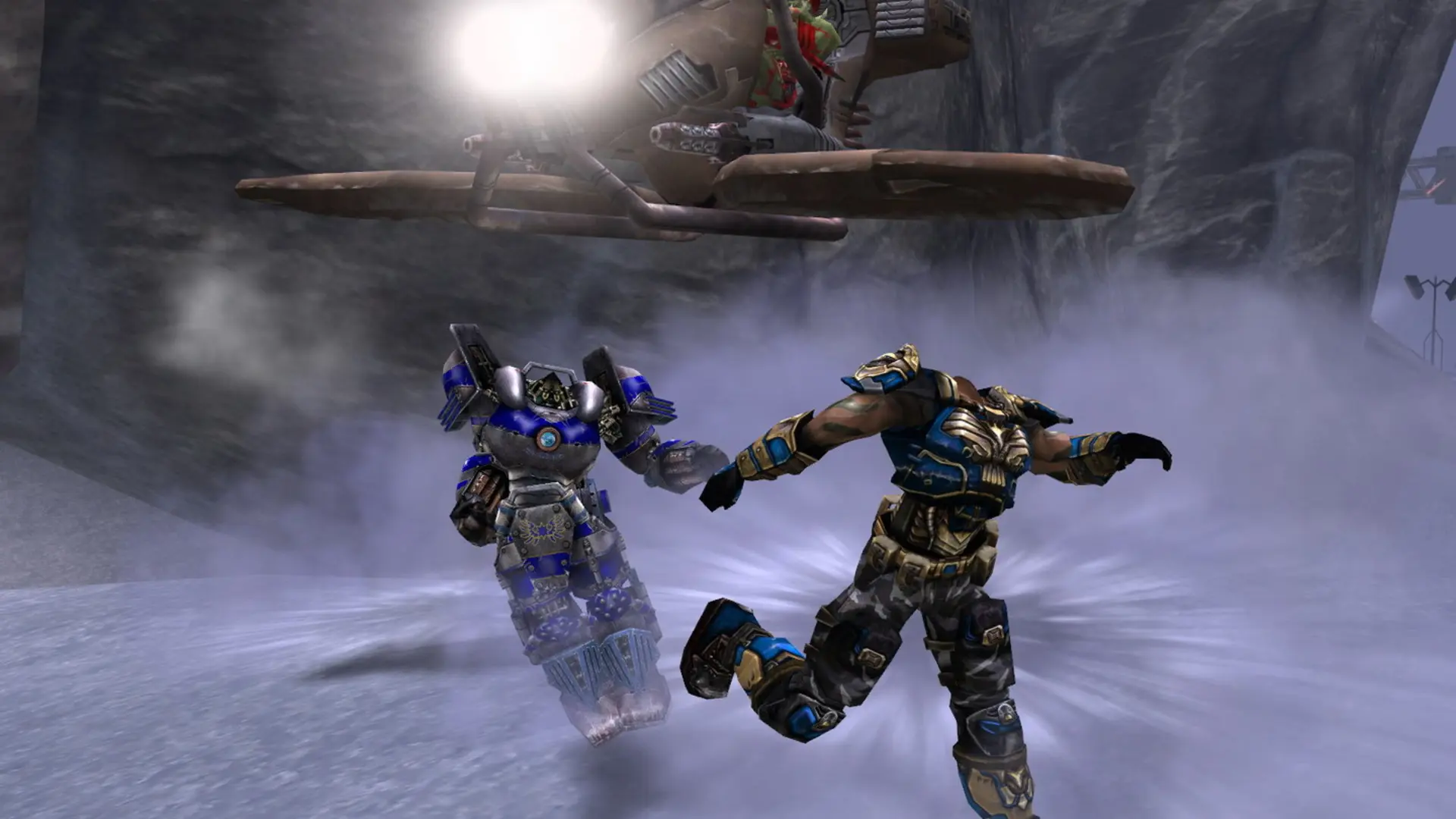
Your Unreal Tournament 2004 server can run any of the game's ten modes. Pick one in Settings and your server starts on a stock map for that mode.
| Game Type | Starting map |
|---|---|
Deathmatch | DM-Rankin |
Team Deathmatch | DM-Rankin |
Capture the Flag | CTF-FaceClassic |
Bombing Run | BR-Anubis |
Double Domination | DOM-Suntemple |
Onslaught | ONS-Torlan |
Assault | AS-Convoy |
Invasion | DM-Antalus |
Last Man Standing | DM-Morpheus3 |
Mutant | DM-Morpheus3 |
Changing The Game Type
- 1Log in to Bropanel and select your server.
- 2In the sidebar, go to
Settings. - 3Under
Gameplay, changeGame Typeto the mode you want. - 4Click
Save & Restartto apply your changes.
Note
If you set a map, make sure it fits the new game type, for example a CTF- map for Capture the Flag. Clear Map to start on the stock map from the table.