
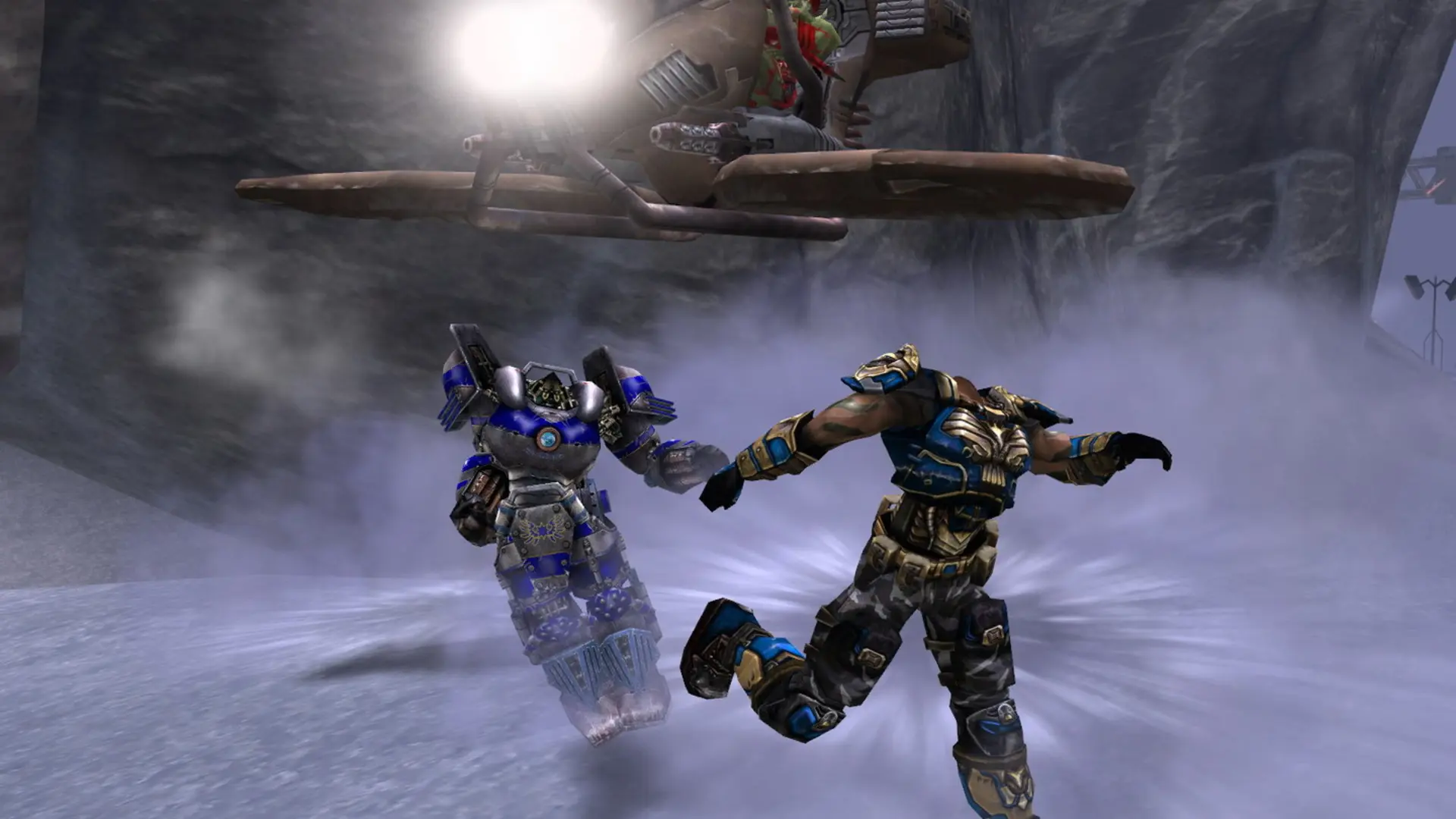
The time limit sets how many minutes each match lasts on your Unreal Tournament 2004 server. When time runs out, the player or team with the highest score wins and the server moves to the next map.
Changing The Time Limit
- 1Log in to Bropanel and select your server.
- 2In the sidebar, go to
Settings. - 3Under
Gameplay, findTime Limitand enter the match length in minutes. - 4Click
Save & Restartto apply your changes.
Set it to 0 for no time limit, so matches only end when someone reaches the goal score. Leave it empty to use the game type's default of 20 minutes.