
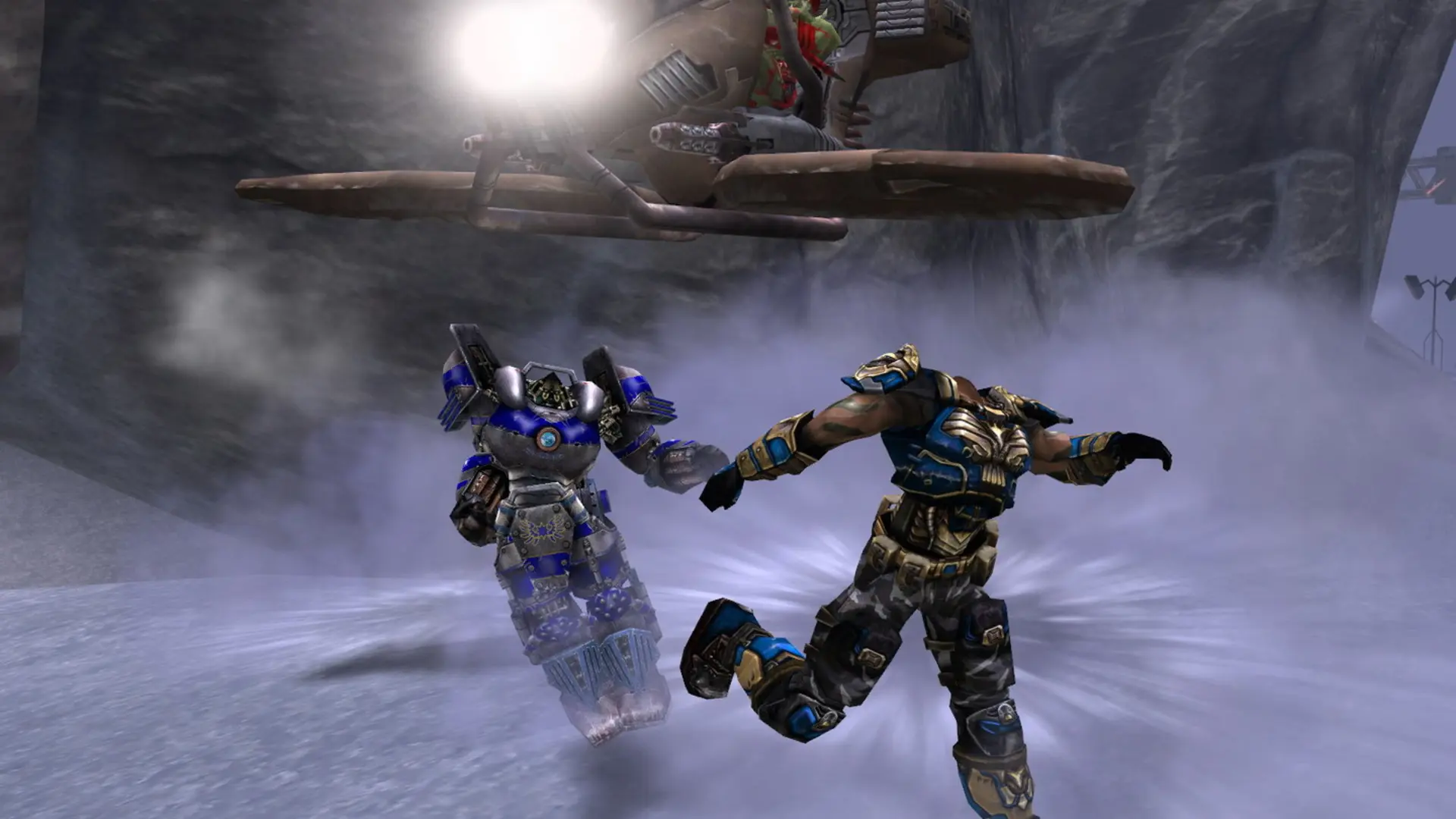
Here is how you can join your Unreal Tournament 2004 dedicated server. Your server runs OldUnreal's 3374 patch, which works with players on the last official version (3369) and on OldUnreal's patch.
| Your game | Can join? |
|---|---|
| UT2004 3369 (Steam, GOG or a patched DVD) | Yes |
| OldUnreal 3374 patch or the free OldUnreal installer | Yes, recommended |
| UT2004 3339 or older | No, update your game first |
Tip
If you don't own the game anymore, OldUnreal offers the full game for free with Epic's approval. Get it from oldunreal.com.
Connecting From the Server Browser
- 1Open Unreal Tournament 2004 and click
Join Game. - 2Pick the game type your server runs, for example
DeathmatchorOnslaught. - 3Find your server name in the list. Use the filters or sort by name if the list is long.
- 4Double-click your server to join. If you set a server password, enter it when asked.
Note
It can take a few minutes for a new server to appear in the server browser after it starts. Players on the original 3369 version need the community master servers set up in their game to see it in the list; joining by IP always works.
Connecting With the IP Address
- 1Log in to Bropanel and select your Unreal Tournament 2004 server.
- 2Copy the server IP address and port from the
Overviewpage, for example123.45.67.89:7777. - 3Open Unreal Tournament 2004 and press the
~key to open the console. - 4Type
open 123.45.67.89:7777with your own IP and port, then pressEnter.
If your server has a password, add it to the end like this: open 123.45.67.89:7777?password=yourpassword.