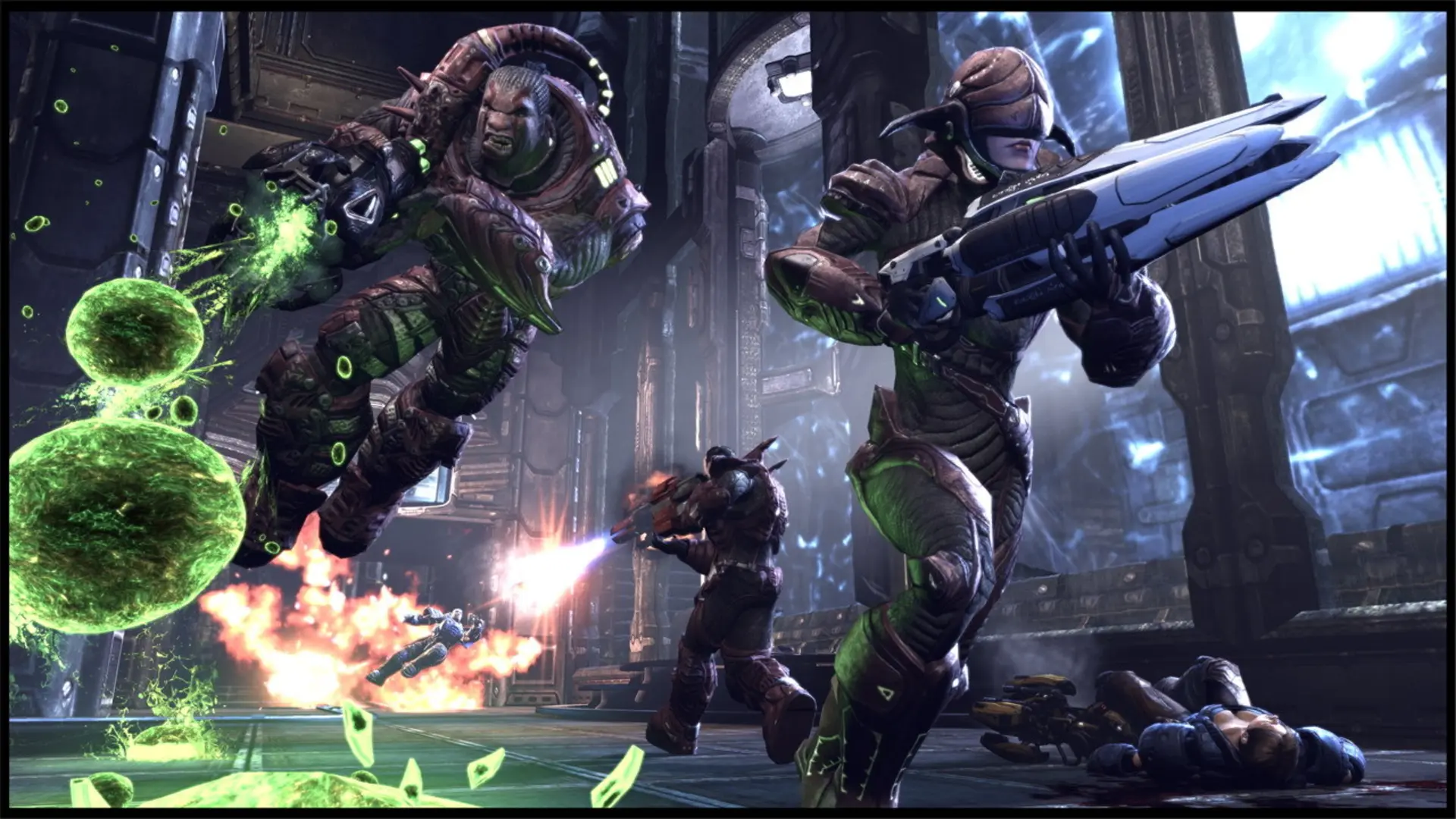
This is what you do if you want your Unreal Tournament 3 server to start on a specific map. After that map, the server moves through its map list as normal.
Changing The Map
- Log in to Bropanel and select your server.
- In the sidebar, go to
Settings. - Under
Gameplay, findMapand enter the map name, for exampleDM-DeckorWAR-Torlan. - Click
Save & Restartto apply your changes.
Map names start with the game type they're made for: DM- for Deathmatch, Team Deathmatch, Duel and Betrayal, CTF- for Capture the Flag and Greed, VCTF- for Vehicle CTF and WAR- for Warfare. Greed also plays on VCTF- maps. Leave Map empty to use the stock map for your game type.