
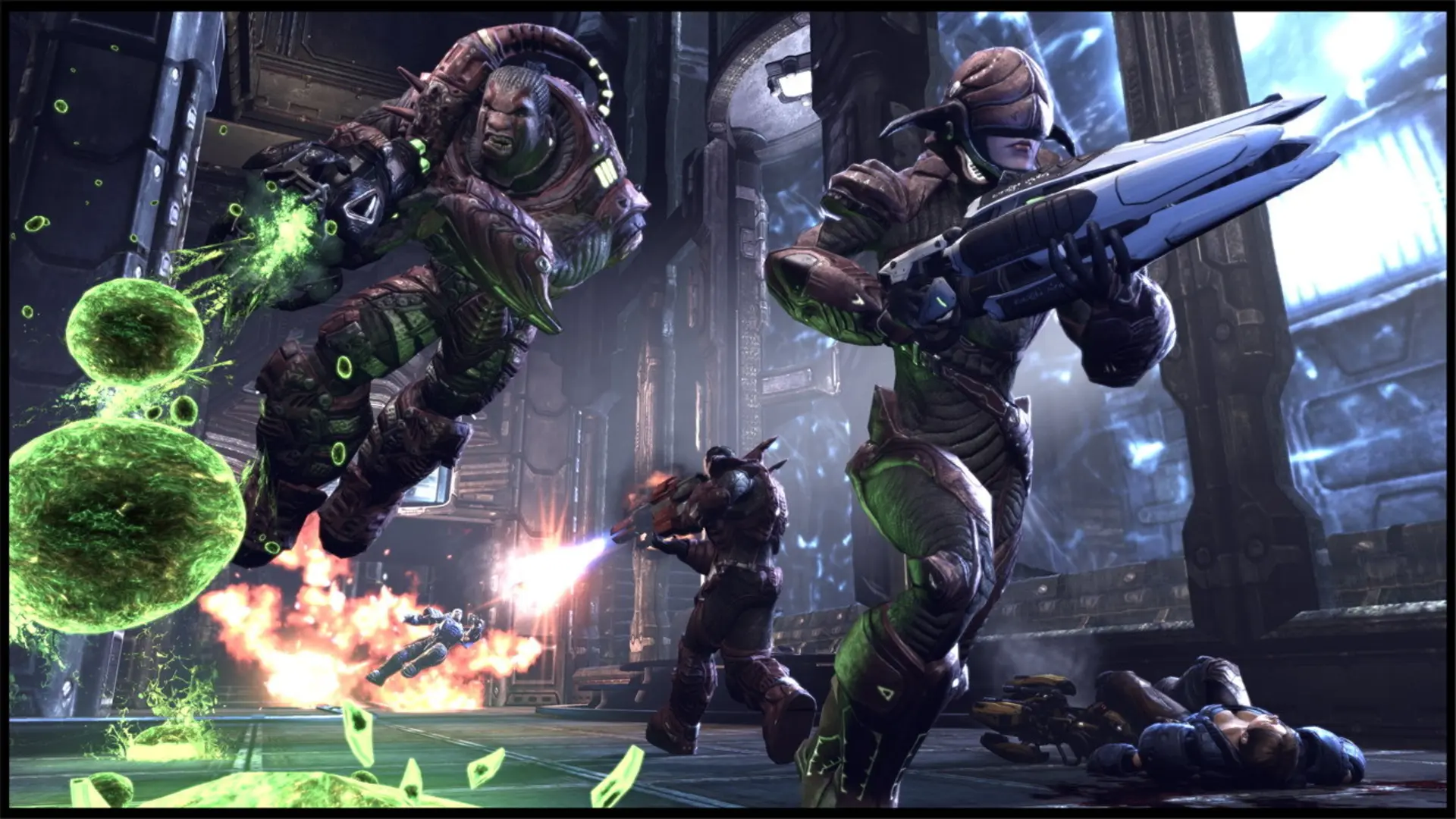
Mutators change the rules of every match on your Unreal Tournament 3 server, for example one-shot InstaGib rifles or low gravity. You can run several at once.
| Mutator | What it does |
|---|---|
InstaGib | Everyone has an instant-kill rifle. |
LowGrav | Low gravity. |
BigHead | Head size depends on each player's kills to deaths. |
FriendlyFire | Teammates can hurt each other. |
Handicap | Losing players get armor and weapon bonuses. |
Hero | Players can become Titans (Titan Pack). |
NoHoverboard | Removes the hoverboard. |
NoOrbs | Removes the power orbs in Warfare. |
NoPowerups | Removes powerups like the Damage Amplifier. |
NoTranslocator | Removes the Translocator. |
Slomo | The whole game runs slower. |
SpeedFreak | The whole game runs faster. |
SuperBerserk | Faster firing weapons. |
Survival | In Duel, waiting players take over as soon as a current player is killed. |
WeaponsRespawn | Weapon pickups respawn after they're taken instead of always being there. |
Adding Mutators
- 1Log in to Bropanel and select your server.
- 2In the sidebar, go to
Settings. - 3Under
Gameplay, findMutatorsand enter the mutators you want, separated by commas, for exampleInstaGib, LowGrav. - 4Click
Save & Restartto apply your changes.
To turn mutators off, clear the Mutators field and click Save & Restart.
Tip
For a custom mutator, upload its files as its readme describes: .u and .upk packages go anywhere under UTGame/CookedPC (for example CustomMaps), .ini files in UTGame/Config and .int files in UTGame/Localization/INT. Then enter its class name in Mutators, for example MyMutator.UTMutator_MyMutator. The mutator's readme tells you the class name.