
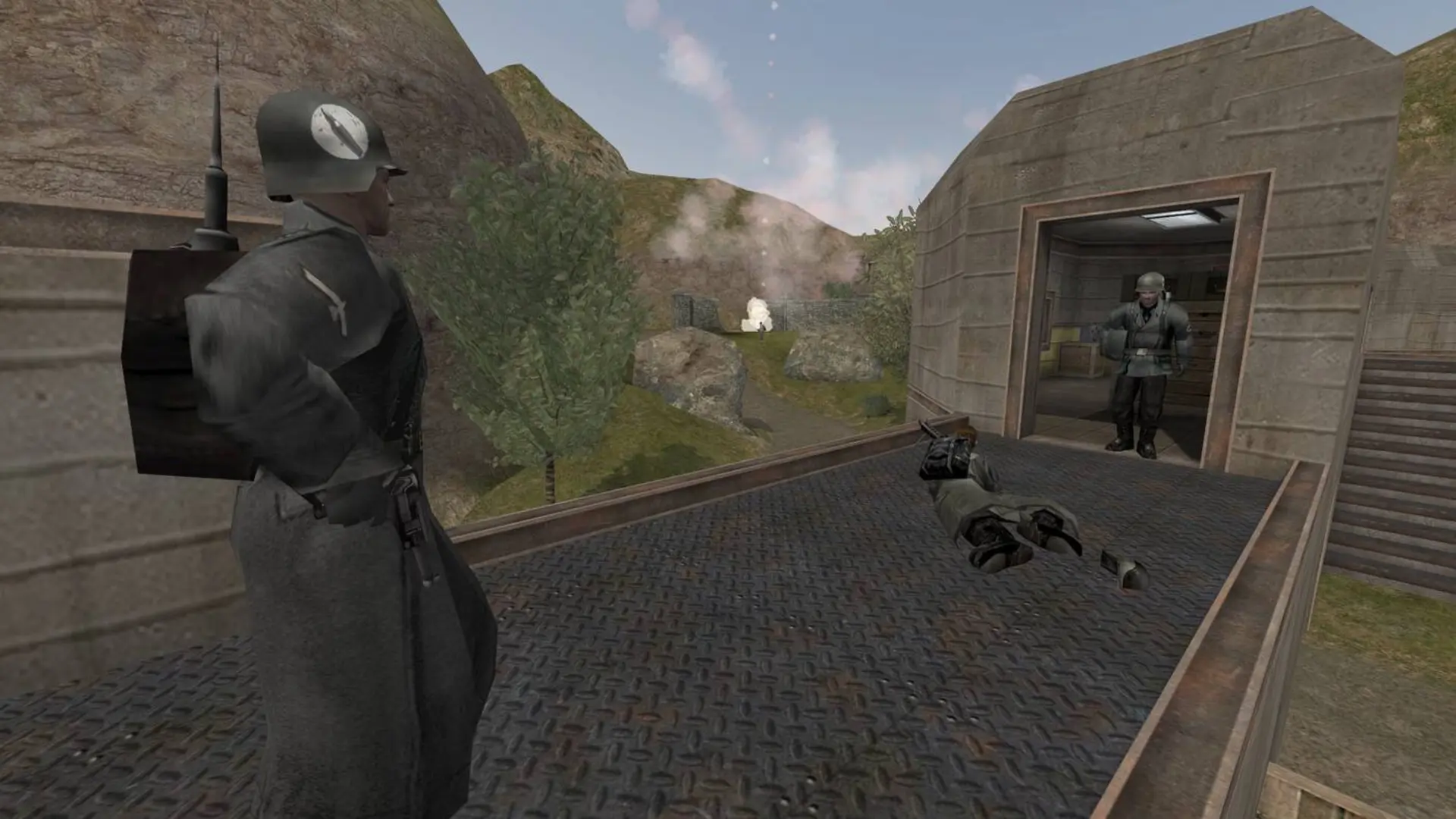
Your Wolfenstein: Enemy Territory server can run any of the game's five modes. Each one has its own map rotation file, which you can edit to pick the maps.
| Game Type | How it plays | Rotation file |
|---|---|---|
Objective | One map at a time, then the next map | objectivecycle.cfg |
Stopwatch | Teams take turns attacking each map, and the faster attack wins | stopwatchcycle.cfg |
Campaign | A set of maps played in order, with experience carried between them | campaigncycle.cfg |
Last Man Standing | One life per round, the last team standing wins | lmscycle.cfg |
Map Voting | Players vote for the next map at the end of each map | mapvotecycle.cfg |
Changing The Game Type
- 1Log in to Bropanel and select your server.
- 2In the sidebar, go to
Settings. - 3Under
Gameplay, changeGame Typeto the mode you want. - 4Click
Save & Restartto apply your changes.
Changing The Map Rotation
- 1Log in to Bropanel and
Stopyour server. - 2In the sidebar, go to
Files. - 3Open the
etmainfolder and then the rotation file for your game type from the table. - 4Change the map names on the
maplines, add or remove lines, and keep eachnextmap vstrpointing at the next line. Make sure the last line points back tod1. - 5Save the file and start your server.
The stock maps are oasis, battery, goldrush, radar, railgun and fueldump. To play your own maps, see Adding Custom Maps.
Changing The Campaign Rotation
campaigncycle.cfg lists campaigns instead of maps. Each line runs a campaign and uses nextcampaign vstr to point at the next line, for example set d1 "campaign cmpgn_northafrica ; set nextcampaign vstr d2". The stock campaigns are cmpgn_northafrica and cmpgn_centraleurope, and a custom campaign's name is in the .campaign file inside its .pk3.
- 1Log in to Bropanel and
Stopyour server. - 2In the sidebar, go to
Files. - 3Open the
etmainfolder and thencampaigncycle.cfg. - 4Change the campaign names on the
d1,d2lines, add or remove lines, and make sure the last line points back tod1. - 5Keep the
d_initialline, which starts the server. Itsmapmust be the first map of the campaign you want to play first (oasisfor North Africa), and itsnextcampaign vstrpoints at the campaign to play after that. - 6Save the file and start your server.