
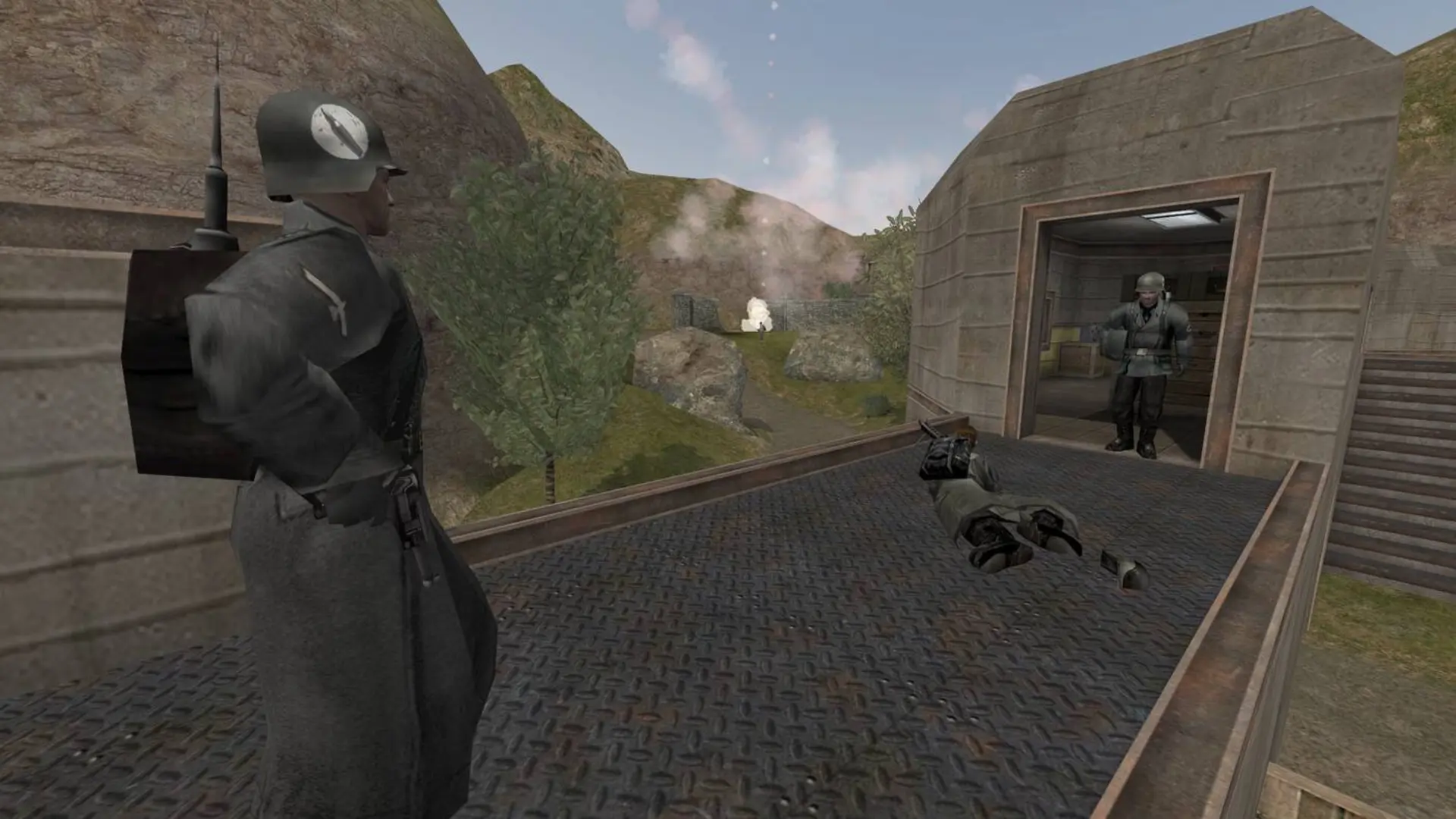
Players earn experience points (XP) that unlock new skills. Normally XP starts over when a player reconnects and on each new map. With XP save on, players keep their XP and skills when they reconnect and from one map to the next.
Turning On XP Save
- 1Log in to Bropanel and select your server.
- 2In the sidebar, go to
Settings. - 3Under
Gameplay, turn onXP Save. - 4Click
Save & Restartto apply your changes.
Saved XP resets every 8 maps, so new players can catch up.