
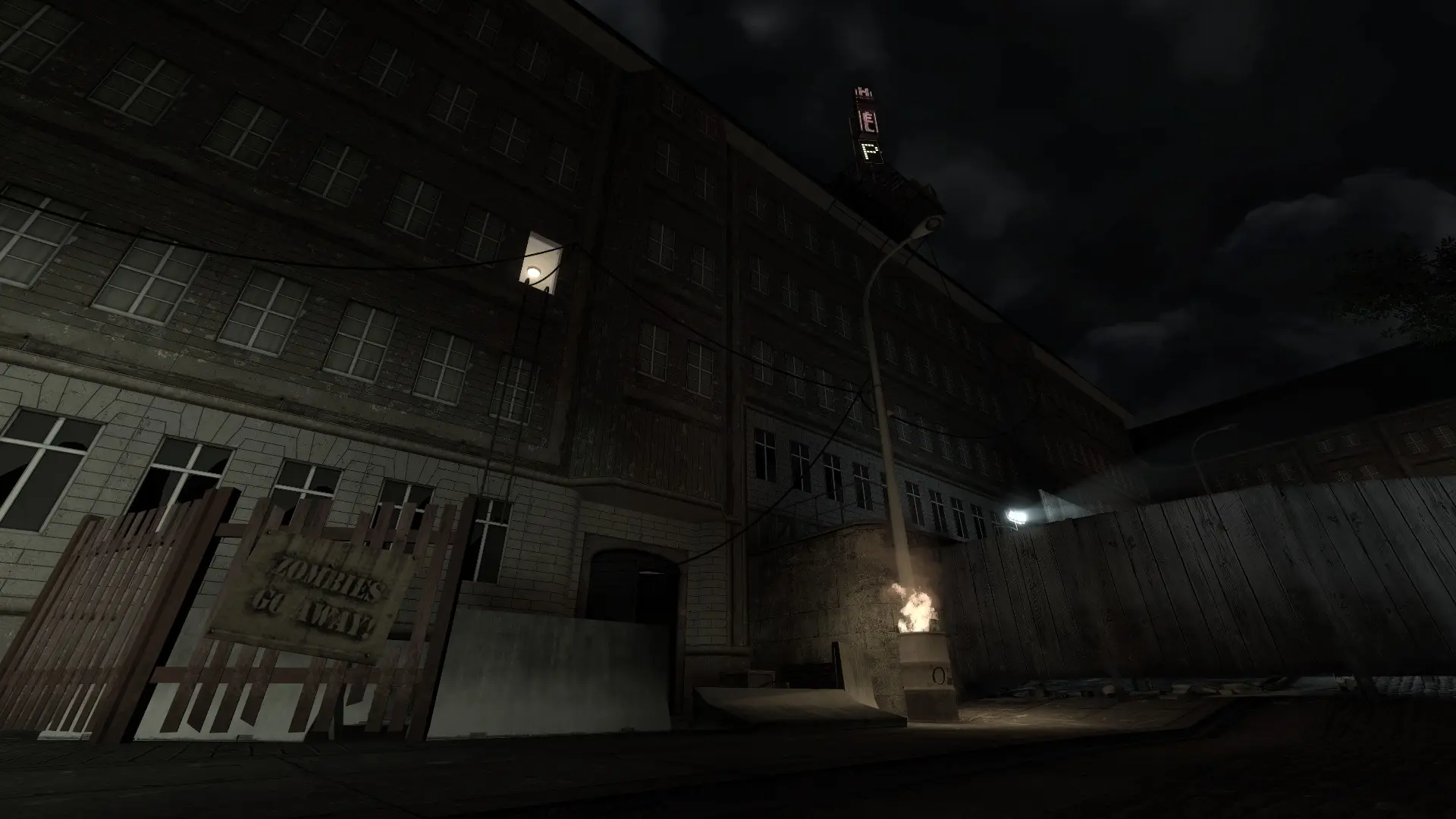
Your server starts on one map and then moves through the map cycle as each map ends. Map names start with zps_ for Survival, zpo_ for Objective and zph_ for Hardcore maps, for example zps_deadend, zpo_tanker or zph_pithole.
Changing the Start Map
- 1Log in to Bropanel and select your server.
- 2In the sidebar, go to
Settings. - 3Under
Basic, findMapand type the map name, for examplezpo_tanker. - 4Click
Save & Restartto apply your changes.
The start map has to be a stock map or a custom map in the zps/maps folder. If the server can't find it, it starts on zps_deadend instead. Maps from a Workshop collection can be played from the map cycle.
Editing the Map Cycle
- 1Log in to Bropanel and
Stopyour server. - 2In the sidebar, go to
Filesand open thezps/cfgfolder. - 3Open
mapcycle.txtand list the maps you want, one map name per line, in the order they should play. - 4Save the file and start your server.
A map changes when the time limit or max rounds is reached.