
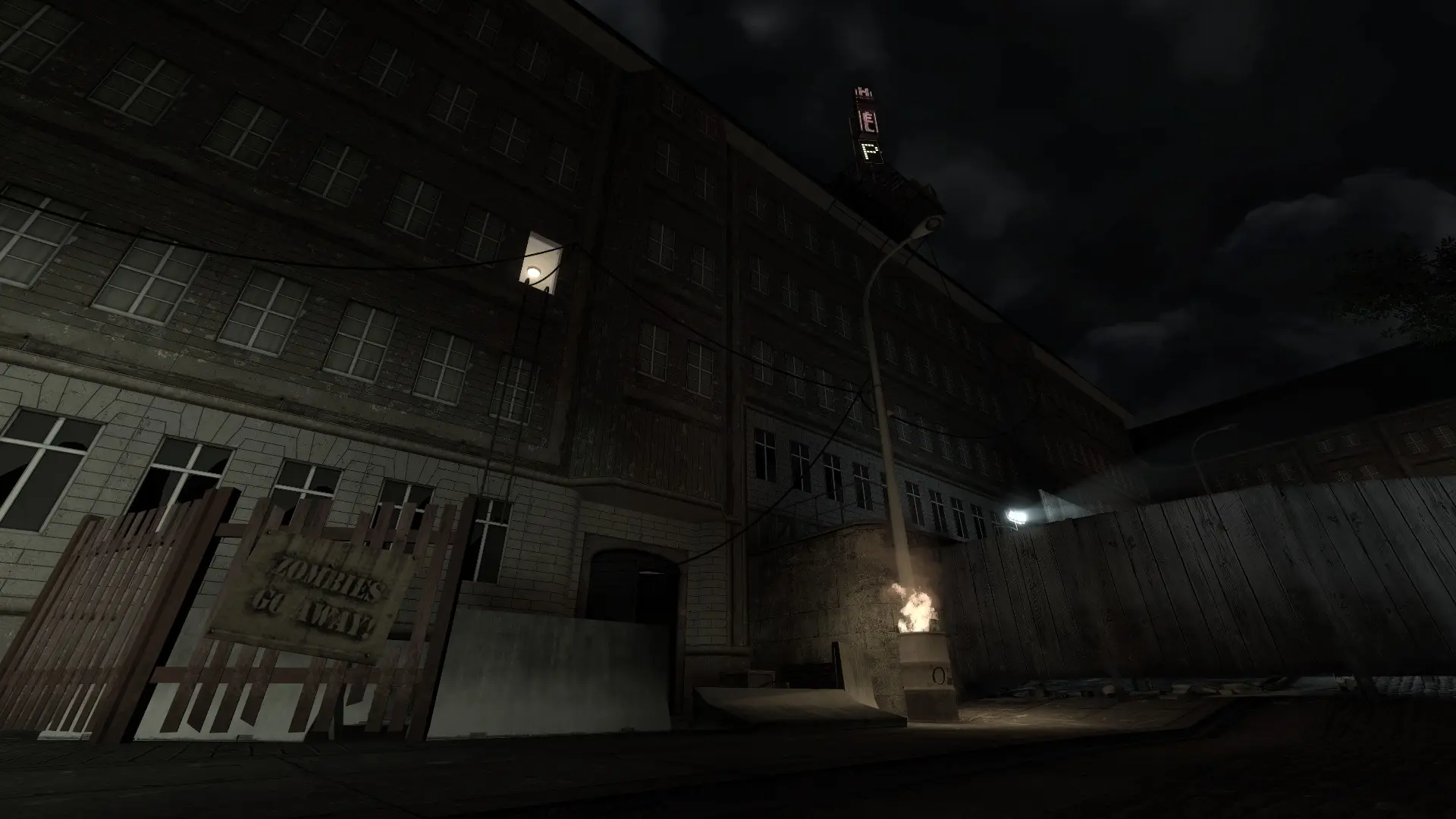
A server password keeps your Zombie Panic! Source server private, so only players you share it with can join.
Setting a Password
- 1Log in to Bropanel and select your server.
- 2In the sidebar, go to
Settings. - 3Under
Basic, findServer Passwordand type a password of up to 32 characters, without spaces. - 4Click
Save & Restartto apply your changes.
To make the server public again, clear the Server Password field and click Save & Restart. Players can enter the password when they join from the server browser, or type it in the console before connecting.