
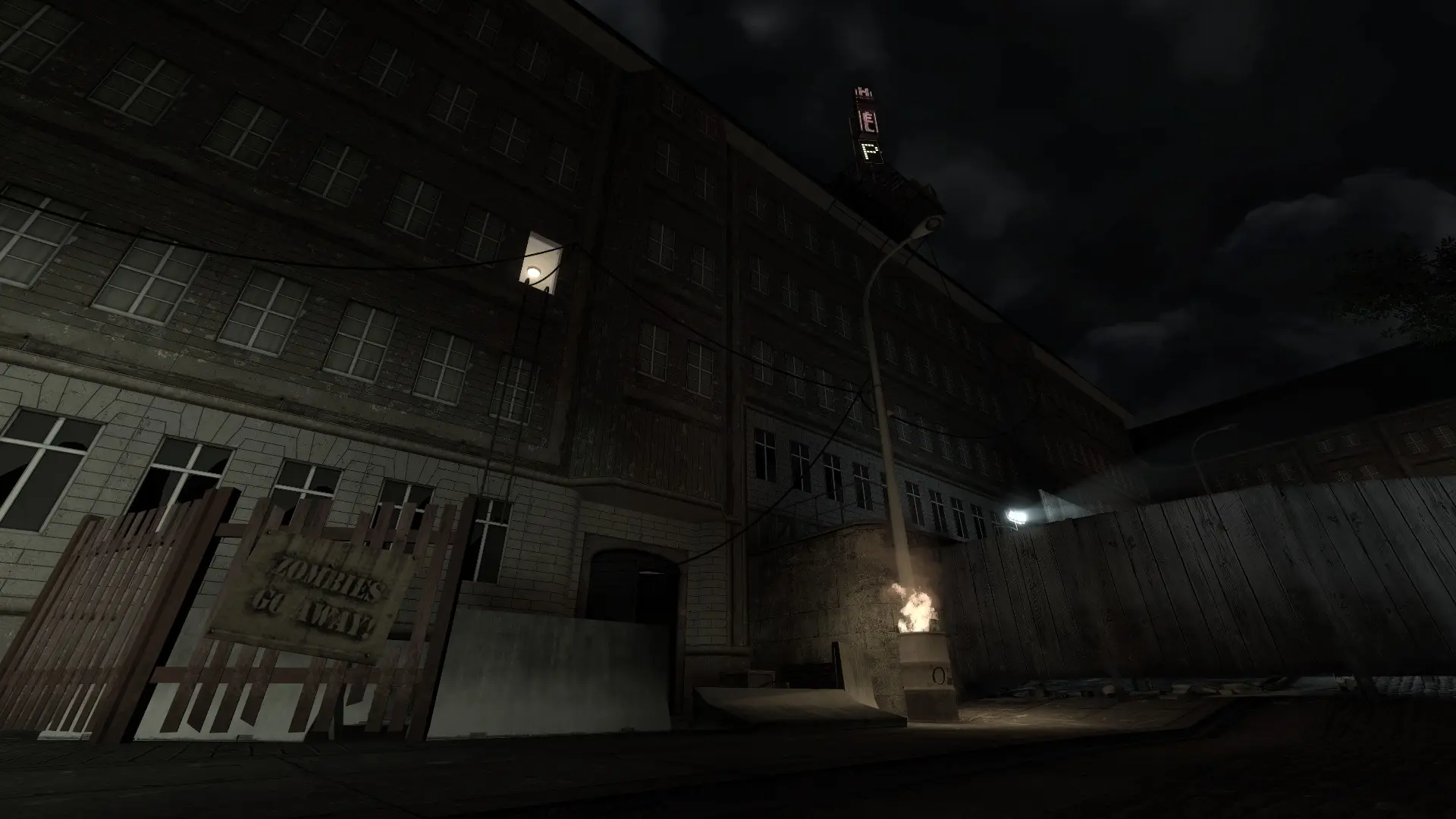
Hardcore mode makes survival much harder on every map, not just the zph_ Hardcore maps. You can also turn on proximity voice chat with it, so players only hear the people close to them.
Changing Hardcore Mode
- 1Log in to Bropanel and select your server.
- 2In the sidebar, go to
Settings. - 3Under
Gameplay, findHardcore Modeand pickOff,OnorOn with proximity voice. - 4Click
Save & Restartto apply your changes.