
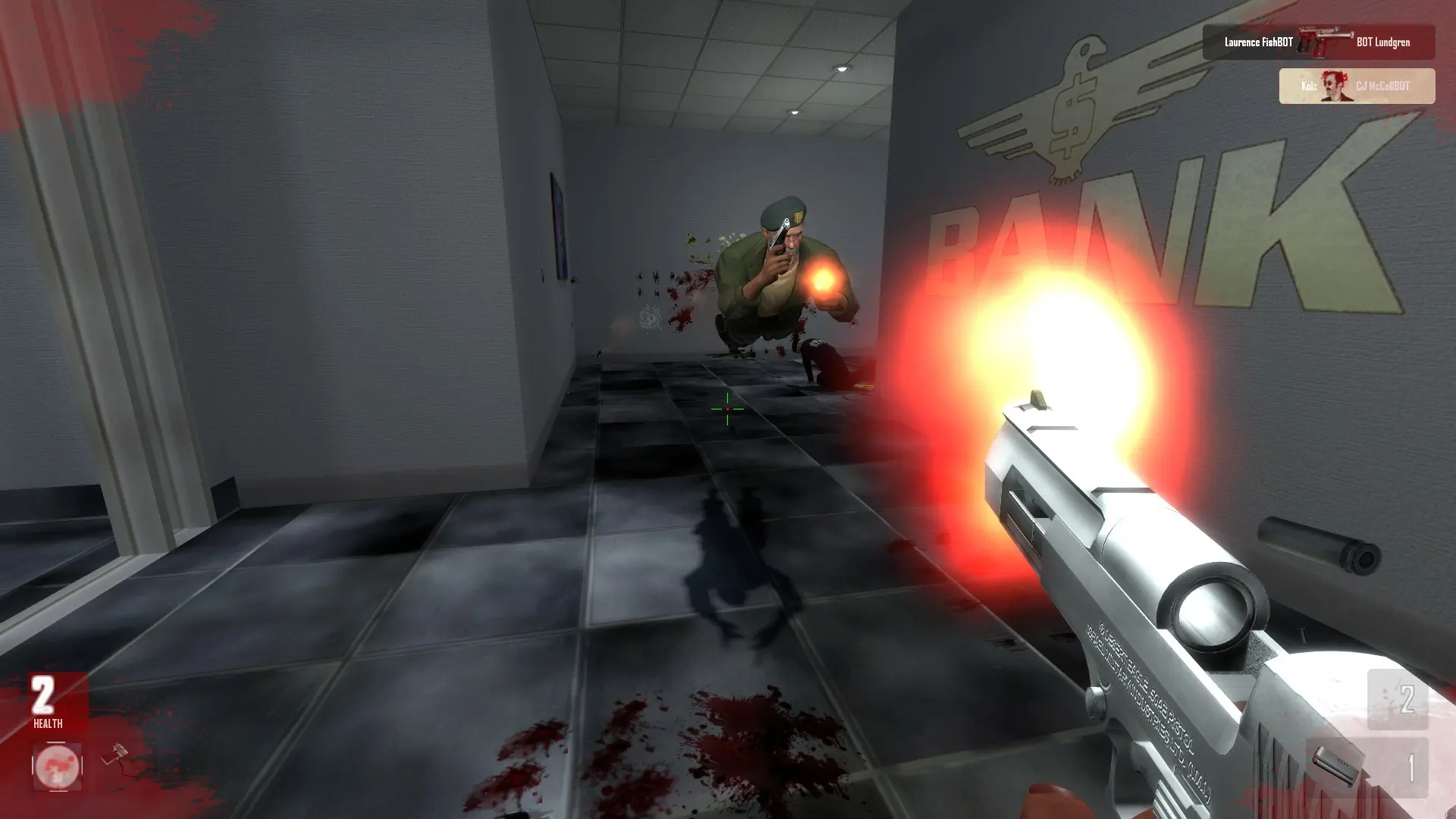
Here's how to add community maps to your Action: Source server.
Uploading Custom Maps
- 1Download the map. You need its
.bspfile, plus anymaterials,modelsorsoundfolders that came with it. Unzip it first if it came in a.zip. - 2Log in to Bropanel and
Stopyour server. - 3In the sidebar, go to
Files. - 4Open the
ahl2folder. Upload the.bspfile intomaps, and anymaterials,modelsorsoundfiles into the folders with the same names. - 5Start your server.
To play the map, add its name to your Map Rotation or set it as your Start Map. The map name is the .bsp file name without .bsp, for example act_mymap.
Note
Players who don't have the map download it automatically when they join, through your server's built-in FastDL.