
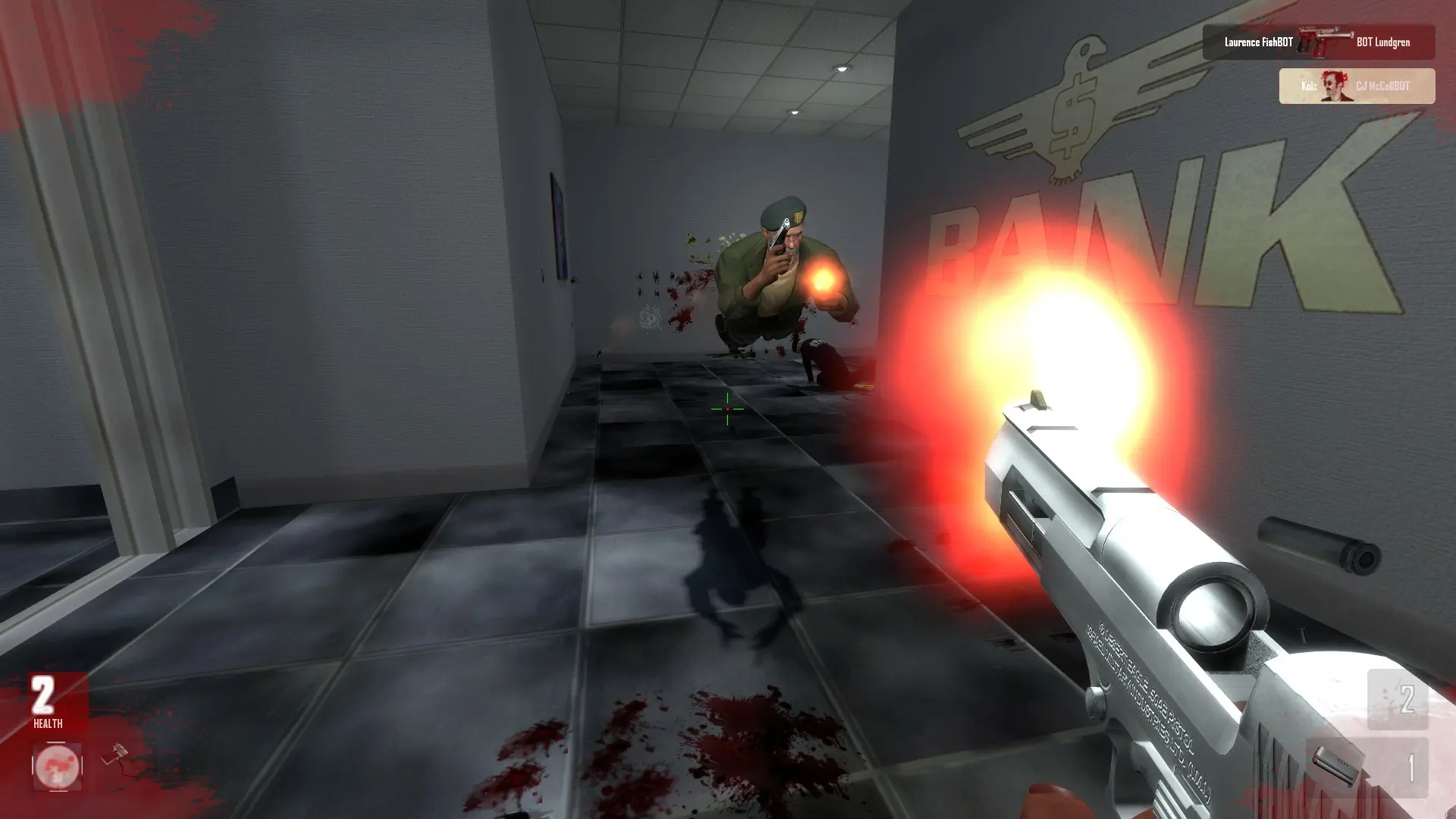
Teamplay decides whether players fight on teams or everyone against everyone.
| Teamplay | What happens |
|---|---|
Off | Free-for-all deathmatch. Default. |
On | Players join teams and score together. |
Changing Teamplay
- 1Log in to Bropanel and select your server.
- 2In the sidebar, go to
Settings. - 3Under
Gameplay, enable or disableTeamplay. - 4Click
Save & Restartto apply your changes.
With teamplay on, Friendly Fire decides whether teammates can hurt each other.