
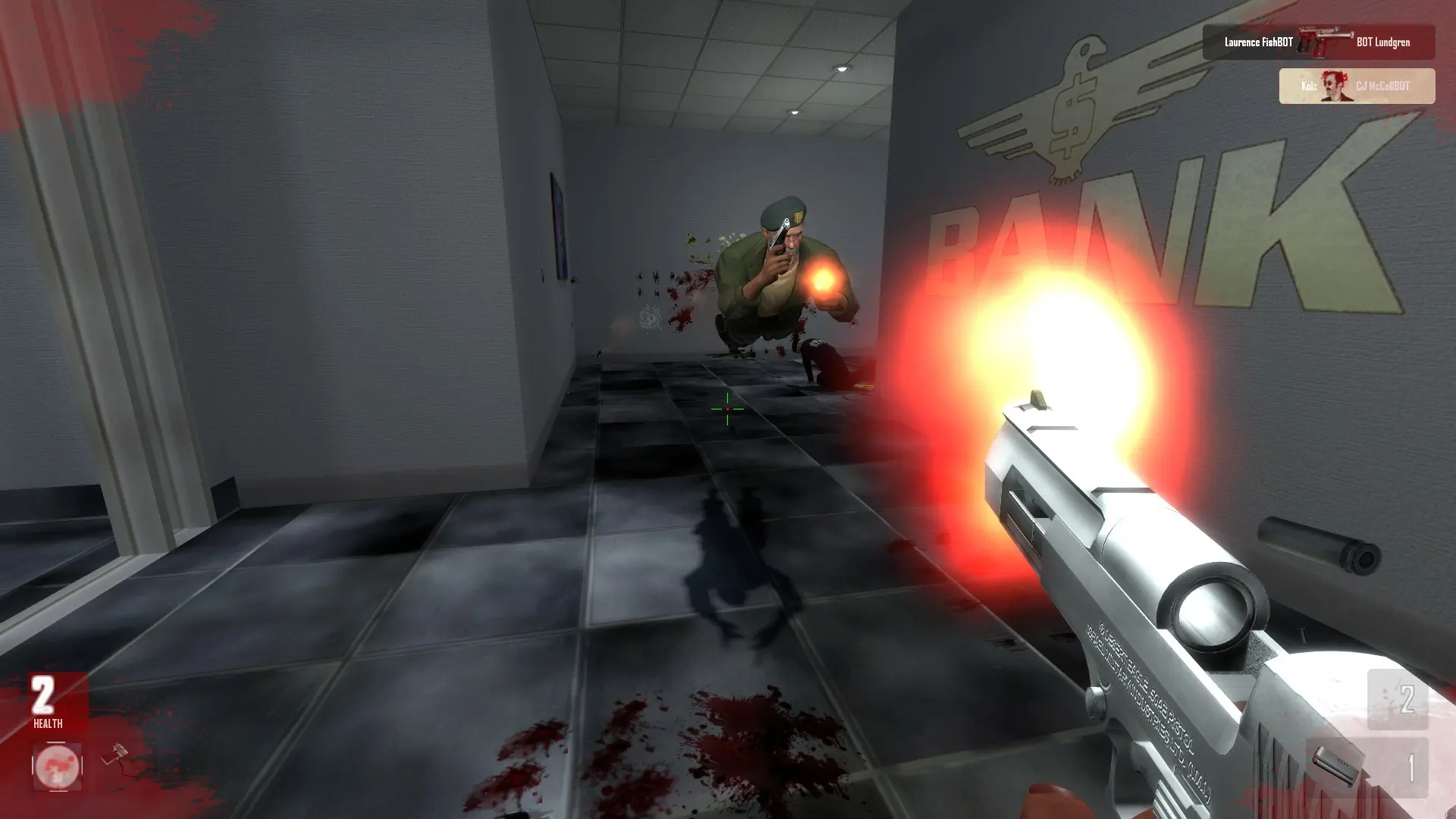
The map rotation is the list of maps your server plays, in order. When a map ends, the server moves to the next map in the list.
Changing The Map Rotation
- 1Log in to Bropanel and select your server.
- 2In the sidebar, go to
Files. - 3Open the
ahl2folder and clickmapcycle.txt. - 4Put one map name on each line, in the order you want, for example
act_airport,act_bazaarandact_city. - 5Click
Saveand restart your server.
The first map after a restart is your Start Map. How long each map lasts is set by the Time Limit and Frag Limit.
These are the stock maps: act_airport, act_bazaar, act_city, act_corp, act_crash, act_cuba, act_doombank, act_engholm, act_enterprise, act_fishdock, act_island, act_killakorp, act_mansion, act_metro, act_moa, act_plaza, act_postal, act_rails, act_rooftops, act_skylounge, act_snowmax and act_uninvited.