
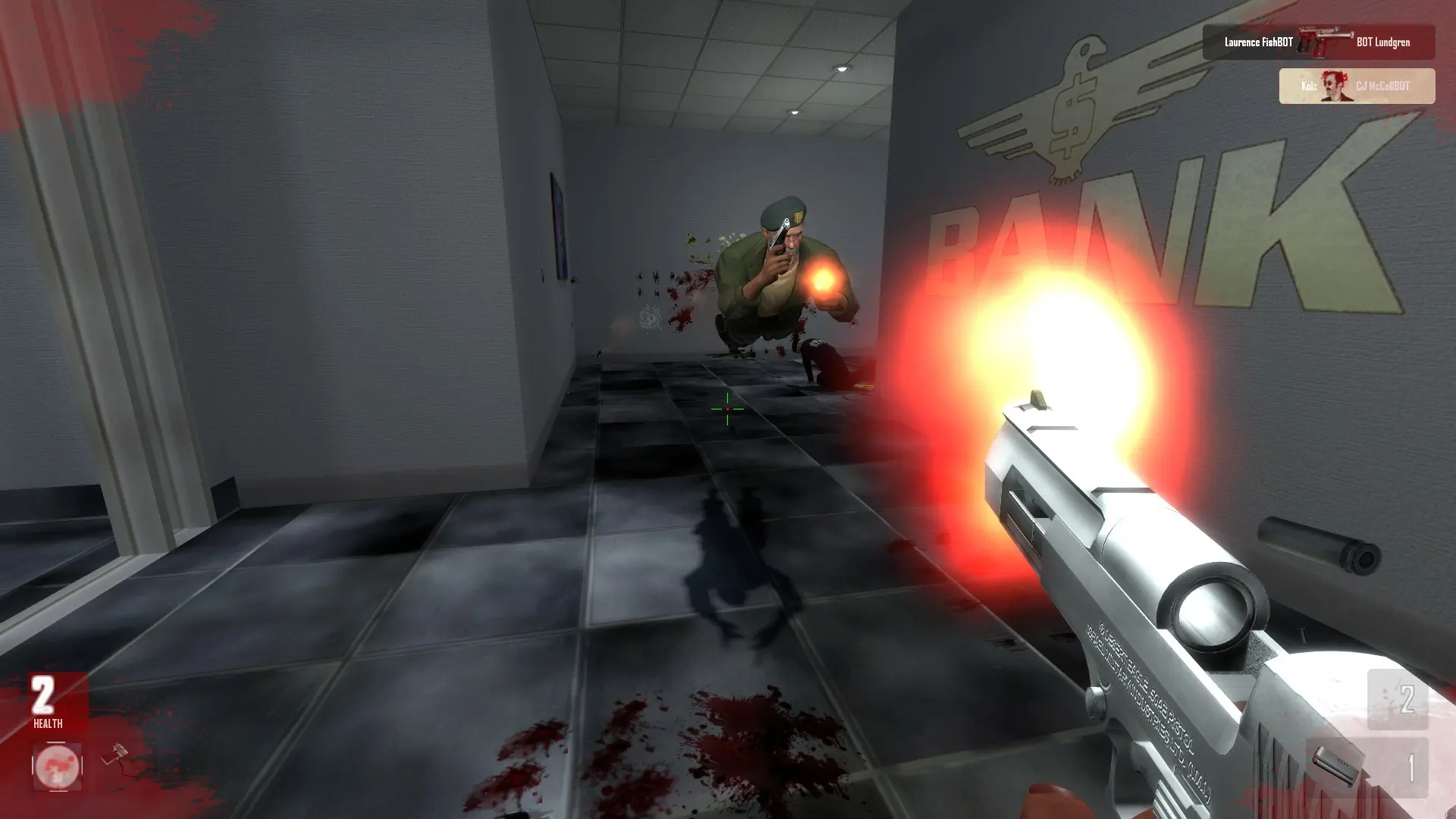
Friendly fire decides what happens when you shoot a teammate while Teamplay is on. It has no effect in free-for-all deathmatch.
| Friendly Fire | What happens |
|---|---|
Off | Teammates take no damage. |
On | Teammates take damage. Default. |
Changing Friendly Fire
- 1Log in to Bropanel and select your server.
- 2In the sidebar, go to
Settings. - 3Under
Gameplay, enable or disableFriendly Fire. - 4Click
Save & Restartto apply your changes.