
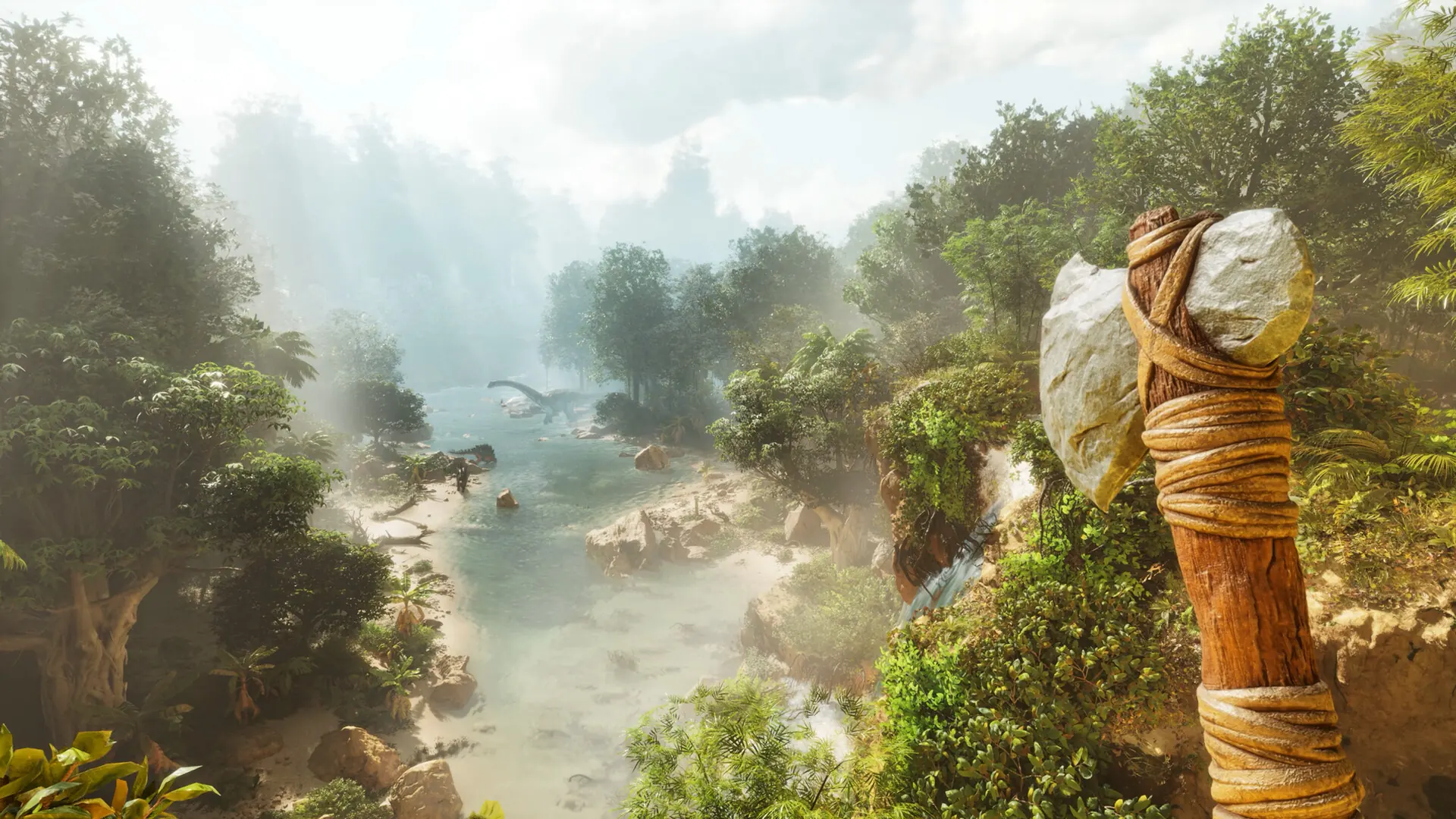
Your ARK: Survival Ascended server runs one map at a time. Each map keeps its own world save, so switching back to a map later picks up where you left off.
Changing The Map
- 1Log in to Bropanel and select your server.
- 2In the sidebar, go to
Settings. - 3Under
Basic, editMapand type the map name from the table below. - 4Click
Save & Restartto apply your changes.
| Map | Map name |
|---|---|
| The Island | TheIsland_WP |
| Scorched Earth | ScorchedEarth_WP |
| The Center | TheCenter_WP |
| Aberration | Aberration_WP |
| Extinction | Extinction_WP |
| Ragnarok | Ragnarok_WP |
| Valguero | Valguero_WP |
| Astraeos | Astraeos_WP |
| Lost Colony | LostColony_WP |
| Genesis | Genesis_WP |
Some maps are paid DLC, and players need to own a map to join a server running it.
To run a map from CurseForge, add the map's mod in Mods and type the map name its CurseForge page gives under Map.