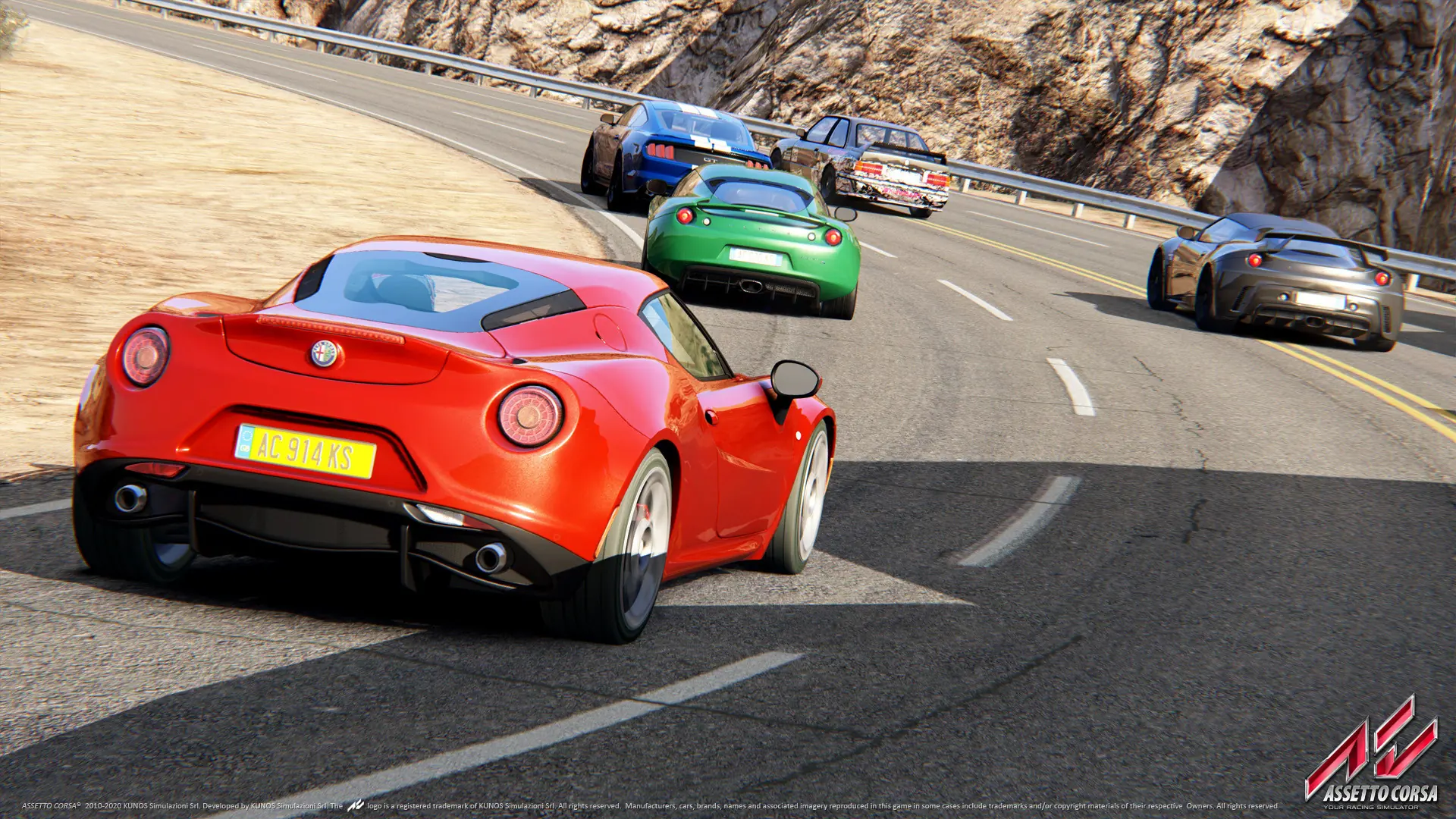
The track and cars on your Assetto Corsa server are set in two files in the cfg folder. server_cfg.ini picks the track and the cars drivers can use, and entry_list.ini lists every car on the grid. New servers race the BMW M3 E30 at Magione.
Tip
Content Manager can make both files for you with menus. See Upload a Content Manager Preset.
Changing The Track
- 1Log in to Bropanel and select your server.
- 2In the sidebar, go to
Files. - 3Open the
cfgfolder and clickserver_cfg.ini. - 4Set
TRACKto the track's folder name andCONFIG_TRACKto its layout, for example:TRACK=ks_silverstone CONFIG_TRACK=national - 5Click
Saveand restart your server.
Leave CONFIG_TRACK empty for a track with only one layout. Your server comes with the server files for these tracks:
| Track | TRACK | CONFIG_TRACK |
|---|---|---|
| Black Cat County | ks_black_cat_county | layout_int, layout_long, layout_short |
| Drag | ks_drag | drag200, drag400, drag500, drag1000, drag2000 |
| Drift | drift | empty |
| Highlands | ks_highlands | layout_drift, layout_int, layout_long, layout_short |
| Imola | imola | empty |
| Laguna Seca | ks_laguna_seca | empty |
| Magione | magione | empty |
| Monza | monza | empty |
| Monza 1966 | ks_monza66 | full, junior, road |
| Mugello | mugello | empty |
| Nürburgring | ks_nurburgring | layout_gp_a, layout_gp_b, layout_sprint_a, layout_sprint_b |
| Silverstone | ks_silverstone | gp, international, national |
| Silverstone 1967 | ks_silverstone1967 | empty |
| Spa | spa | empty |
| Trento-Bondone | trento-bondone | empty |
| Vallelunga | ks_vallelunga | classic_circuit, club_circuit, extended_circuit |
| Zandvoort | ks_zandvoort | empty |
For any other track, use its folder name in content/tracks in your Assetto Corsa folder. Its layouts are the folders inside it that have a data folder.
Changing The Cars
CARS in server_cfg.ini lists the cars drivers can use, separated by ;. Each [CAR_n] block in entry_list.ini is one car on the grid, and its MODEL must be one of the cars in CARS.
- 1Log in to Bropanel and select your server.
- 2In the sidebar, go to
Filesand open thecfgfolder. - 3Click
server_cfg.ini, setCARSto the cars you want, for exampleCARS=ks_mazda_mx5_cup;ks_toyota_gt86, and clickSave. - 4Click
entry_list.ini. In each[CAR_n]block, setMODELto one of those cars andSKINto one of that car's paints. - 5Click
Saveand restart your server.
A car's name is its folder name in content/cars in your Assetto Corsa folder, for example bmw_m3_e30, ks_mazda_mx5_cup, ks_toyota_gt86, ks_audi_r8_lms or ks_porsche_911_gt3_cup_2017. Its paints are the folders in that car's skins folder.
If a car in entry_list.ini isn't in CARS, your server stops with an error such as Error, entry list CAR_0 car ks_toyota_gt86 is illegal. Add the car to CARS or change that block's MODEL.
Note
Tracks and cars from DLC can only be driven by players who own that DLC. To race mods, see Add Mod Cars and Tracks.