
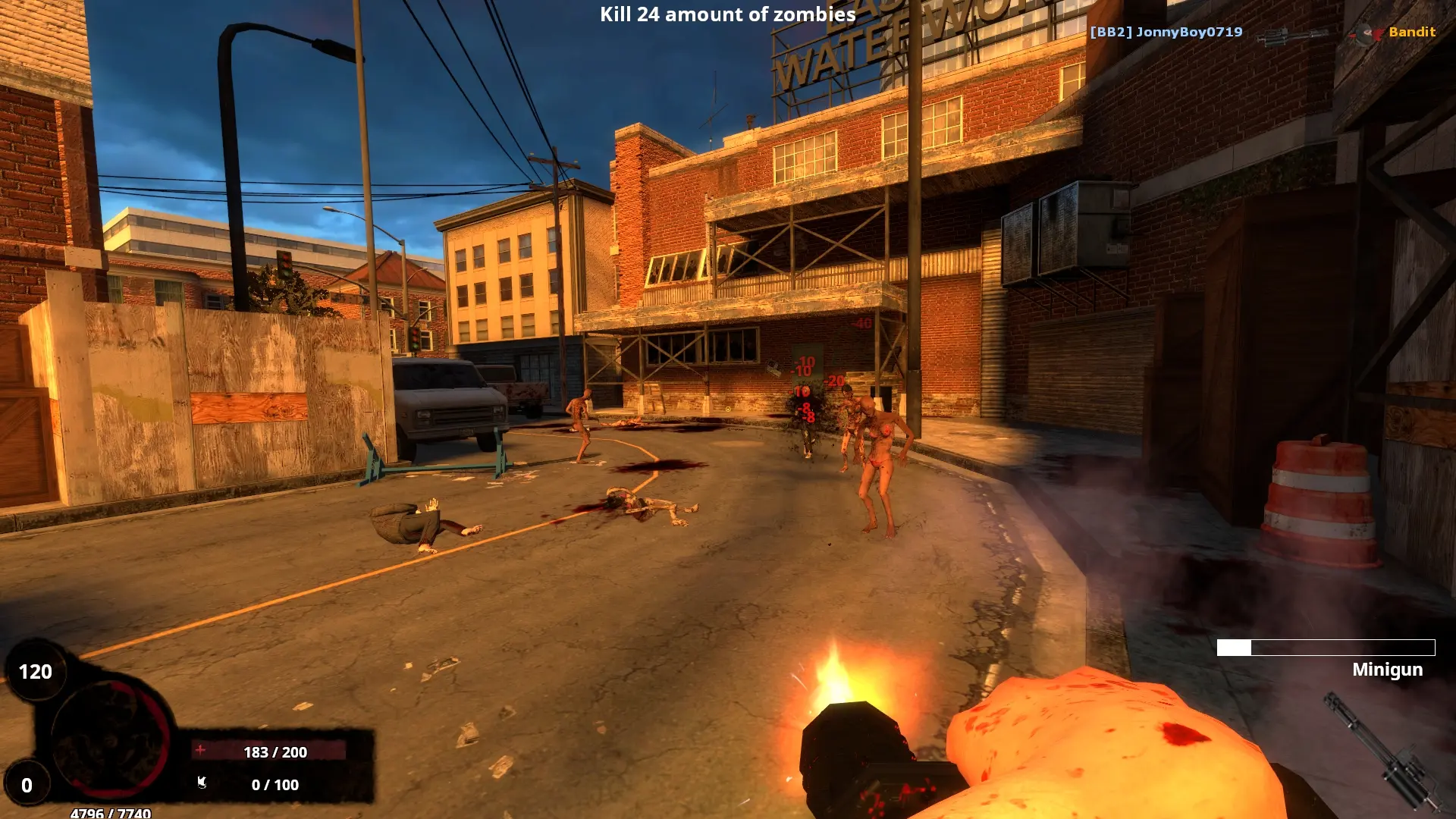
Your BrainBread 2 server starts on one map and then moves through its map cycle. The map's prefix decides the game mode:
| Prefix | Mode | Example |
|---|---|---|
bba_ | Arena | bba_barracks |
bbc_ | Classic objectives | bbc_termoil |
bbd_ | Deathmatch | bbd_district |
bbe_ | Elimination | bbe_rooftop |
bbs_ | Story | bbs_forgotten_mansion |
Changing the Start Map
- 1Log in to Bropanel and select your server.
- 2In the sidebar, go to
Settings. - 3Under
Gameplay, editStart Mapand type the map name without.bsp, for examplebbc_termoil. - 4Click
Save & Restartto apply your changes.
Editing the Map Cycle
- 1Log in to Bropanel and
Stopyour server. - 2In the sidebar, go to
Files. - 3Open
brainbread2, then openmapcycle.txt. - 4List one map per line in the order you want them played, then save the file.
- 5Start your server.
Tip
Players can also vote for the next map in game, and you can change it right away with the RCON command changelevel bba_cargo.