
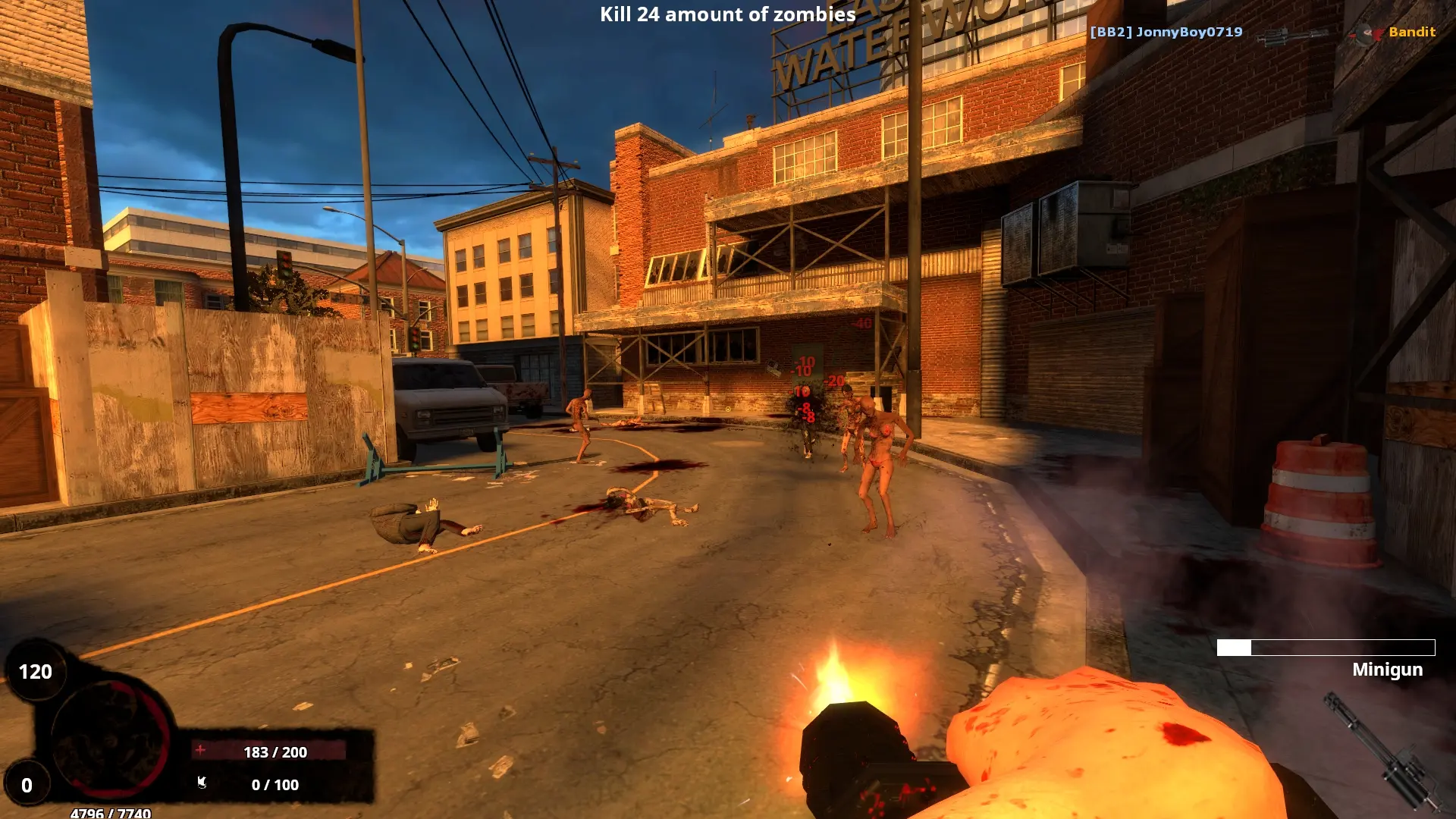
Profile saving decides how players' levels and skills are saved on your BrainBread 2 server.
| Option | What it does |
|---|---|
Local | Profiles are saved on this server only. Achievements and Steam stats are turned off. This is the default. |
Global | Players use their shared BrainBread 2 profile with stats and achievements. This only works once the BrainBread 2 developers whitelist your server's IP address. |
Off | Nothing is saved. |
Changing Profile Saving
- 1Log in to Bropanel and select your server.
- 2In the sidebar, go to
Settings. - 3Under
Gameplay, setProfile SavingtoLocal,GlobalorOff. - 4Click
Save & Restartto apply your changes.