
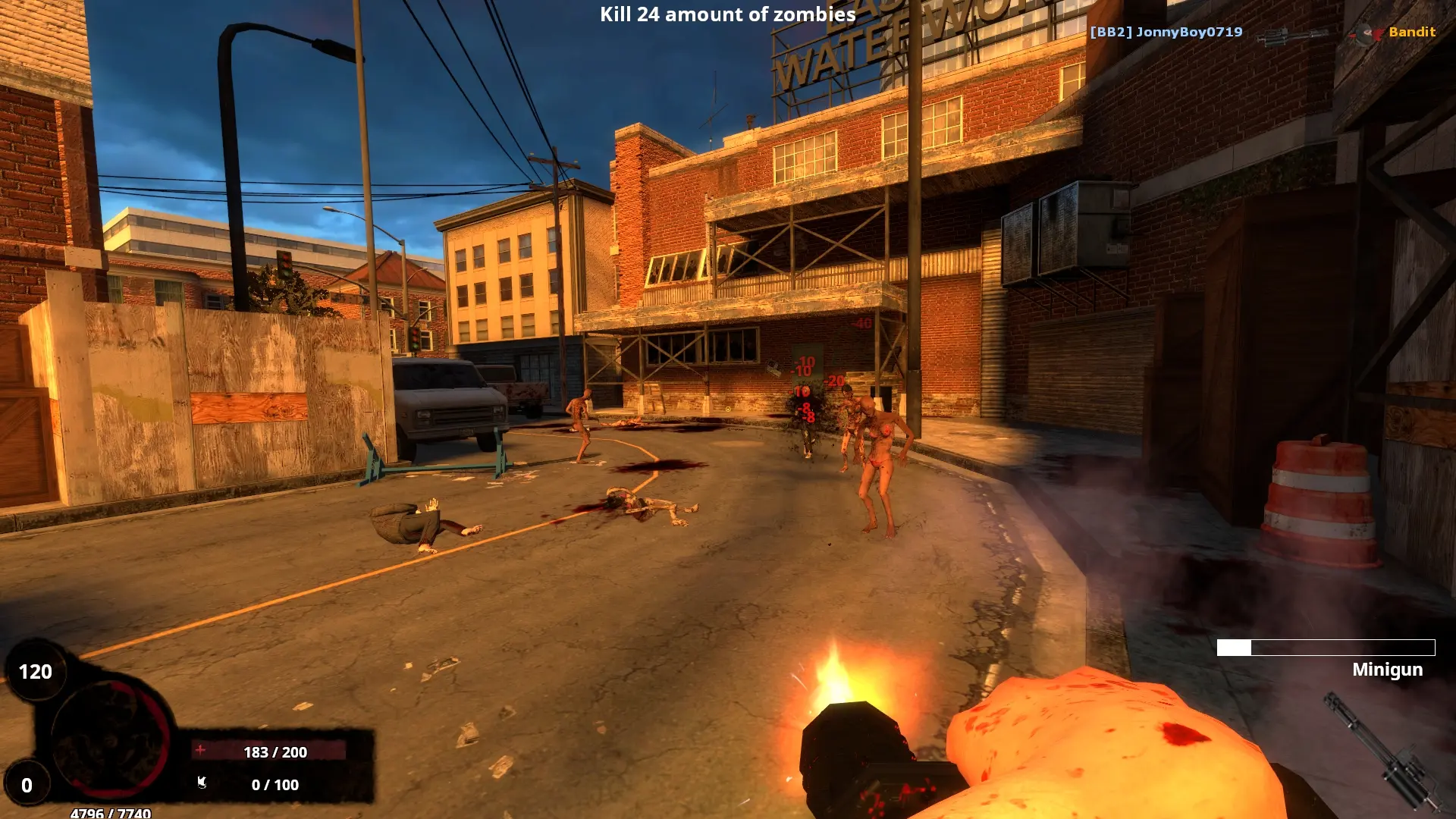
By default, Game Host Bros BrainBread 2 servers update to the newest version from Steam whenever they restart, so players on the current version can always join. Your configs and maps are kept.
Updating Your BrainBread 2 Server
- 1Log in to Bropanel and select your server.
- 2In the sidebar, go to
Settings. - 3Find the
Automatic Updatestoggle and make sure it's enabled. - 4Click
Save & Restartto apply your changes.
After a BrainBread 2 update comes out, restart your server to install it. Turn Automatic Updates off if you want to stay on the version you have.