
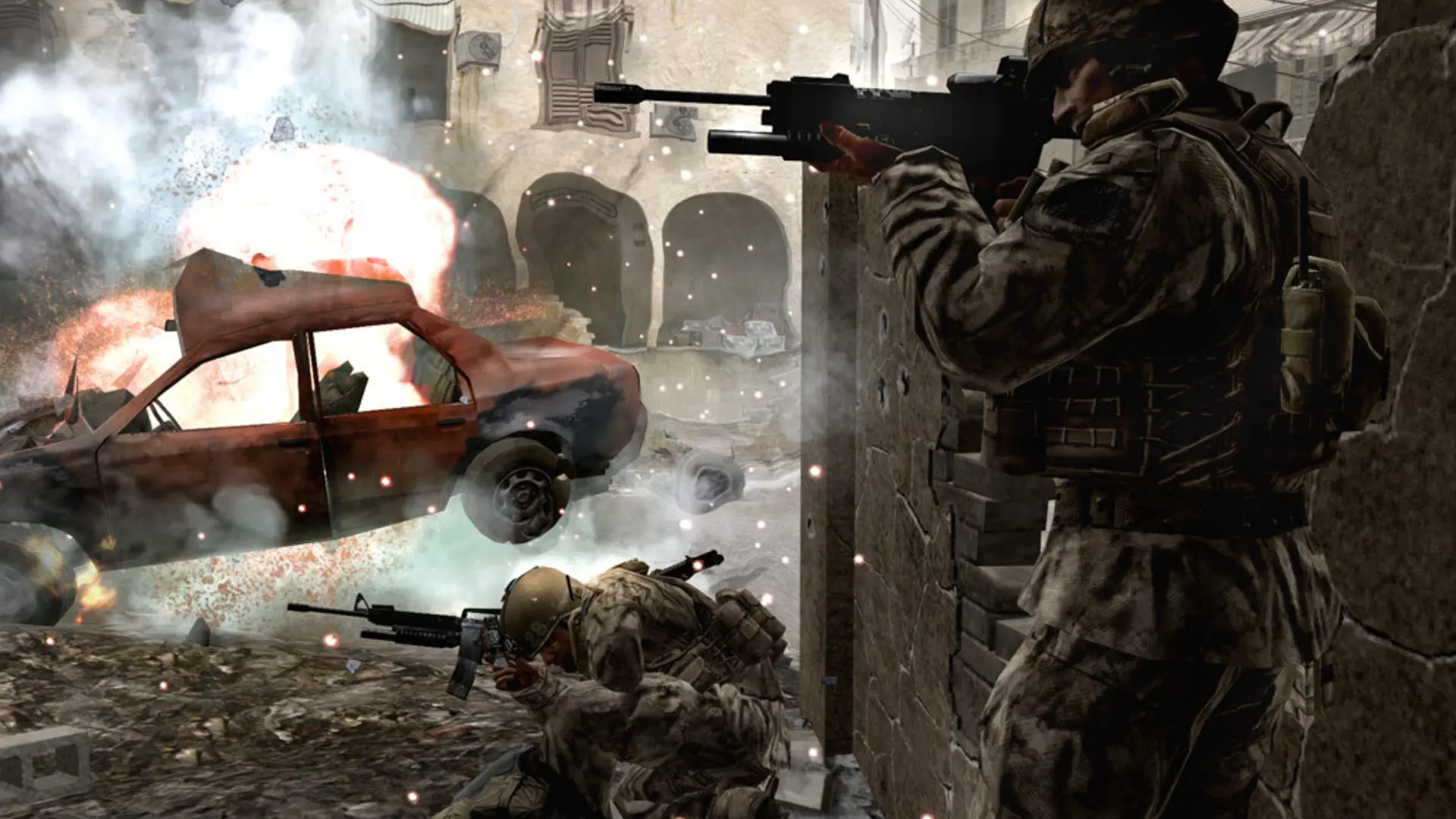
Your Call of Duty 4 server can run any of the game's six multiplayer modes.
| Game Type | What it is |
|---|---|
Team Deathmatch | Two teams, most kills wins |
Free-for-all | Everyone for themselves |
Search and Destroy | Plant or defuse the bomb, one life per round |
Domination | Hold three flags |
Headquarters | Capture and defend a moving HQ |
Sabotage | One bomb, both teams try to plant it |
Changing The Game Type
- 1Log in to Bropanel and select your server.
- 2In the sidebar, go to
Settings. - 3Under
Gameplay, changeGame Typeto the mode you want. - 4Click
Save & Restartto apply your changes.
Every map in your map rotation plays in this mode. Score and time limits for each mode are in your server config.